Creality K1 Error 2533: Parameter Anomaly, Re-level
LayerWalker is a participant in the Amazon Services LLC Associates Program. We may earn a commission when you buy through links on our site, at no extra cost to you.
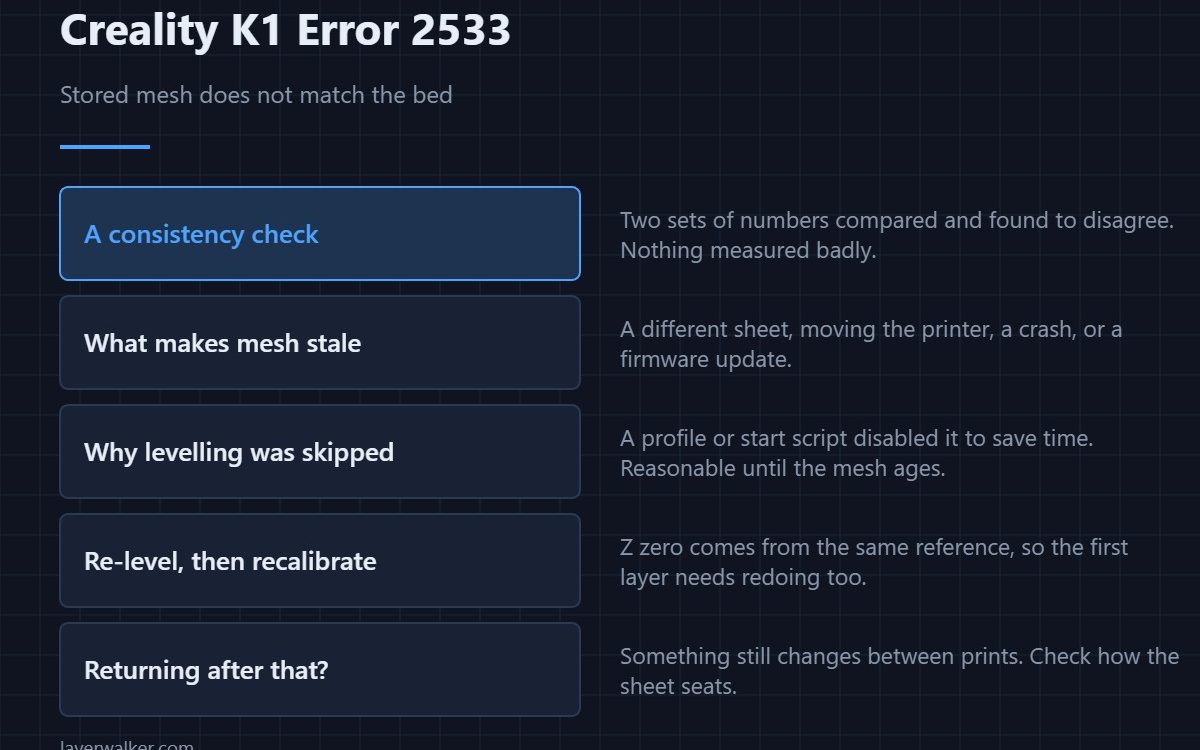
Creality K1 error 2533 means the printer checked its stored bed mesh against the bed it currently has and found they do not match, while automatic levelling was disabled for that job. The instruction in the name is the fix: re-level. The stored data describes a bed that no longer exists.
It is a consistency check rather than a hardware fault, and it is doing you a favour by catching the mismatch before the first layer does.
Where to buy


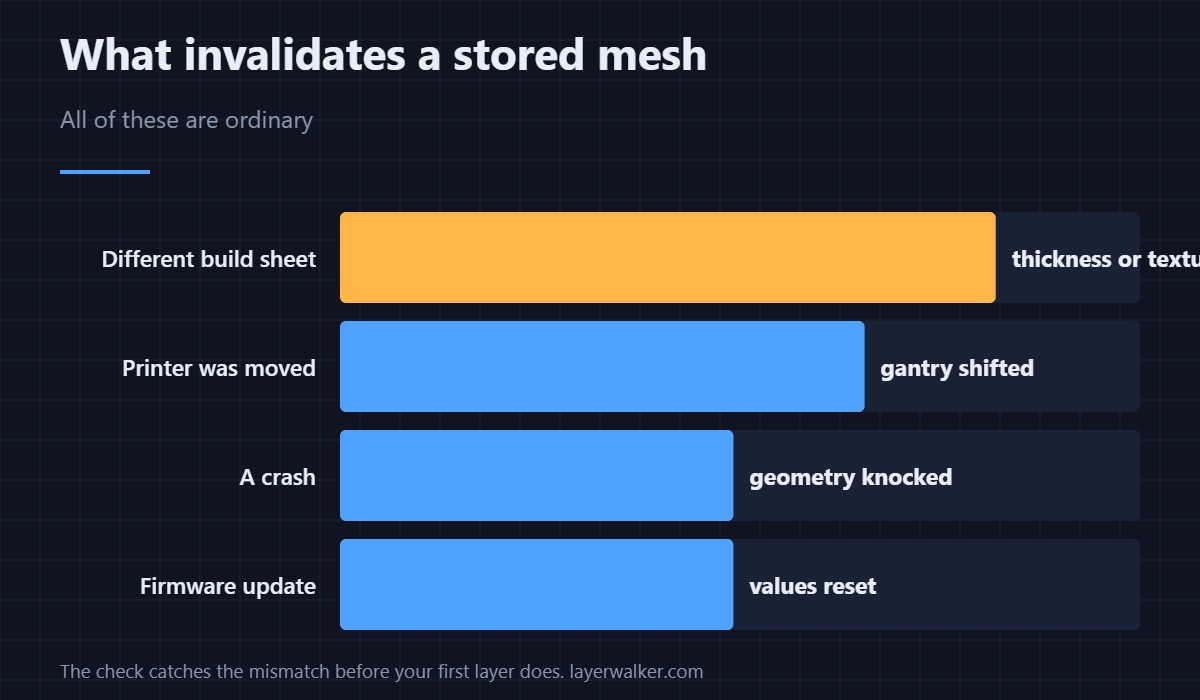
What makes stored mesh go stale
Changing the build sheet for one of a different thickness or texture. Moving the printer. A crash that shifted the gantry. A firmware update that reset or reinterpreted the stored values. Any of these leaves numbers that were correct yesterday describing a surface that has changed.
Why levelling was skipped
The check fires when automatic levelling is not permitted for that print, which usually comes from the slicer profile or a start script that disables it to save time. That is a reasonable optimisation on a machine whose mesh is known good, and this error is what happens when that assumption stops holding.
The fix, in order
Run a full levelling routine so the stored mesh matches the current bed. Then re-run first layer calibration, because Z zero is derived from the same reference. Then, if you deliberately disabled automatic levelling in your profile, decide whether that is still worth it — the general sequence is in calibrating a 3D printer.
Why Creality K1 error 2533 is not a sensor fault
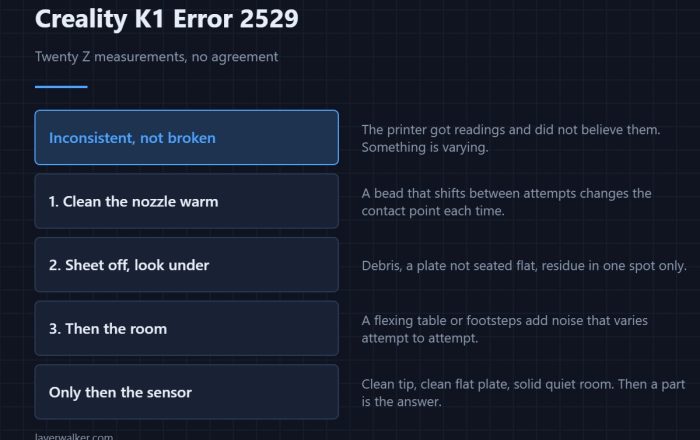
Nothing was measured badly. The printer compared two sets of numbers and found them inconsistent. Sensor faults read differently: a frozen value is 2521, readings that will not converge are 2529, and a homing failure is 2504. None of those is what this code means.
If it returns after re-levelling
Then something is still changing between prints. A sheet that is not seating consistently, a magnetic base with debris under it, or a gantry that has not been squared will all reproduce the mismatch. How the K1 establishes its reference at all is covered in bed levelling sensors.
Creality K1 Error 2533 FAQ
Can I just ignore it and print?
You would be printing against a mesh that does not describe your bed, which shows up as a first layer that is good in places and poor in others.
Do I need to re-level after every sheet change?
After changing to a different sheet, yes. Swapping between identical sheets is normally fine.
Why did a firmware update trigger it?
Updates can reset or reinterpret stored calibration. Re-levelling after a major update is good practice regardless.
Should I re-enable automatic levelling?
If you hit this more than once, yes. The time it costs per print is small next to a failed one.

LayerWalker
Print defect diagnosis, calibration procedures and parts that actually fit. Corrections welcome through the contact page.