Creality K1 Error 2524: Levelling Sensor Noise Too High
LayerWalker is a participant in the Amazon Services LLC Associates Program. We may earn a commission when you buy through links on our site, at no extra cost to you.
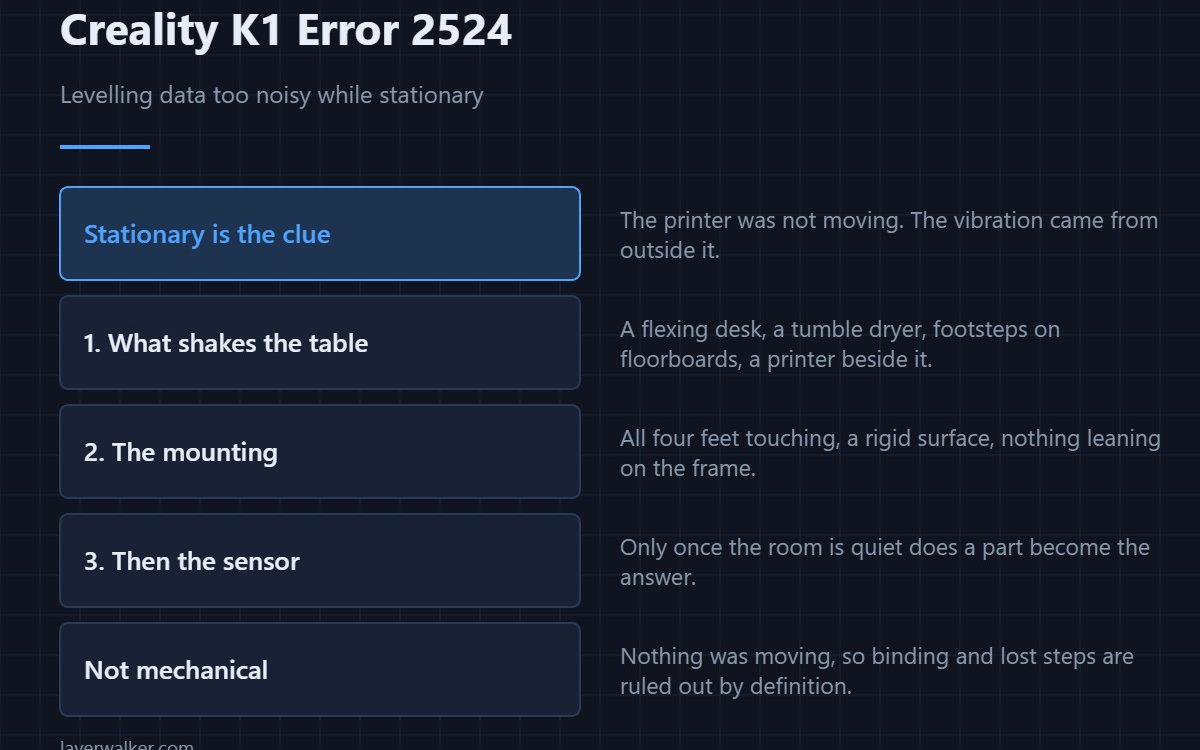
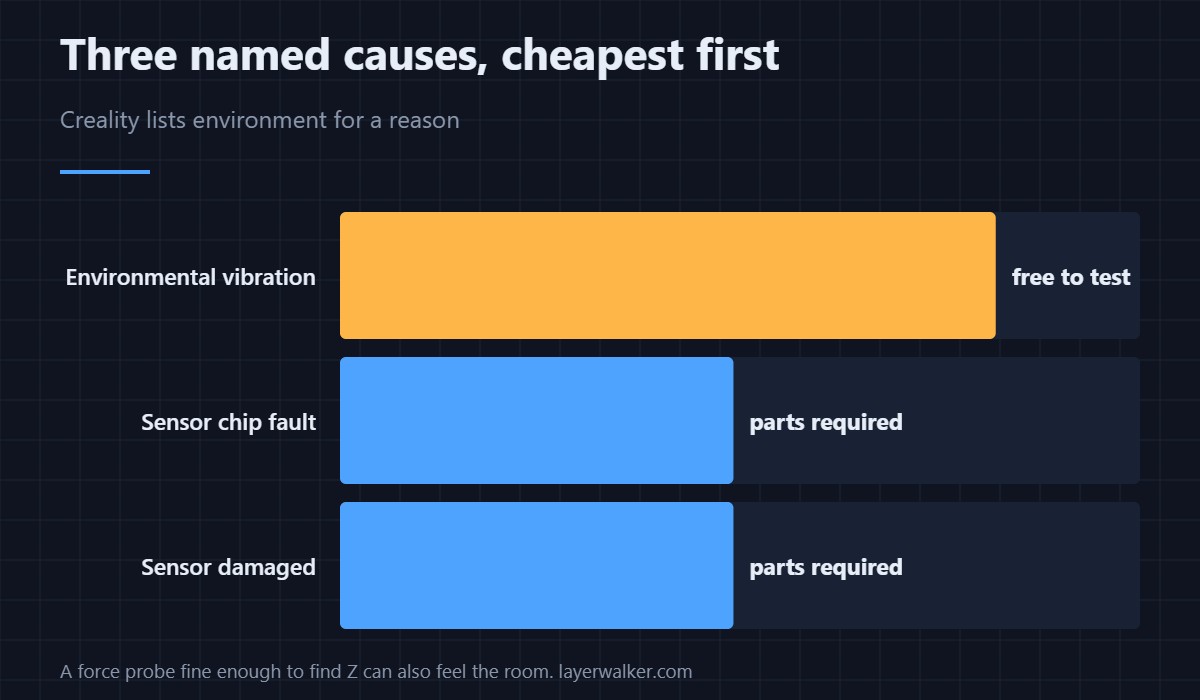
Creality K1 error 2524 means the pressure data from the levelling sensor was too noisy while the machine was standing still. Creality names three causes: the sensor chip, a damaged sensor, or environmental influence. That last one is genuine and it is the cheapest to test, because a printer measuring force cannot tell your washing machine from its own nozzle.
The detail that matters is stationary. The printer was not moving when it saw this, so the vibration came from outside.
Where to buy


Start with what is shaking the table
A flexing desk, a shared worktop with a tumble dryer, floorboards someone walks across, another printer running beside it. Any of these reach the sensor as noise. Try levelling at a quiet moment on a solid surface before you open anything — if it passes, you have your answer and your fix is a better table, not a new part.
Then the mounting
A machine standing on uneven feet rocks slightly, and a rocking machine amplifies everything around it. Check that all four feet touch, that the surface is rigid rather than springy, and that nothing is leaning against the frame or resting on the gantry.
Then the sensor itself
If the environment is quiet and the noise persists, the strain gauge or its amplifier is at fault. This is the point at which parts become the answer rather than the guess. The related codes narrow it further: a reading that never changes at all is 2521, which is an electrical fault rather than a noise one.
Why Creality K1 error 2524 is not a mechanical fault
Nothing was moving. That rules out binding, a dry lead screw and lost steps, which are all faults of motion and report separately as 2526. If you clean and lubricate the Z axis in response to this code, you will have done useful maintenance and fixed nothing.
Why a force sensor is so sensitive
The K1 finds Z by detecting the tiny rise in force as the nozzle meets the plate. To catch that reliably it must resolve very small changes, and anything that can resolve a small real signal can also resolve small false ones. The trade-off is what makes probe-free levelling possible — the comparison with switch-based systems is in bed levelling sensors, and the calibration sequence is in calibrating a 3D printer.
Creality K1 Error 2524 FAQ
Can vibration really cause this?
Yes, and Creality lists it. The sensor measures force at a resolution fine enough to pick up the room.
What surface should the printer sit on?
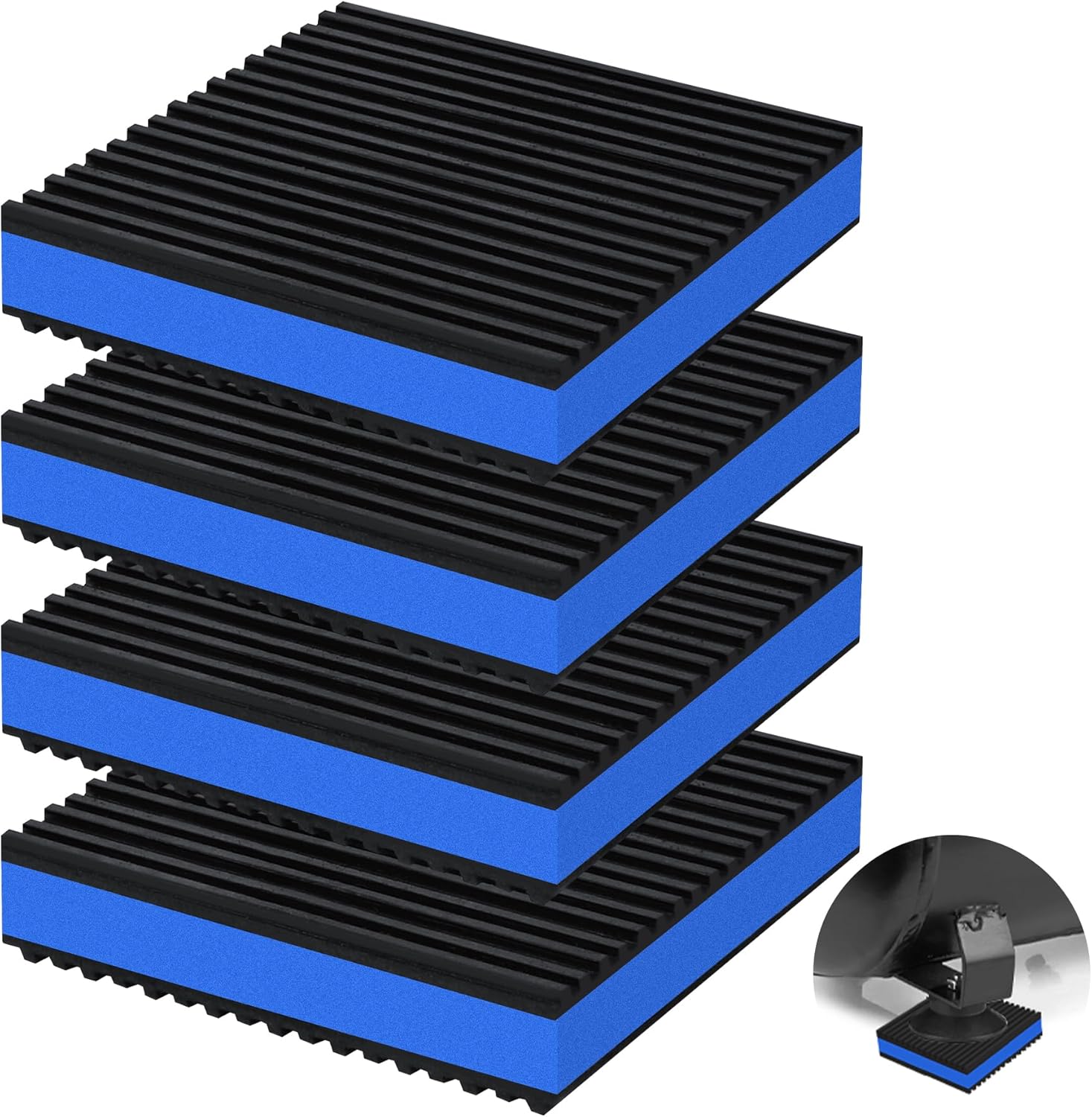
Something rigid and heavy. A solid table beats a lightweight desk, and a concrete slab or paving stone under the machine is a cheap and effective upgrade.
Does it matter if someone walks past?
On a springy floor, it can. That is why retrying at a quiet moment is a legitimate first test rather than superstition.
How do I tell noise from a dead sensor?
Noise varies; a dead sensor returns the same number every time. If the value never moves, you are looking at the other fault.

LayerWalker
Print defect diagnosis, calibration procedures and parts that actually fit. Corrections welcome through the contact page.