Creality K1 Error 2565: Heat Bed Not Heating as Expected
LayerWalker is a participant in the Amazon Services LLC Associates Program. We may earn a commission when you buy through links on our site, at no extra cost to you.
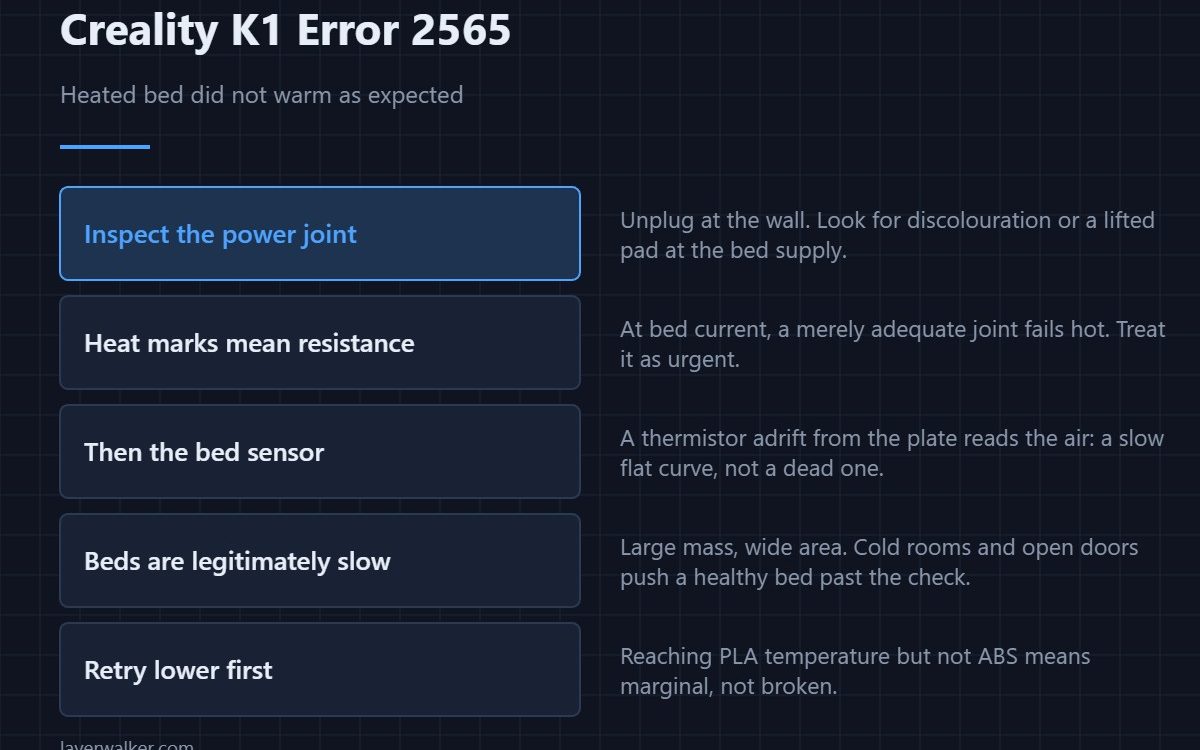
Creality K1 error 2565 means the bed heater was switched on and the temperature did not climb as expected. Creality names two things to check: the hot bed wiring connection, and whether the solder joint at the bed power supply has failed. That second one is specific because it is a known weak point on a high-current connection.
A heated bed draws far more current than a hotend, and high current is unforgiving of a joint that is merely adequate.
Where to buy


Look at the power connection, carefully
With the machine unplugged from the wall, inspect where the bed power wires attach. You are looking for discolouration, a browned or lifted solder pad, or insulation that has darkened near the joint. Heat marks at a connection mean resistance, and resistance at that current means the joint is failing. This is the one place on a K1 where a visual inspection beats a meter.
Then the sensor side
If the bed genuinely warms but the printer does not see it, the fault is the bed thermistor or its lead. A sensor that has come adrift from the plate reads the air instead, which produces a slow, flat curve rather than no curve at all. The measurement approach is the same as any other — see 3D printer thermistors.
Why beds are slower than hotends, legitimately
A bed is a large mass heated over a wide area, so it always climbs more slowly than a hotend and it always slows as it approaches target. A cold room, an open door or an ambitious ABS temperature can push a healthy bed past the check without anything being broken. Sensible targets by material are in bed temperature.
Where Creality K1 error 2565 differs from the nozzle fault
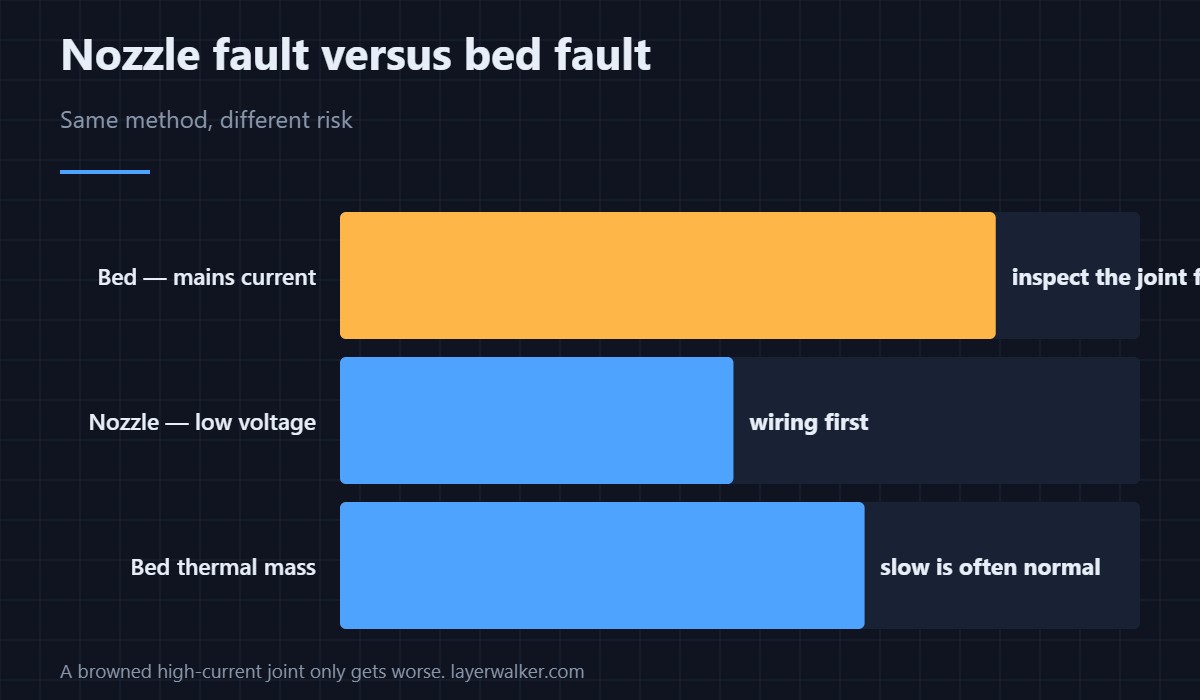
The diagnosis runs the same way — heater or sensor, then wiring — but the parts are unrelated and so are the risks. The nozzle version is 2564. The bed version involves mains-side current and a joint that can fail hot, which is why the inspection step comes first here and second there.
What to do before you order parts
Close the door, let the room settle, and retry cold. If the bed reaches a lower target comfortably and only fails at a high one, you have a marginal heater or a draught rather than a break. A bed that does nothing at all is a different conversation, and the first layer symptoms that follow are in first layer problems.
Creality K1 Error 2565 FAQ
Can I print without bed heating?
Not on this machine, and not usefully on any. Adhesion depends on it for every common material.
It reaches PLA temperature but fails at ABS temperature. What is that?
A marginal heater, a cold room, or an open chamber. The bed is working; it simply cannot get that far within the allowed time.
Is a browned solder joint dangerous?
Treat it as one. Unplug the printer at the wall and do not run it until the joint is repaired properly, because a high-current joint that is heating up will get worse.
Could the mains voltage matter?
Yes. A low or sagging supply lengthens heat-up on the highest-current load in the machine, which is the bed, and that is exactly what this check measures.
A bed that warms but reports nonsense is a different fault from one that never warms. The sensor version is Creality K1 error 2510, where a thermistor lifted off the plate is the case that looks normal.

LayerWalker
Print defect diagnosis, calibration procedures and parts that actually fit. Corrections welcome through the contact page.

