Creality K1 Error 2510: Hotbed Sensor Temperature Exception
LayerWalker is a participant in the Amazon Services LLC Associates Program. We may earn a commission when you buy through links on our site, at no extra cost to you.
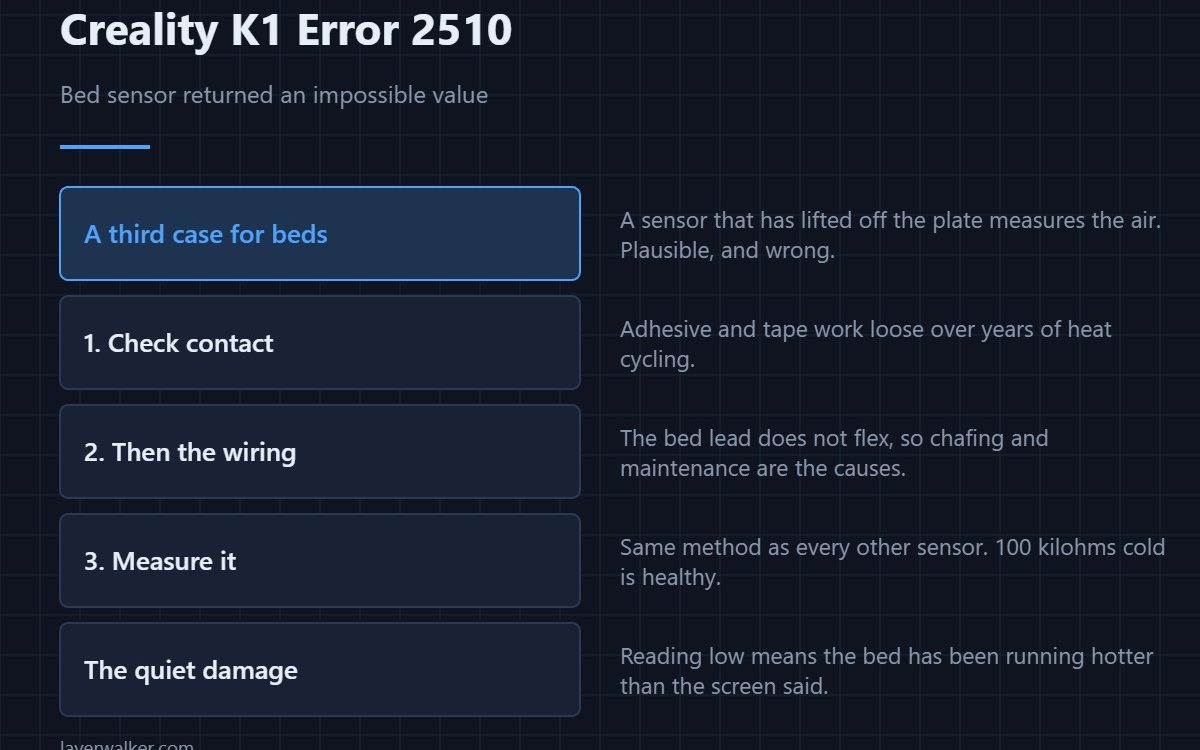
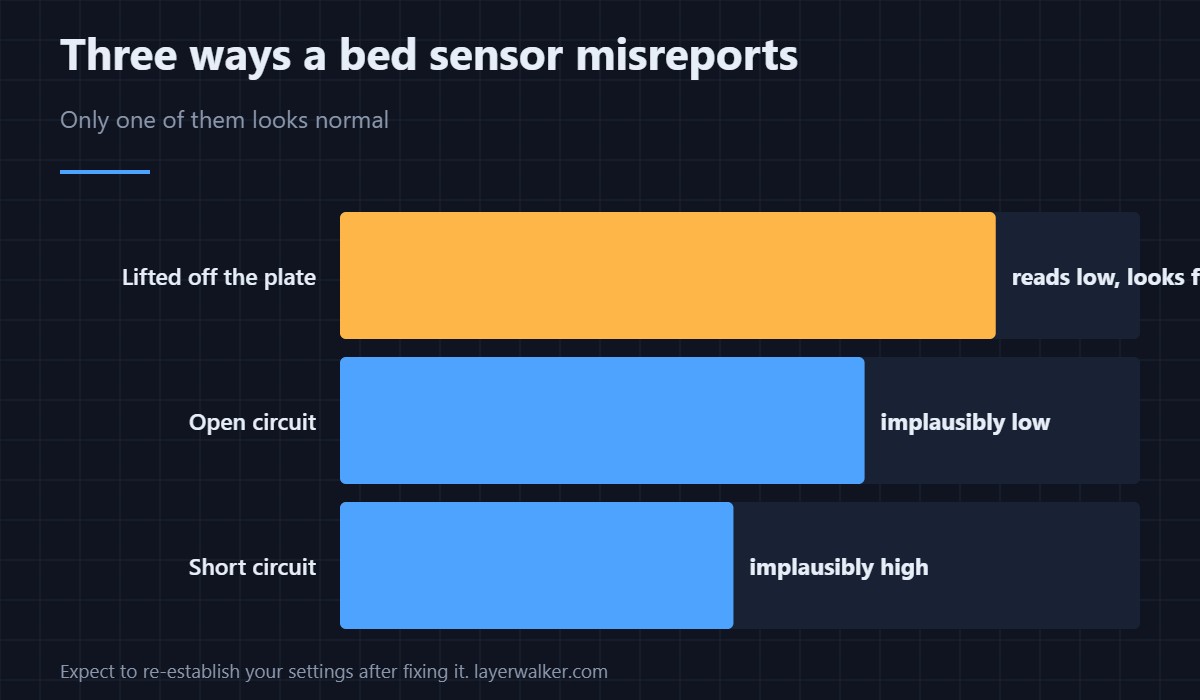
Creality K1 error 2510 means the bed temperature sensor returned an impossible value. As with the nozzle version, the direction of the error identifies the fault: implausibly low means an open circuit, implausibly high means a short. A third case is specific to beds, where the sensor has come away from the plate and is measuring the air instead.
That third case is the one that does not look like a fault at first, because the number is plausible — it is just wrong.
Where to buy


The sensor that has come loose
Bed thermistors are held against the underside of the plate with adhesive, tape or a small clamp. Heat cycling works that fixing loose over years. Once it lifts, it reports a temperature lower than the plate really is, the printer over-drives the heater to compensate, and you get a bed that is hotter than it says it is. Check that the sensor is genuinely in contact before anything else.
Then the wiring
Unlike the nozzle sensor, the bed lead does not flex on a K1, so it fails less often. When it does, the cause is usually chafing where the loom passes the frame or a connector disturbed during maintenance. Reseat, inspect, and only then measure.
Measuring it
Printer off, connector unplugged, a healthy 100 K NTC reads about 100 kilohms cold. Open circuit reads megohms or nothing; a short reads near zero. Same method as every other sensor on the machine — see 3D printer thermistors.
Why Creality K1 error 2510 is not a heating failure
A bed that warms slowly or never reaches target reports differently, as 2565, and there the first suspect is the high-current power joint. This code fires on the value, so it can appear before any heating starts. The nozzle equivalent is 2509.
The quiet damage a loose sensor does
If it has been reading low for a while, your bed has been running hotter than the number on the screen, and your first layers have been behaving oddly for reasons that looked like slicer problems. Once the sensor is fixed, expect to re-establish your usual settings — sensible targets by material are in bed temperature.
Creality K1 Error 2510 FAQ
Can I print with the bed sensor faulty?
No. Without a trustworthy reading the printer cannot control a high-power heater, which is precisely what the check prevents.
The bed feels hot but reads cold. Which fault is that?
A sensor that has lifted off the plate, or an open circuit. Check contact first, because it is the one you can fix with your hands.
Does room temperature matter?
Only at the extremes. A very cold room produces a low but plausible reading, not an impossible one.
Is it worth replacing the sensor preemptively?
Not usually. Re-securing a lifted sensor solves most of these, and the part itself rarely fails on its own.

LayerWalker
Print defect diagnosis, calibration procedures and parts that actually fit. Corrections welcome through the contact page.

