Creality K1 Error 2509: Nozzle Sensor Temperature Exception
LayerWalker is a participant in the Amazon Services LLC Associates Program. We may earn a commission when you buy through links on our site, at no extra cost to you.
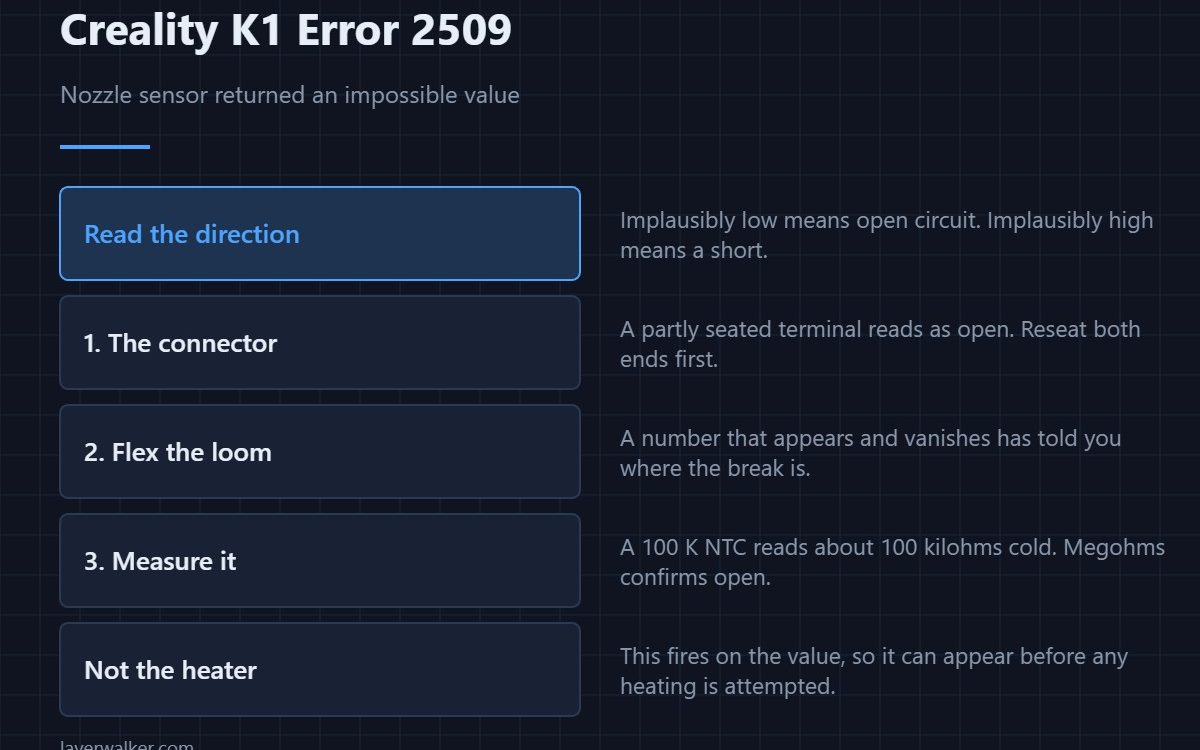
Creality K1 error 2509 means the nozzle temperature sensor returned a value the printer considers impossible. That is different from the heater failing to work. Here the number itself is wrong, and the direction it is wrong in tells you whether you are looking at an open circuit or a short.
Thermistors fail in two ways and each produces a distinctive reading, so this fault narrows itself faster than most.
Where to buy


Read the direction
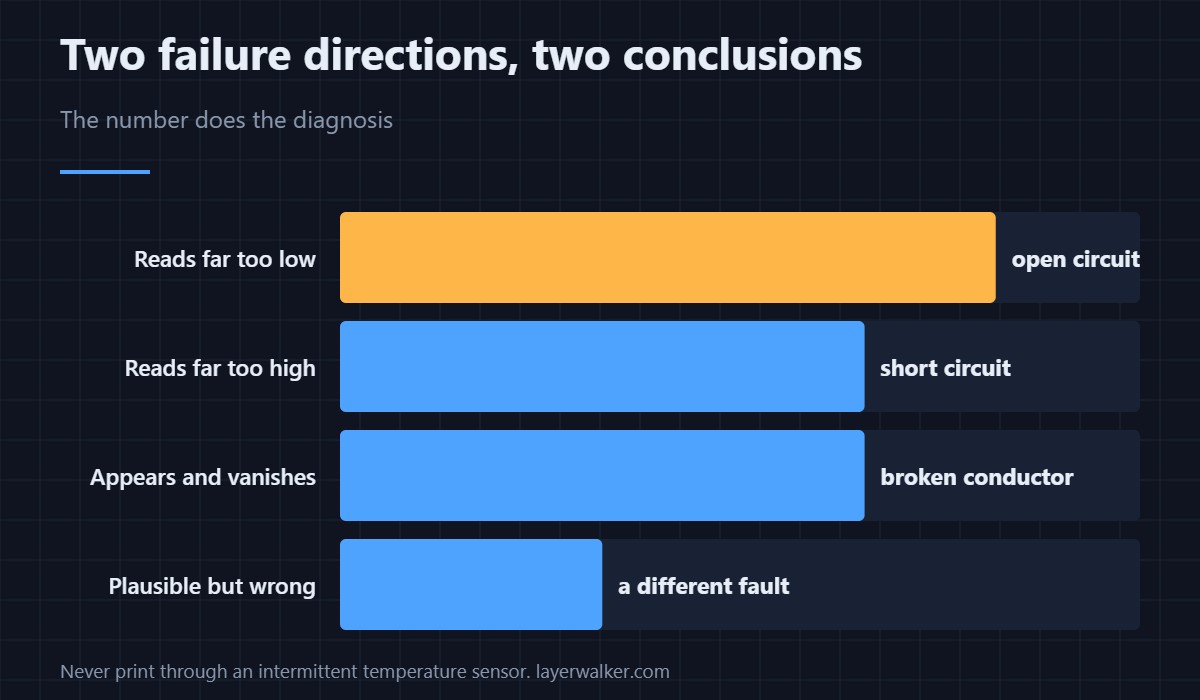
A reading far below anything plausible, or a display showing nothing sensible at all, means an open circuit: a broken element or a broken wire. A reading implausibly high means a short, where the two conductors are touching somewhere along their length. Neither is the heater’s doing.
Check the connector before the sensor
The sensor lead runs down the toolhead loom with everything else, and a partly seated terminal reads as open. Reseat both ends, then flex the loom while watching the display. A number that appears and vanishes as you move the cable has told you where the break is. If the fault keeps moving between different head-related codes, treat the loom as the cause — that pattern is 2506.
Measuring it properly
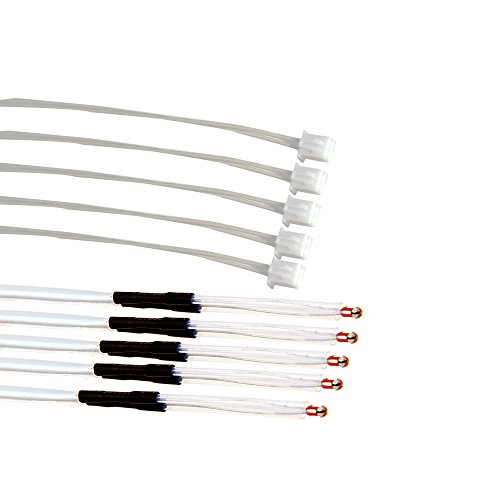
With the printer off and the connector unplugged, a healthy 100 K NTC reads roughly 100 kilohms at room temperature. Megohms or no reading at all confirms open circuit. A reading near zero confirms a short. The types, values and where each sensor sits are in 3D printer thermistors.
Why Creality K1 error 2509 is not the same as the heating fault
If the block genuinely warms but the printer never reaches target, that is 2564 and the sensor may be fine. This code fires on the value rather than on the outcome, which is why it can appear the moment you switch the printer on, before any heating has been attempted. How the sensor, heater and block relate is set out in the hotend explainer.
Creality K1 Error 2509 FAQ
Can I print if it clears itself?
An intermittent temperature sensor is the one thing you should not print through. Temperature control depends entirely on that number being trustworthy.
It appeared after a nozzle change. Related?
Almost certainly. The sensor lead sits right in the area you were working in and is easy to pinch or unseat.
Does the ceramic heater affect this reading?
Only physically. A heater terminal shorting against the sensor terminal produces a wild reading, which is why the inspection covers both.
Is the bed version the same fault?
Same logic, different hardware. The bed sensor equivalent is 2510, and it fails in the same two directions.

LayerWalker
Print defect diagnosis, calibration procedures and parts that actually fit. Corrections welcome through the contact page.

