Creality K1 Error 2506: Communication Exception
LayerWalker is a participant in the Amazon Services LLC Associates Program. We may earn a commission when you buy through links on our site, at no extra cost to you.
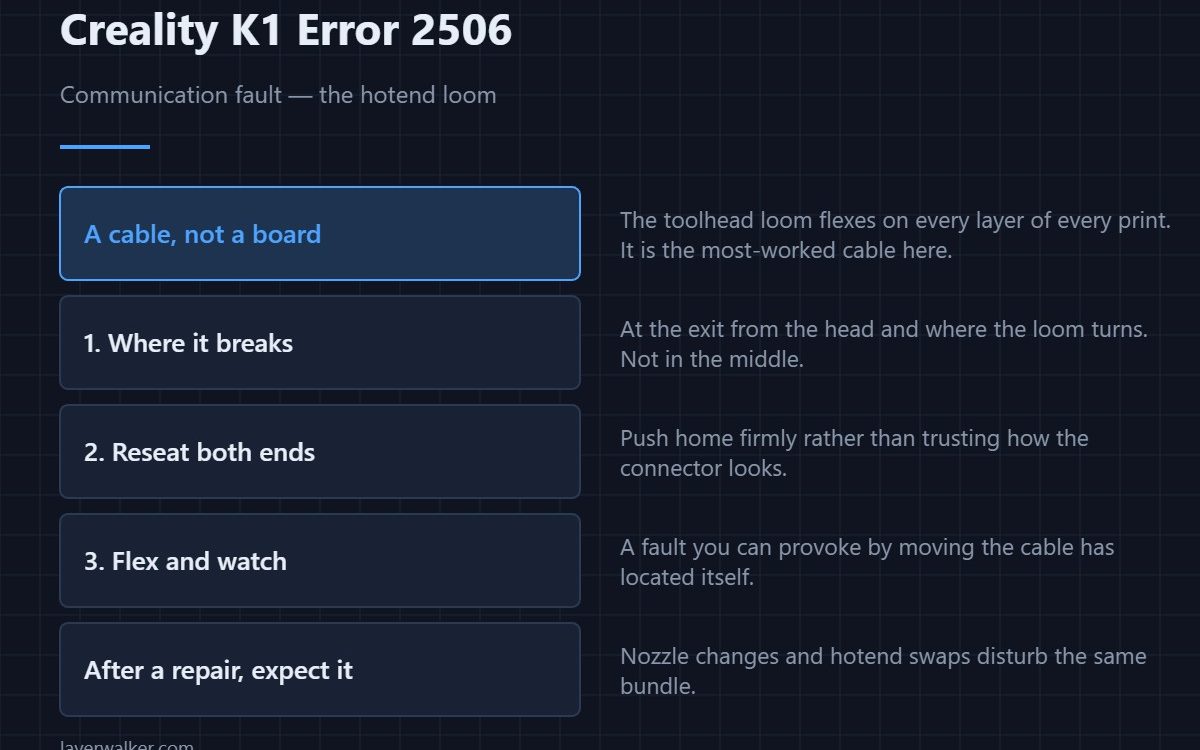
Creality K1 error 2506 is a communication fault, and Creality names the usual cause directly: a hotend wire problem. The toolhead carries its own board, and everything it reports travels down a loom that flexes on every layer of every print. When that link drops, the printer cannot trust anything the head is telling it and stops.
It is a wiring fault far more often than a board fault, and the difference matters because one costs nothing to check.
Where to buy
Where the loom actually fails
Not in the middle. Cables break where they bend most sharply and where they are clamped, which on a K1 means right at the exit from the toolhead and at the point the loom turns as the head moves. Look for a flattened section, a kink that has become permanent, or chafing where the loom rubs on a frame edge.
Reseat, then flex, then measure
Reseat both ends firmly. Then, with the printer on, flex the loom gently along its length and watch whether the fault comes and goes. A fault you can provoke by moving the cable has located itself for you, and no meter will beat that. Only after both of those does the toolhead board become the suspect.
Why Creality K1 error 2506 comes with company
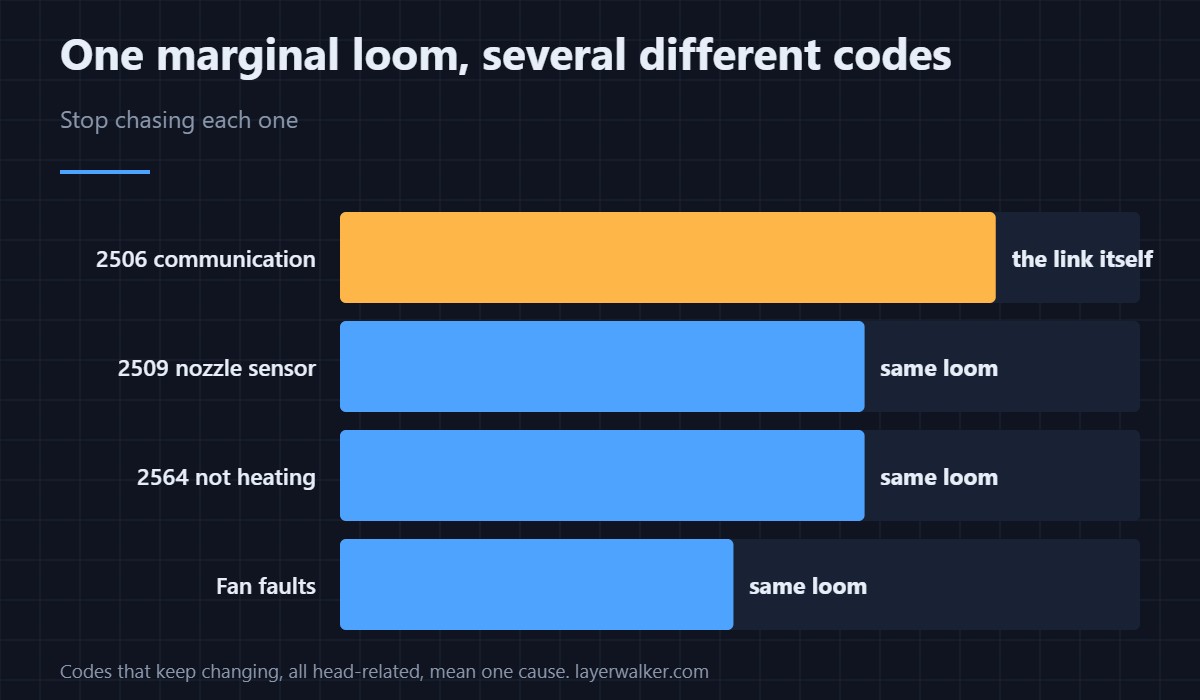
Every print-head signal shares that loom, so a marginal connection produces a rotating cast of faults rather than a consistent one. You may see the nozzle sensor complain as 2509 one day and heating fail as 2564 the next. If the codes keep changing but they are all head-related, stop chasing each one and treat the loom as the single cause.
After a repair, expect it
This code appears most often within a day or two of somebody working inside the toolhead. Nozzle changes, hotend swaps and fan replacements all disturb the same bundle. If you have been in there recently, that is not a coincidence, it is the diagnosis. How the assembly is put together is in the hotend explainer.
Creality K1 Error 2506 FAQ
Can I print while it appears intermittently?
Not sensibly. An intermittent link means the printer can lose temperature control mid-print, which is the situation the safety checks exist for.
Is this the same as the MCU sync wire fault?
No, though they look alike. The sync wire between the two controllers has its own code, 2532, and a different cable.
Does a replacement cable need matching to the model?
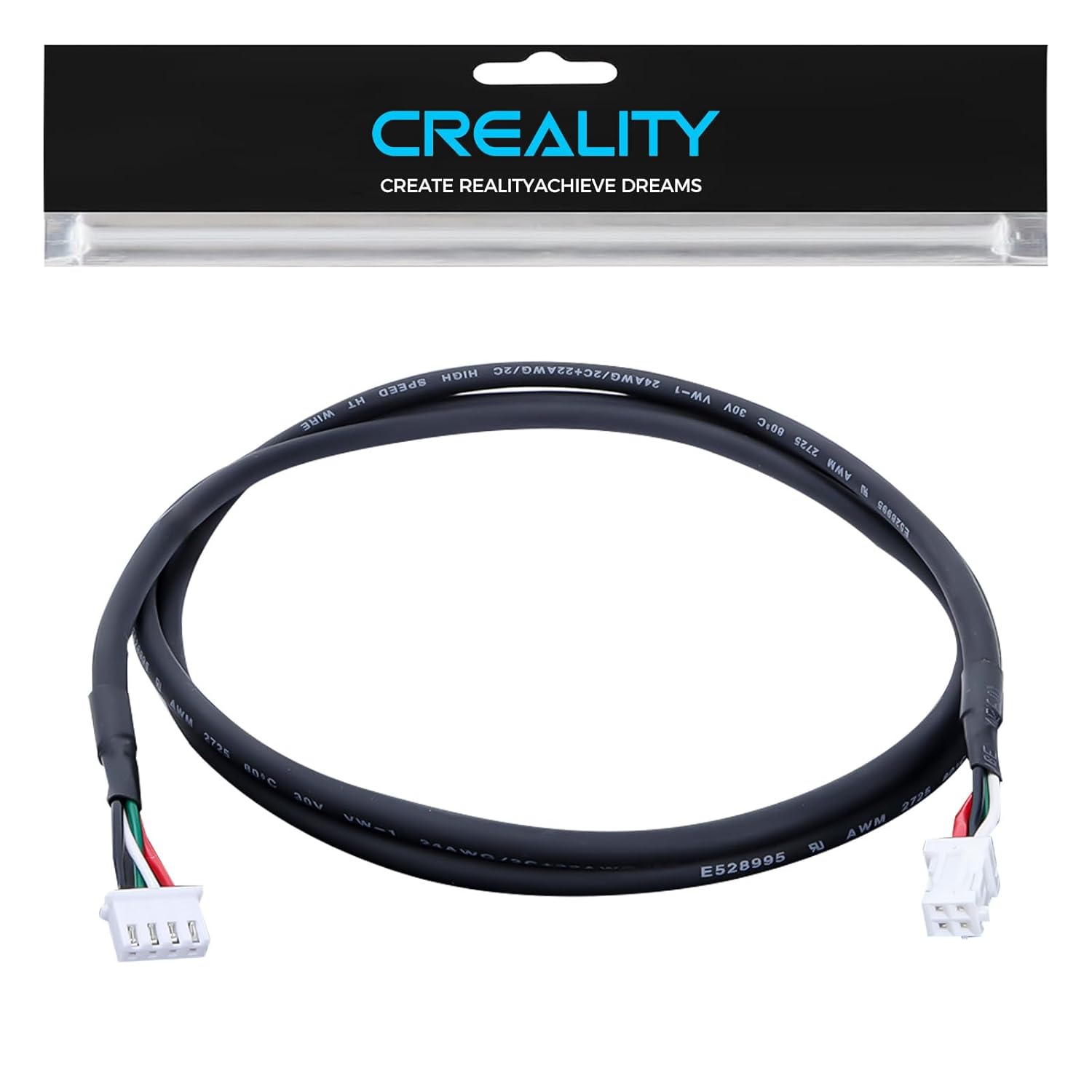
Yes. K1, K1C, K1 SE and K1 Max share a design but not every part number. Order for your exact variant.
Could a firmware update cause it?
It can expose a marginal connection by changing timing, but it does not create a broken conductor. Check the cable before rolling back.
If the link is absent at power-on rather than unreliable during printing, the printer says so at a lower level: Creality K1 error 111, the hotend controller connection being abnormal.

LayerWalker
Print defect diagnosis, calibration procedures and parts that actually fit. Corrections welcome through the contact page.

