Creality K1 Error 2060: Hotend Terminal and Cable
LayerWalker is a participant in the Amazon Services LLC Associates Program. We may earn a commission when you buy through links on our site, at no extra cost to you.
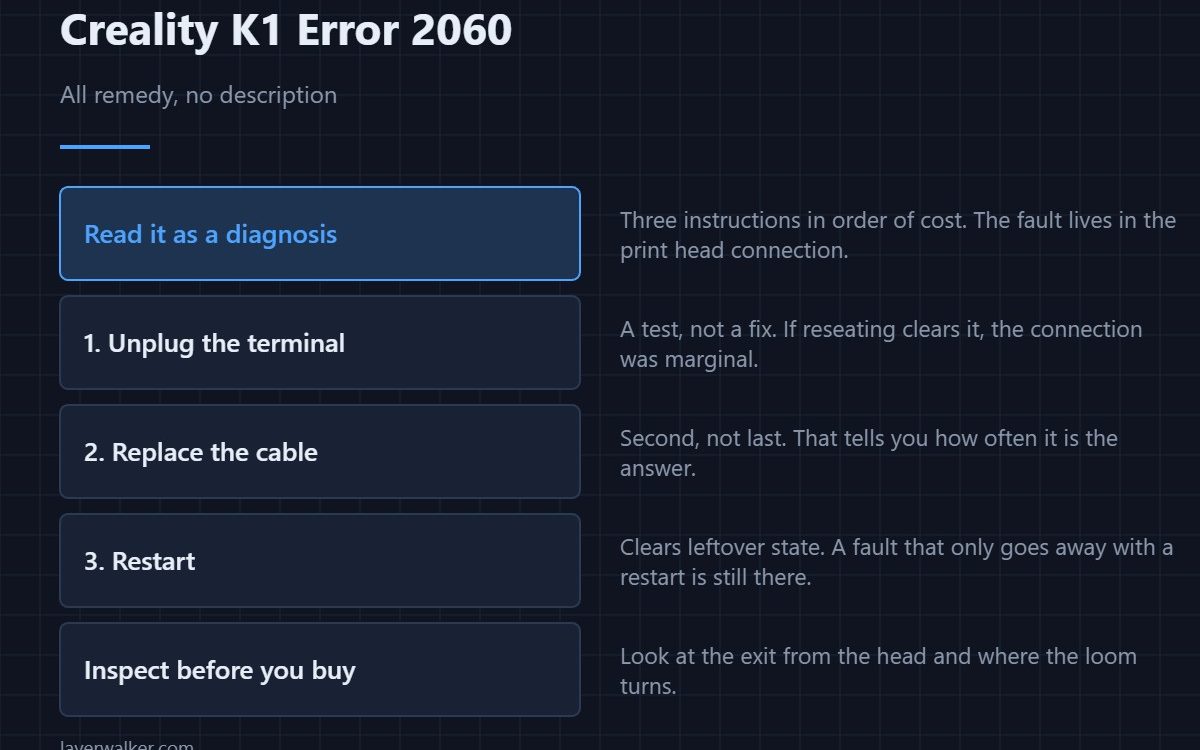
Creality K1 error 2060 arrives with three instructions rather than a description: unplug the hotend terminal, replace the hotend connection cable, restart. Read that as a diagnosis. Creality is telling you the fault lives in the connection between the print head and the rest of the machine, and the steps are in order of cost.
It is unusual for a code to be all remedy and no explanation, and that is exactly what makes it readable.
Where to buy

![WD-40 Specialist Contact Cleaner, Fast-Dry, No-Residue, 13.3 OZ [1-Pack]](https://m.media-amazon.com/images/I/61iOBAiLRdL._SL1500_.jpg)
Step one is a test, not a fix
Unplugging the terminal and plugging it back in reseats it. If that clears the fault, the connection was marginal rather than broken, and it will most likely come back. Note that it happened, because a connector that needed reseating once is on its way out.
Step two assumes the cable, and usually rightly
The print head loom flexes on every layer of every print. It is the hardest-working cable on the machine, and Creality putting replacement second rather than last tells you how often it is the answer. Inspect it before you buy one: look at the exit from the head and at the point the loom turns, for a flattened section, a permanent kink or chafing against a frame edge.
Step three catches the rest
A restart clears a state that a reseated connector left behind. It is not a fix on its own, and a fault that only ever goes away with a restart is a fault that is still there.
How Creality K1 error 2060 relates to the other head-side codes
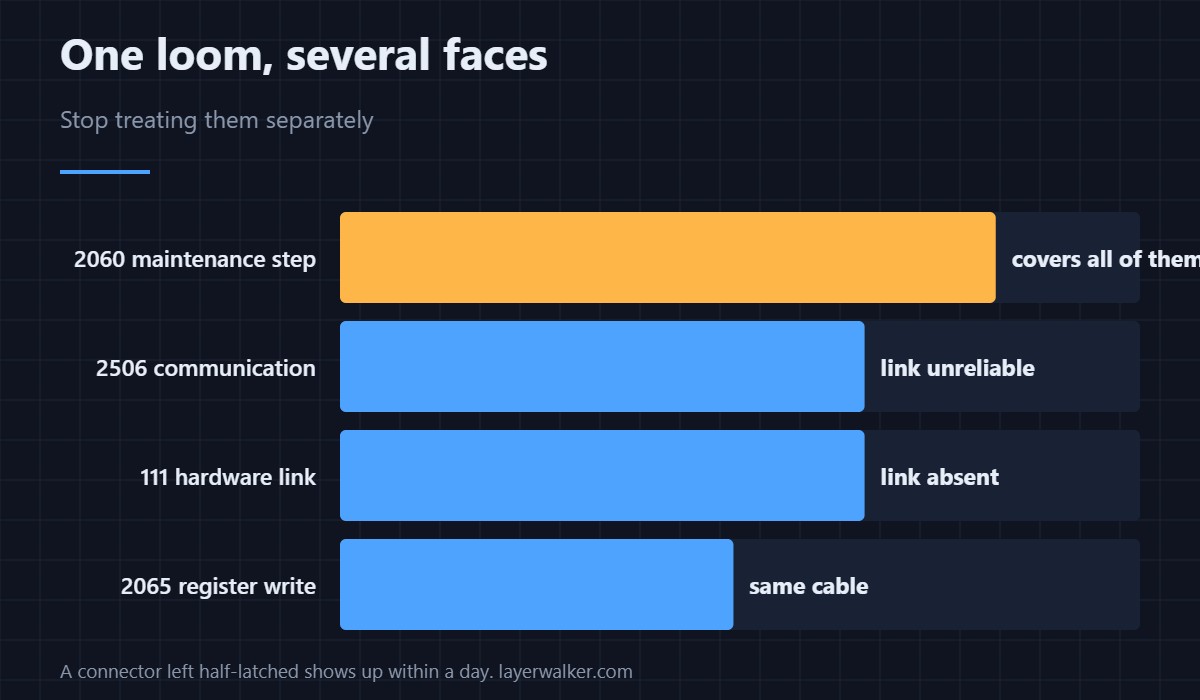
The same loom produces several different messages depending on which signal fails first. A communication exception is 2506, an absent hardware link is 111, and this one is the maintenance instruction that applies to all of them. If you have seen a rotating cast of head-related codes, stop treating them separately.
Before you order a cable
Check whether anyone has been inside the head recently. Nozzle changes, hotend swaps and fan replacements all disturb the same bundle, and a connector left half-latched produces this within a day. How the assembly fits together is in the hotend explainer, and the sensor fault that most often accompanies a tired loom is 2509.
Creality K1 Error 2060 FAQ
Should I replace the cable straight away?
Reseat and inspect first. Replacement is the right answer often enough that Creality lists it second, but not so often that it is worth skipping a free check.
Does the replacement need to match my model?
Yes. K1, K1C, K1 SE and K1 Max share a design but not every part number. Order for your exact variant.
Can I repair a damaged loom?
A splice in a cable that flexes thousands of times fails again quickly. Replacement is the better economy here.
It cleared after a restart. Am I done?
Probably not. A restart changes the state, not the wiring, so treat a clean restart as a reprieve rather than a repair.
When the fault is named rather than just repaired, it often reads as a driver register that could not be read: Creality K1 error 2001, where Creality also blames interference.

LayerWalker
Print defect diagnosis, calibration procedures and parts that actually fit. Corrections welcome through the contact page.

