Creality K1 Error 2065: ADXL345 Register Write Failed
LayerWalker is a participant in the Amazon Services LLC Associates Program. We may earn a commission when you buy through links on our site, at no extra cost to you.
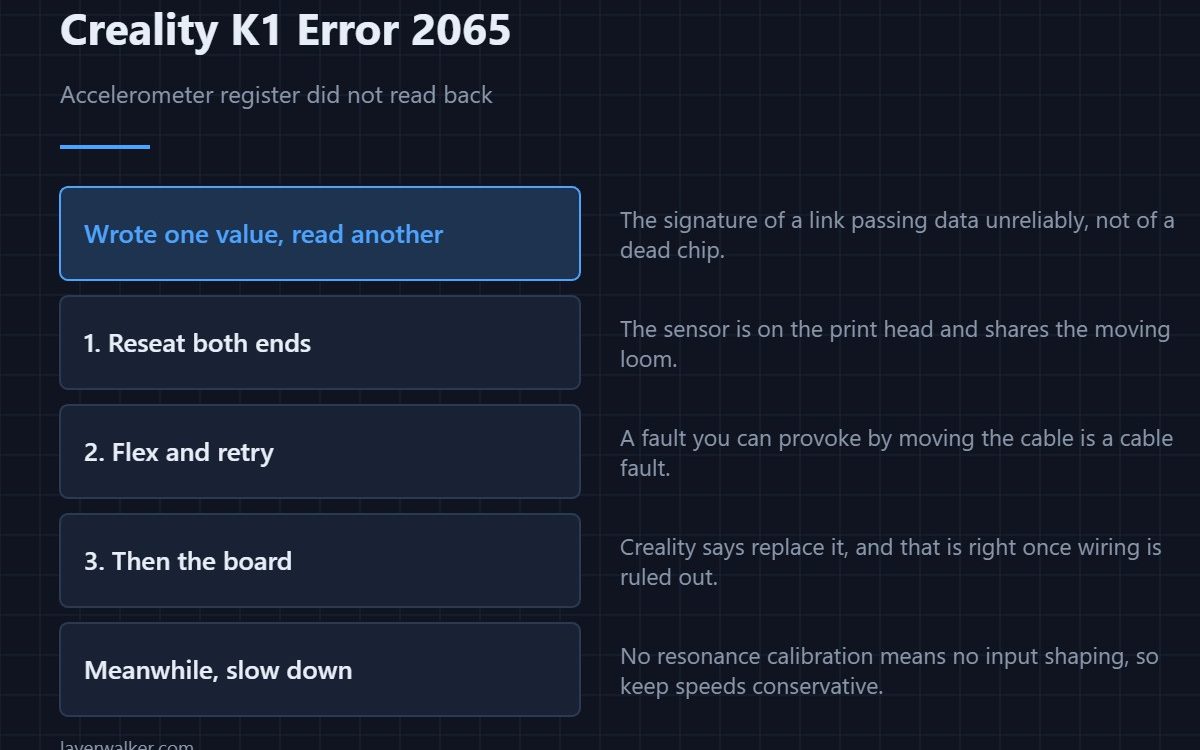
Creality K1 error 2065 means the printer tried to write a setting to the ADXL345 accelerometer and read back a different value. Creality’s own text says this usually indicates a connection problem such as a wiring fault, or a faulty chip, and their remedy is to replace the hotend board. Check the wiring before you accept that verdict.
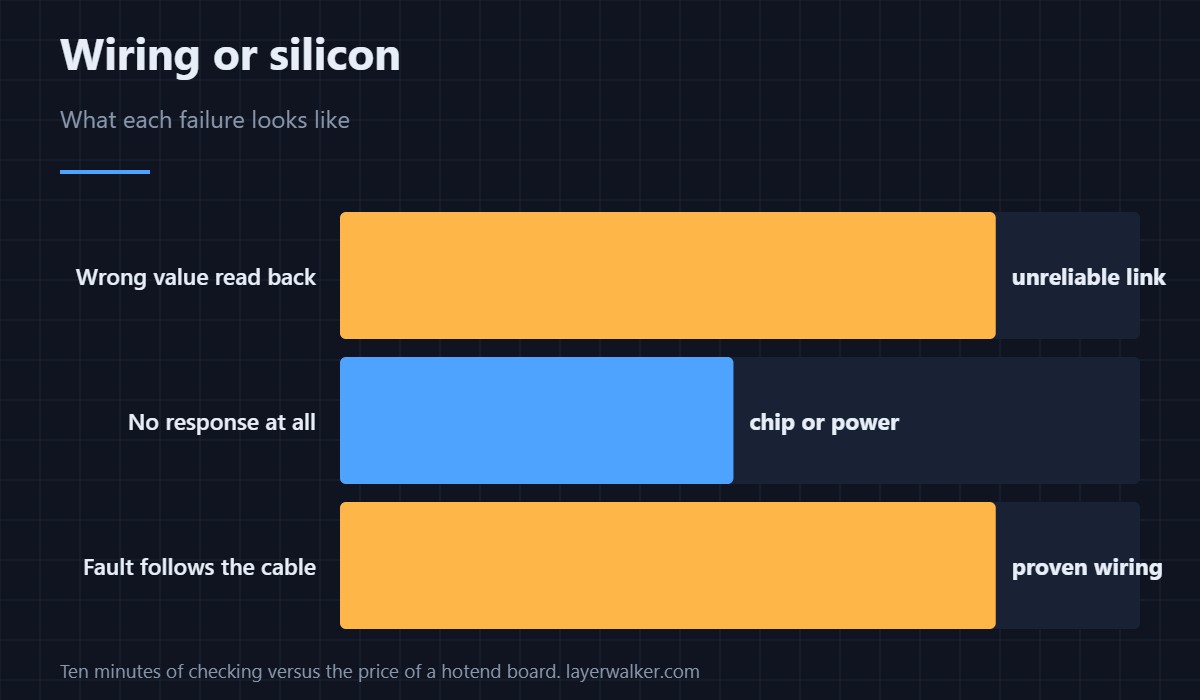
A failed register write is a communication result, and communication faults are wiring far more often than silicon.
Where to buy


What the message is actually telling you
The printer wrote a value, read it back, and got something else. That is the classic signature of a connection that is passing data unreliably rather than a chip that has died. A truly dead chip usually does not respond at all.
Where the accelerometer lives on a K1
On the print head, which means its signals travel down the same loom as everything else and its mounting is subject to the same vibration. Reseat the connectors at both ends, then flex the loom while retrying. A fault you can provoke by moving the cable is a cable fault, whatever the message names.
Why Creality says replace the hotend board
Because the chip is on it and is not separately serviceable. That is a sensible instruction once wiring has been ruled out, and an expensive one if it has not. Spend the ten minutes first.
What you lose while it is broken
Input shaping calibration, which is the tuning that lets a fast machine move fast without ringing. Ordinary printing works. The related fault where the sensor simply produces no usable data is 2056, and it has the same practical consequences.
How Creality K1 error 2065 fits the head-side family
Everything the print head reports shares one loom, so a marginal cable produces different codes on different days. The maintenance instruction that covers all of them is 2060, and an absent hardware link is 111. Seeing more than one of these in a week points at the cable, not at three separate chips. Untuned resonance eventually shows up as layer shifting.
Creality K1 Error 2065 FAQ
Can I print with this showing?
Yes, but you cannot run resonance calibration, so keep speeds conservative until it is fixed.
Is replacing the board really necessary?
Only if wiring is proven good. Reseat, flex, and retry first, because that costs nothing.
Does the hex value in the message matter?
Not for diagnosis. It tells you which register and what came back, which is useful to support and not to you.
Would a firmware update fix it?
No. A value that does not read back as written is a physical problem, not a software one.
The identity check runs before any register write, so it fails first. A wrong ID reads as Creality K1 error 2119, and it points at the same cable.

LayerWalker
Print defect diagnosis, calibration procedures and parts that actually fit. Corrections welcome through the contact page.

