Creality K1 Error 2114: Extrusion Without Extruder
LayerWalker is a participant in the Amazon Services LLC Associates Program. We may earn a commission when you buy through links on our site, at no extra cost to you.
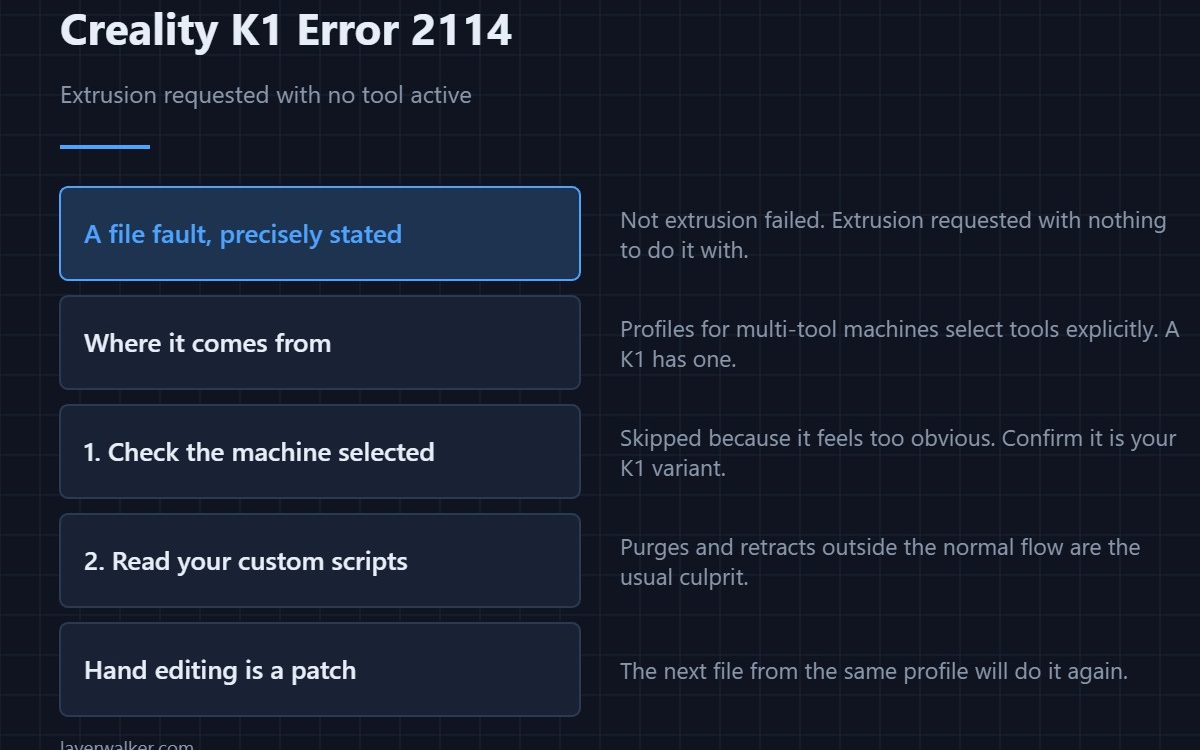
Creality K1 error 2114 means the G-code asked for extrusion at a point where no extruder was active. It is a file fault, not a hardware one: something issued an E move without a tool selected, usually because the profile was written for a machine with a different tool setup. Re-slice with the correct machine profile and it goes away.
Nothing is broken. The printer received an instruction that does not make sense on this machine and stopped rather than guessing.
Where to buy


Where it comes from
Profiles built for multi-tool or multi-material machines handle tool selection explicitly, and those commands do not translate to a single-extruder K1. A profile carried over from such a machine, or a start script copied from one, can leave extrusion commands stranded without a tool.
Check the machine selection first
This is the same first step as several other file-level faults, and it is skipped for the same reason: it feels too obvious. Open the slicer, confirm the selected machine is the K1 variant in front of you, and re-slice. Profile handling is covered in the Creality slicer guide.
Then look at your custom scripts
Start G-code, end G-code and filament-change scripts are where stray commands live for months without being noticed. A script that performs a purge or a retract outside the normal flow is the usual culprit. Search for E moves and read what selects a tool before each one.
Why Creality K1 error 2114 is worth reading carefully
Because it is precise. The printer is not saying extrusion failed; it is saying extrusion was requested with nothing to do it with. That narrows the search to the file and specifically to tool handling, which is a much smaller haystack than a general slicing fault like 2014.
Its relatives in the same family
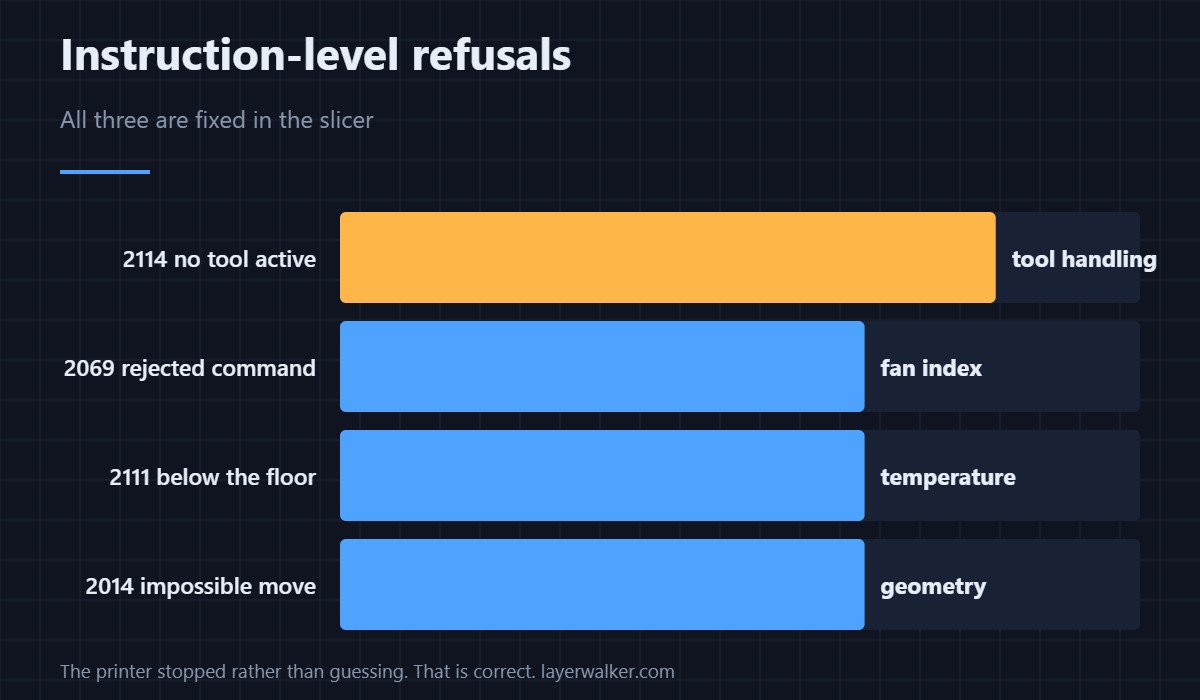
Several K1 codes catch impossible or unsupported instructions before anything moves. A rejected fan command is 2069, and a request to extrude below the temperature floor is 2111. All three are fixed in the slicer, and none of them is fixed with a screwdriver.
Creality K1 Error 2114 FAQ
Does the K1 have more than one extruder?
No, and that is precisely why a profile expecting tool selection produces this.
Can I edit the file by hand?
For a one-off print, yes. It is a patch, because the next file you slice from the same profile will do it again.
Would updating the firmware help?
No. The firmware is right to refuse; the file is what needs changing.
Why did a model from a friend trigger this?
Because it was sliced on their machine with their profile, and a quick look in a G-code preview shows the difference. Re-slice it yourself rather than printing a stranger’s G-code.
The consecutive code covers the stage before extrusion is even attempted: Creality K1 error 2113, where the extruder could not be configured at all.

LayerWalker
Print defect diagnosis, calibration procedures and parts that actually fit. Corrections welcome through the contact page.

