Creality K1 Error 2243: Out of Range
LayerWalker is a participant in the Amazon Services LLC Associates Program. We may earn a commission when you buy through links on our site, at no extra cost to you.
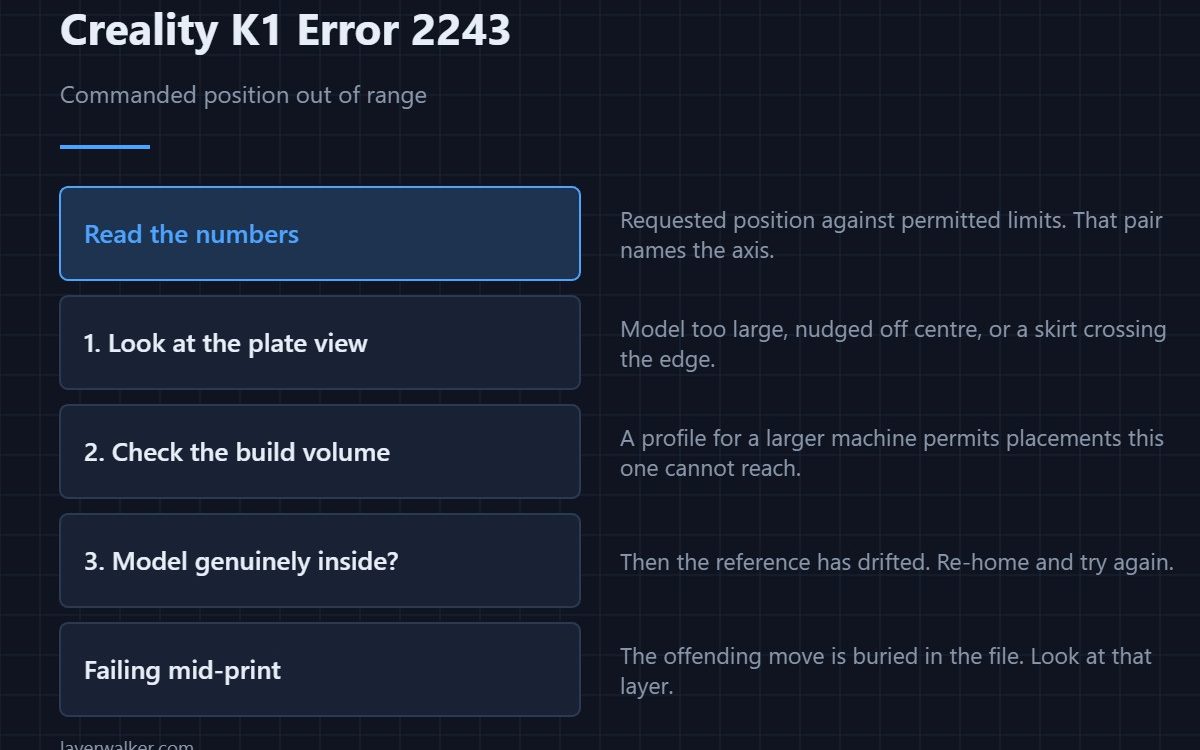
Creality K1 error 2243 means a commanded position fell outside the range the printer allows, and the message shows the values involved. Most of the time the model or its placement extends past the build volume. Occasionally the coordinates are fine and the printer’s idea of where it is has drifted, which is a very different problem.
Reading the numbers in the message tells you which of the two you have.
Where to buy


Start in the slicer
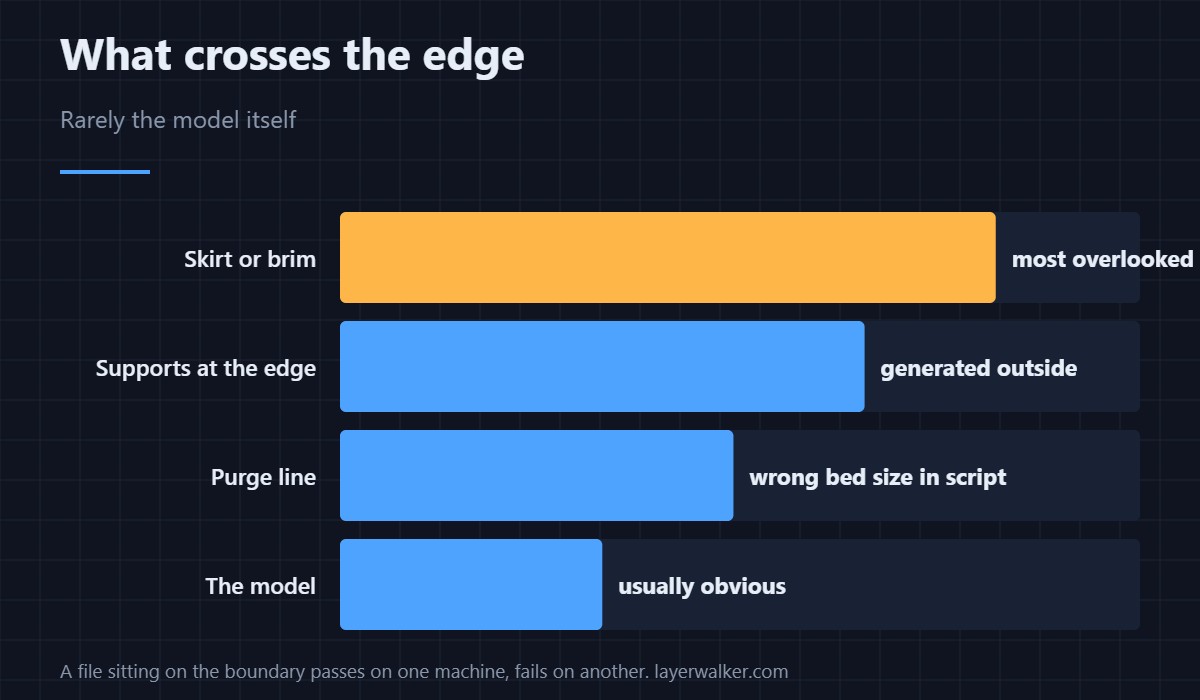
Open the plate view and look for anything crossing the boundary: a model too large, a model nudged off centre, a brim or skirt extending past the edge, or supports generated outside the part. A skirt is the one people miss, because the model itself sits comfortably inside.
Check the build volume the profile thinks it has
A profile for a larger machine allows placements this printer cannot reach. If you have been switching between K1 variants, or borrowed a profile, the volume figures may not match your machine — see the Creality slicer guide.
When the model is genuinely inside
Then the printer’s reference is wrong rather than your placement. That happens after a crash, after a failed home, or when a stored offset has drifted. Re-home and try again; if the machine will not home cleanly, fix that first, because everything downstream is measured from it — a refusal to move at all is 2095.
Why Creality K1 error 2243 sometimes appears mid-print
Because the offending move is buried in the file rather than at the start. A tall model that leans, a support tower at the edge, or a wipe move placed outside the plate can all sit hundreds of layers in. If it fails at the same layer every time, look at what that layer contains rather than at the machine.
What it is not
It is not a mechanical fault, and adjusting belts or rails will not help. It belongs with the other instruction-level refusals like 2114, where the printer reads something it cannot carry out and declines.
Creality K1 Error 2243 FAQ
What do the numbers in the message mean?
They are the requested position and the permitted limits. Comparing them tells you which axis and by how much, and a G-code preview shows where the model crosses the edge.
Could a brim cause this?
Easily. Brims, skirts and supports all extend beyond the model outline and are the most commonly overlooked cause.
Does the purge line count?
It does. A start script written for a different bed size can place the purge outside this one, which produces the fault before printing even begins.
Why does the same file print on another K1?
Because that machine’s reference is correct or its volume differs slightly. A file that sits right on the boundary passes on one and fails on another.
Sometimes the printer refuses because it has no reference rather than because the target is unreachable. That refusal, with coordinates attached, is Creality K1 error 2242.

LayerWalker
Print defect diagnosis, calibration procedures and parts that actually fit. Corrections welcome through the contact page.

