Creality K1 Error 2242: Reset to Homing First
LayerWalker is a participant in the Amazon Services LLC Associates Program. We may earn a commission when you buy through links on our site, at no extra cost to you.
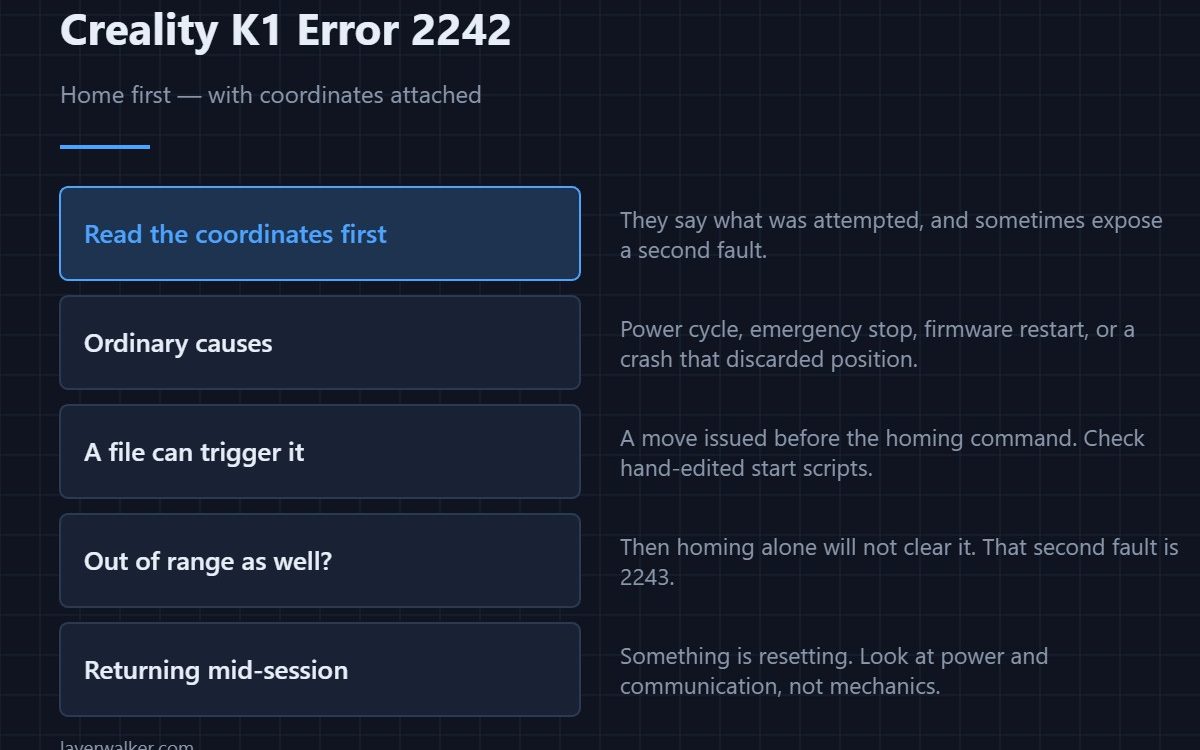
Creality K1 error 2242 tells you to home the printer before the requested move, and unlike the plain version it includes the coordinates involved. Home the machine and it clears. The coordinates are worth reading first, because they tell you what was being attempted and sometimes reveal a second problem hiding behind this one.
Most of the time it is routine: the printer lost its reference and is refusing to move blind.
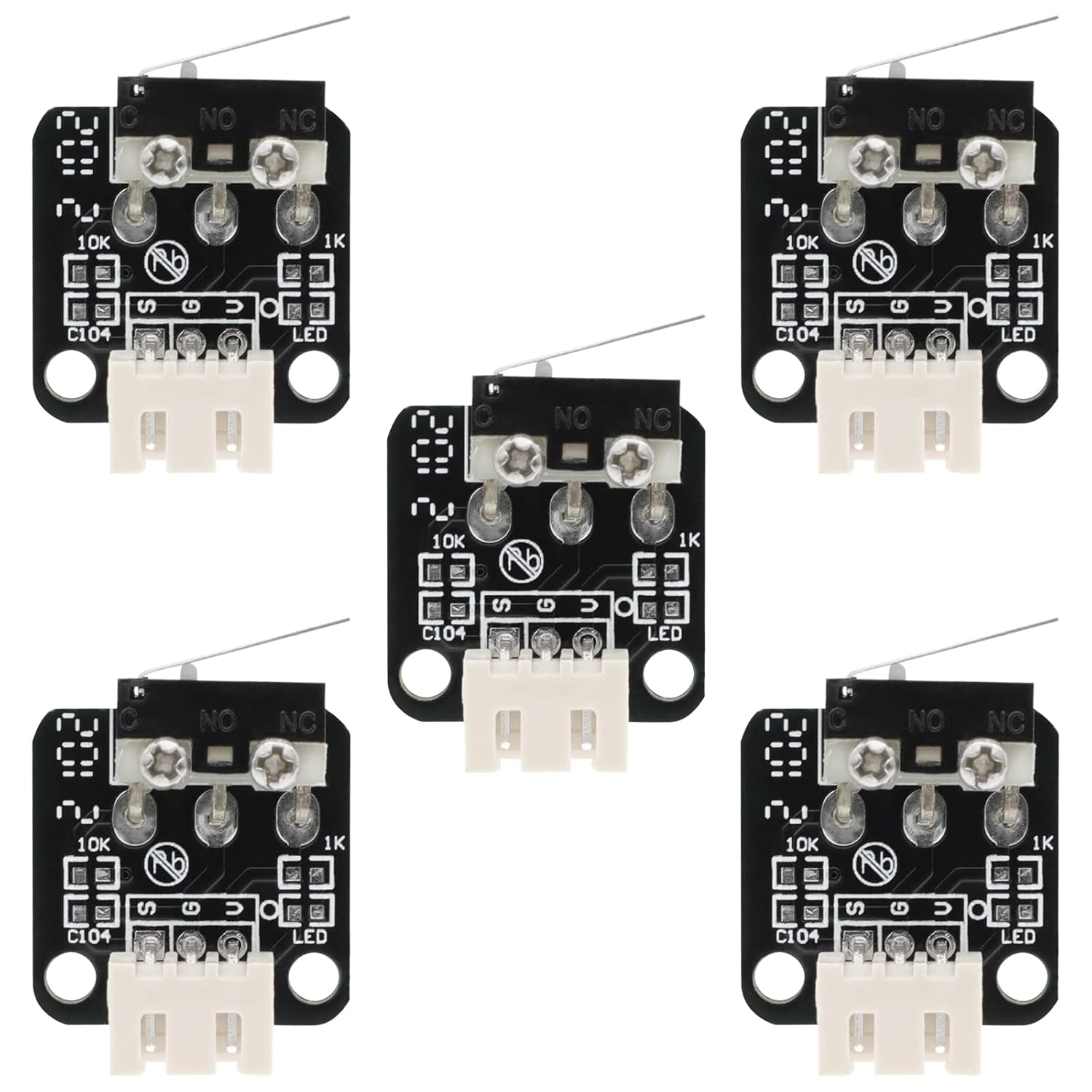
Where to buy


The ordinary explanations
A power cycle, an emergency stop, a firmware restart, or a crash that made the printer discard its position. All are normal, and homing clears all of them. If you have just switched on and tried to jog an axis, this message is the expected behaviour.
Read the coordinates before you home
If the position in the message is somewhere the machine could not reach anyway, you have two faults rather than one: no reference, and a move that would be out of range even with a reference. That second one reports separately as 2243, and fixing only the homing will leave it waiting for you.
When a file triggers it
A G-code file that issues a move before its homing command hits this immediately. That happens with hand-edited start scripts and with profiles carried over from a machine where homing was handled differently. If only files from one source do it, read the start G-code rather than suspecting the printer.
When Creality K1 error 2242 keeps returning
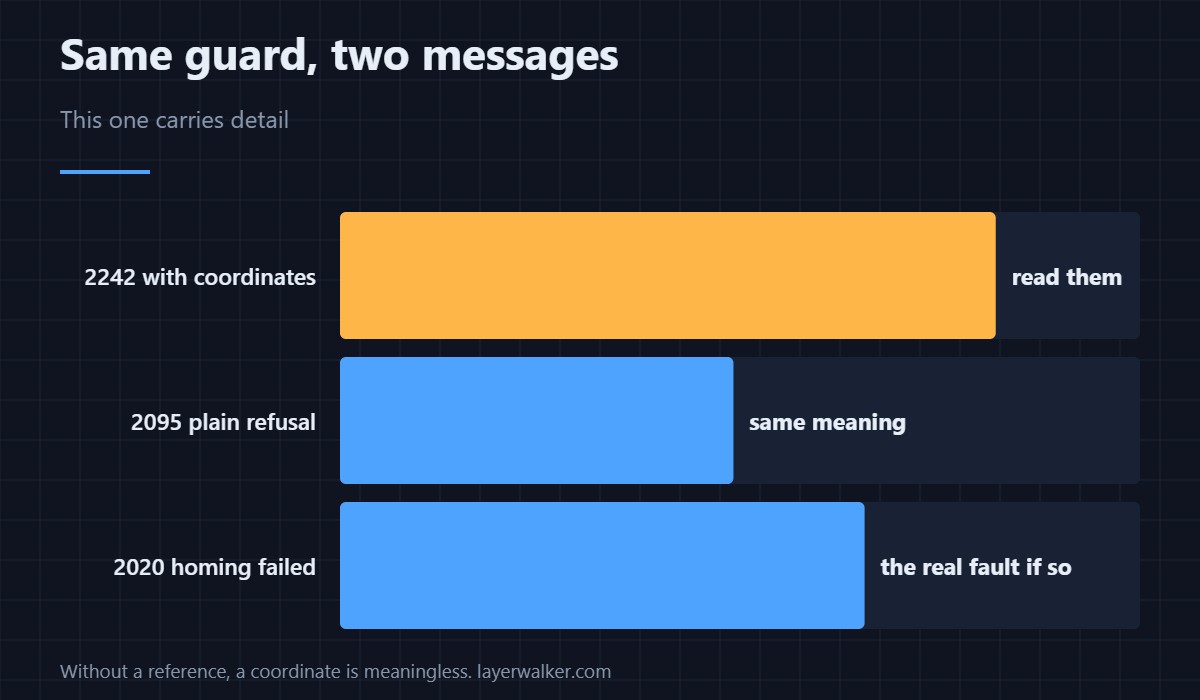
Repeated loss of position within a session is not routine. A controller that resets mid-job discards its reference, and that points at power or communication rather than at anything mechanical. If homing itself also fails, the real fault is there instead — the general homing failure is 2020.
Why the guard exists
Without a reference, a commanded coordinate is meaningless. The printer could drive the nozzle into the plate or the gantry into a hard stop at full speed. Refusing costs nothing; guessing costs a repair. Once the machine homes cleanly again, the sequence to re-establish everything else is in calibrating a 3D printer. The simpler version of the same refusal is 2095.
Creality K1 Error 2242 FAQ
Is this different from 2095?
Same guard, more detail. This version names the coordinates that were requested.
Do I need to home before every print?
The start G-code normally does it. You only meet this when something skipped that step.
Why does it appear mid-print?
That is not ordinary. Something discarded the position, and the cause of that reset is what matters.
Can I home just one axis?
The printer wants a valid reference for the move it was given. Homing all axes is quicker than working out which one it needs.

LayerWalker
Print defect diagnosis, calibration procedures and parts that actually fit. Corrections welcome through the contact page.

