Creality K1 Error 2020: Homing Error
LayerWalker is a participant in the Amazon Services LLC Associates Program. We may earn a commission when you buy through links on our site, at no extra cost to you.
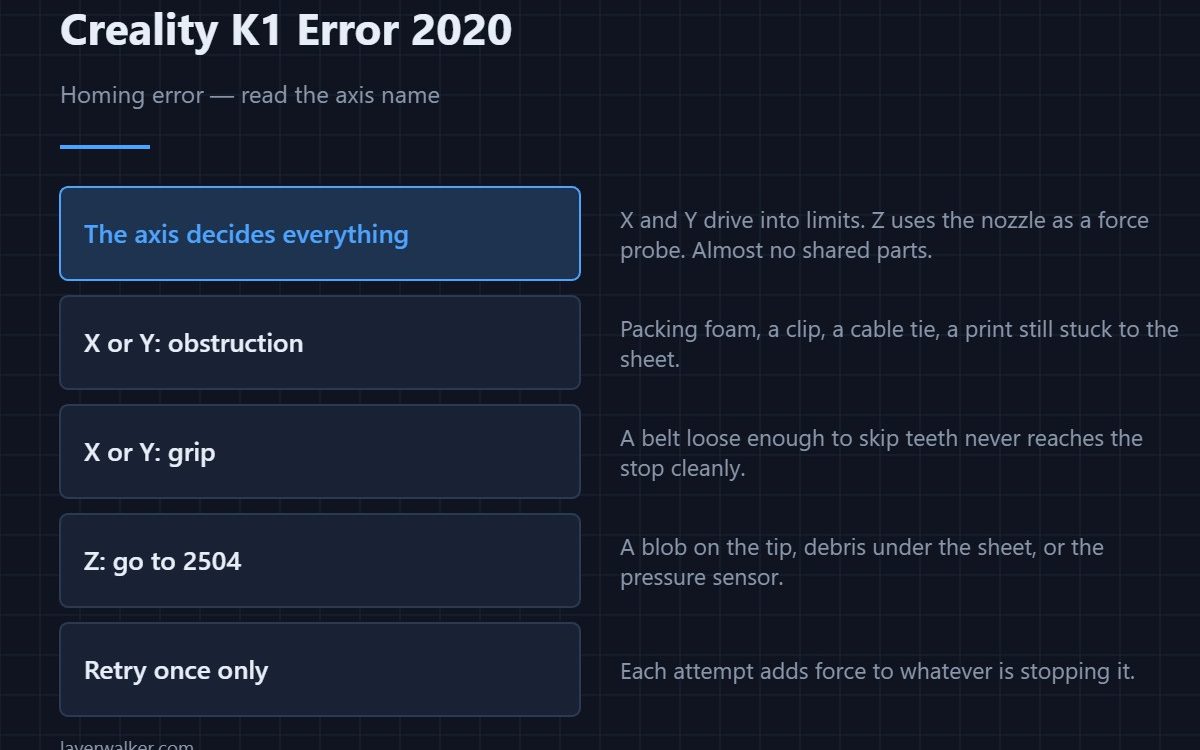
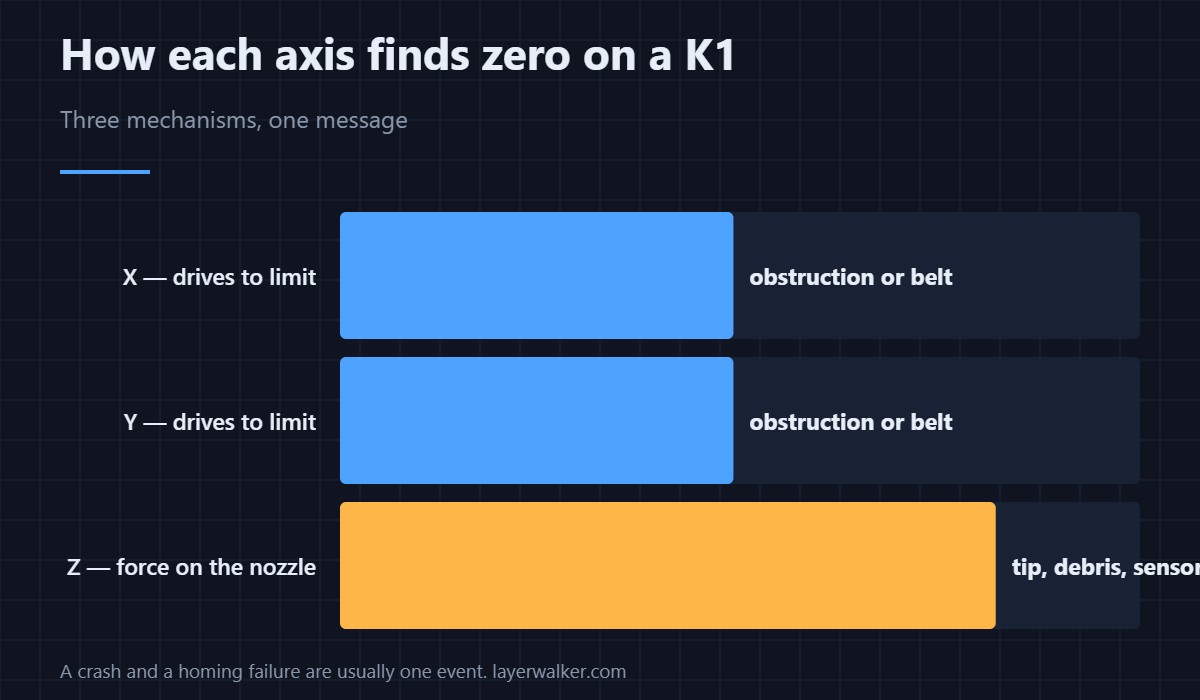
Creality K1 error 2020 is a homing error, and the message includes which axis failed. Read that first, because X and Y home by driving into their limits while Z uses the nozzle as a force probe. They share almost no parts, so the axis named tells you which half of the machine to look at.
Retry once. Retrying repeatedly drives the carriage into whatever is stopping it, and that is how a small obstruction becomes a bent part.
Where to buy


X or Y: look for something in the way
Packing foam left in after transport, a clip on the frame, a cable tie fouling the gantry, a finished print still stuck to the sheet. All of these stop an axis short of its limit. Move the head by hand with the power off and feel for where it catches.
X or Y: then look at grip
A belt loose enough to skip teeth never reaches the stop cleanly, and the printer reads that as a homing failure. This is the second check because it is the second most common and it takes two minutes — the routine is in belt tension.
Z: a completely different mechanism
There is no Z switch. The nozzle touches the plate and a pressure sensor detects the force, so a blob of plastic on the tip, debris under the sheet or a sensor fault all defeat it. If the axis named is Z, go straight to 2504, which covers that path in detail.
When Creality K1 error 2020 follows a crash
Treat them as one event. A collision knocks the geometry out, homing then fails, and fixing the collision fixes the homing. Clearing the message alone leaves the obstruction sitting there. Persistent homing trouble also shows up later as layer shifts, because the slop that prevents a clean home also causes missed steps mid-print.
If it only fails sometimes
Intermittent homing points at something marginal rather than broken: a belt on the edge of skipping, a bearing with one rough spot, or a Z axis that binds at one height. That last one has its own code when the printer catches it, 2526.
Creality K1 Error 2020 FAQ
How many times should I retry?
Once. If the second attempt fails the same way, stop and look rather than adding force.
The head moves but stops early. What is that?
An obstruction at that point, or a belt slipping under the load of the approach. Both are findable by hand in a minute.
Does the message always name an axis?
It normally does, and that word is the most useful part of it. If it does not, test each axis separately from the move menu.
Could firmware cause this?
A mismatched build can drive the wrong routine, which looks exactly like a hardware fault. Confirm the firmware matches the machine before dismantling anything.

LayerWalker
Print defect diagnosis, calibration procedures and parts that actually fit. Corrections welcome through the contact page.

