Creality K1 Error 2021: Homing Timeout
LayerWalker is a participant in the Amazon Services LLC Associates Program. We may earn a commission when you buy through links on our site, at no extra cost to you.
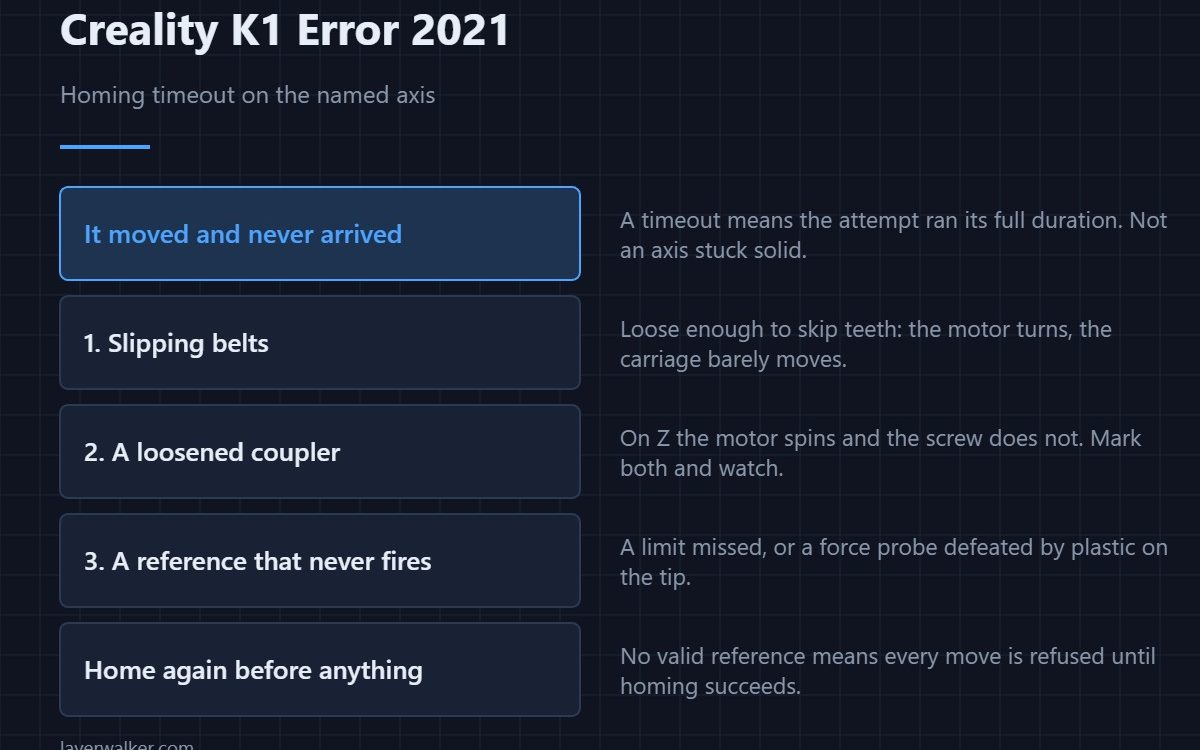
Creality K1 error 2021 means homing ran out of time on the named axis. The distinction from a plain homing error matters: a timeout means the printer kept trying and the expected end never came. Something moved but never reached its reference, which usually means slipping or a sensor that never triggered rather than an axis that is stuck solid.
An axis jammed against an obstacle tends to fail differently and faster. A timeout is the signature of something marginal.
Where to buy


Slipping rather than stopping
A belt loose enough to skip teeth lets the motor turn while the carriage barely moves. The printer keeps stepping, waiting for a limit that never arrives, and eventually gives up. Check belt tension first on X and Y — the routine is in belt tension.
A coupler that has let go
On Z, a motor coupler that has loosened produces exactly this: the motor spins, the screw does not, and nothing ever reaches the reference. Mark the coupler and the shaft with a pen, run the axis, and see whether both marks move together.
A reference that never reports
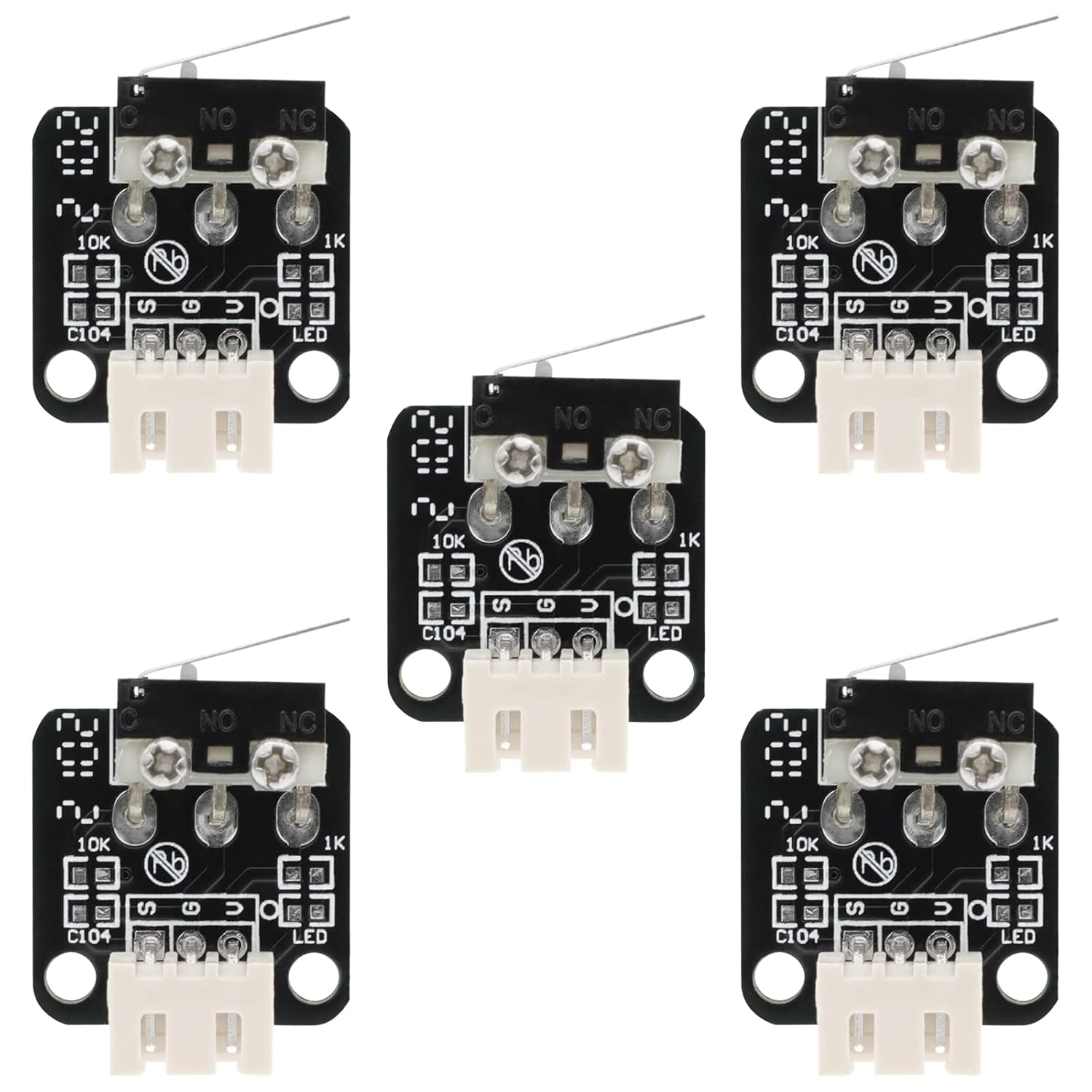
The other half of a timeout is a sensor that never fires. On X and Y that is the limit being missed; on Z it is the force probe never registering a touch. A nozzle with plastic on it can defeat the Z touch entirely, which is why the tip is worth cleaning before anything is dismantled — the Z path in detail is 2504.
Why Creality K1 error 2021 and 2020 are not the same message
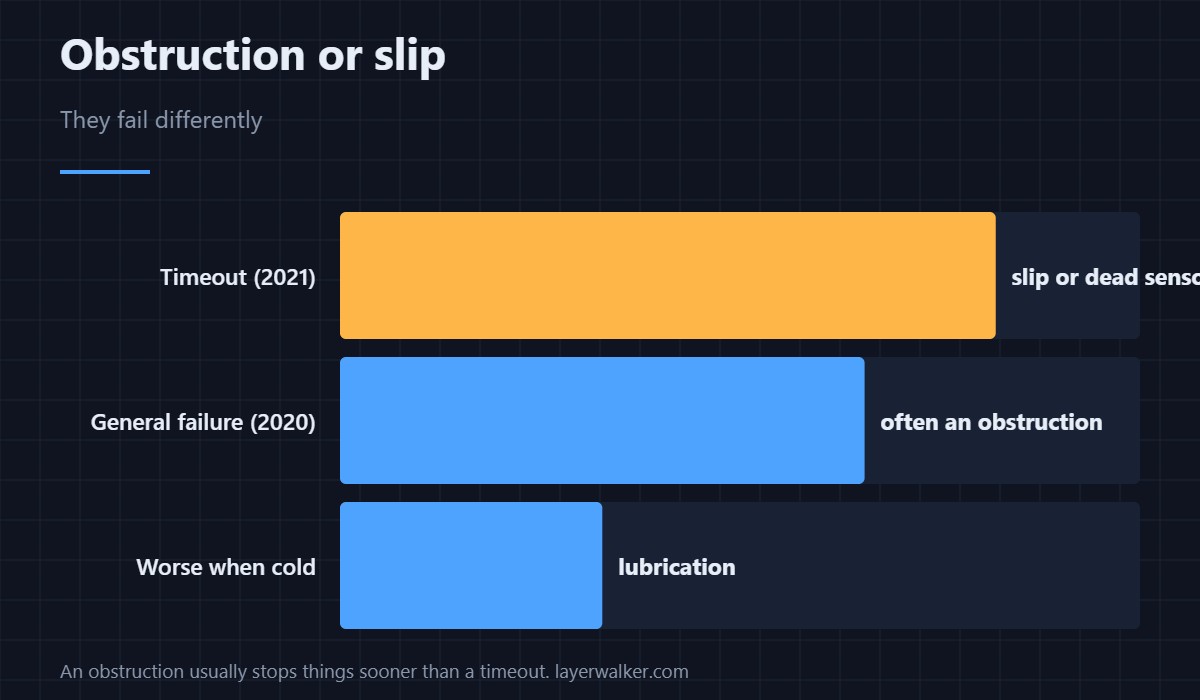
The general homing failure, 2020, covers any unsuccessful attempt. A timeout is the specific case where the attempt ran its full duration. If you see the timeout version repeatedly, look for slip and for sensors, not for obstructions, because an obstruction usually stops things sooner.
After a timeout, home again before anything else
The printer has no valid reference until homing succeeds, so any movement command will be refused with 2095 until it does. Fix the cause, home successfully, then carry on.
Creality K1 Error 2021 FAQ
Does the message name the axis?
It does, and that word is the most useful part of it. X and Y share a mechanism; Z does not.
Could a slow axis simply need more time?
No. The timeout is generous compared with a healthy home. If it expires, something is genuinely not arriving.
Is this more likely on a cold machine?
A dry or stiff axis is worse when cold, so an intermittent timeout that clears after a warm-up points at lubrication rather than electronics.
Can I increase the timeout?
You would be hiding the symptom. A machine that needs longer than the default is already telling you something is wrong.

LayerWalker
Print defect diagnosis, calibration procedures and parts that actually fit. Corrections welcome through the contact page.

