Creality K1 Error 504: File Does Not Support Flow Detection
LayerWalker is a participant in the Amazon Services LLC Associates Program. We may earn a commission when you buy through links on our site, at no extra cost to you.
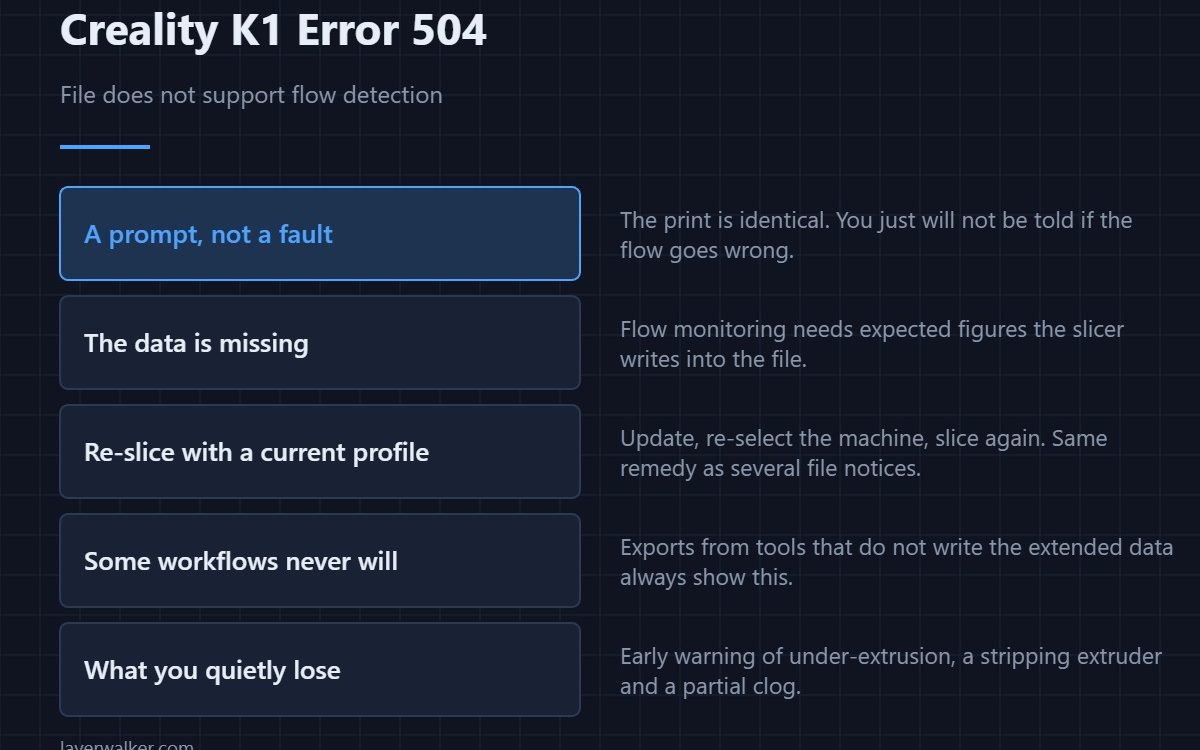
Creality K1 error 504 tells you the current file does not support flow detection, so that check will be skipped for this print. It is a prompt rather than a fault and nothing stops. Flow detection needs information the slicer has to include, and a file produced without it simply cannot be monitored that way.
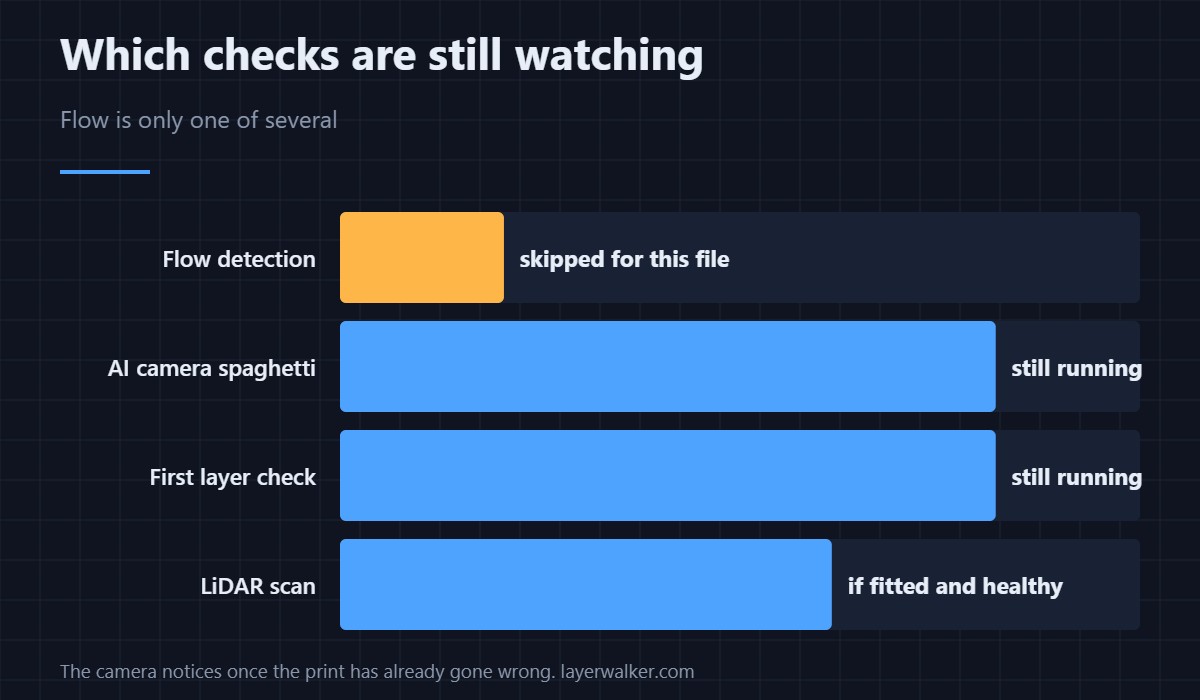
The print is unaffected. What you lose is one automatic check out of several.
Where to buy

SUNLU PLA Filament 1.75mm, 250g Spool Bundle, 3D Printer Filament


Where the missing data comes from
Flow monitoring compares what the printer expects to extrude against what the sensors observe. That comparison needs the expected figures embedded in the file, which the slicer writes only when it knows the machine supports the feature. A file sliced for a different printer, or with an older profile, will not contain them.
Re-slice with a current profile
Update the slicer, re-select the machine profile rather than keeping a customised copy, and slice again. That is the same remedy as several other file-level notices on this machine, and it is quicker than it sounds — profile handling is in the Creality slicer guide.
When the file genuinely cannot support it
Some files are exported from tools that do not write Creality’s extended data at all. Those will always produce this notice, and there is nothing to fix. If you use such a workflow deliberately, treat the prompt as background noise rather than a problem to chase, the same way you would a rejected command like 2069.
Why Creality K1 error 504 is worth understanding anyway
Because it quietly removes a safety net. Flow detection catches under-extrusion, a stripping extruder and a partial clog early, which is exactly the class of failure that otherwise runs for hours. Without it you are relying on the camera checks like 101, which only notice once the print has already gone wrong.
The other AI checks are separate
LiDAR scanning has its own codes and its own failure modes — the offset one is 108. Flow detection not being supported by a file says nothing about whether your LiDAR is healthy.
Creality K1 Error 504 FAQ
Will the print be worse without it?
No. The print is identical. You just will not be told if the flow goes wrong.
Does this mean my slicer is too old?
Often, yes. An out-of-date profile is the commonest reason the data is missing.
Can I turn the notice off?
It lives with the AI settings, so disabling it disables the group including the checks you probably want to keep.
Does it affect third-party slicers?
Yes, unless they are using a configuration that writes the required data. That is why an official profile clears it and a borrowed one does not.

LayerWalker
Print defect diagnosis, calibration procedures and parts that actually fit. Corrections welcome through the contact page.

