Creality K1 Error 108: LiDAR Offset Correction Failure
LayerWalker is a participant in the Amazon Services LLC Associates Program. We may earn a commission when you buy through links on our site, at no extra cost to you.
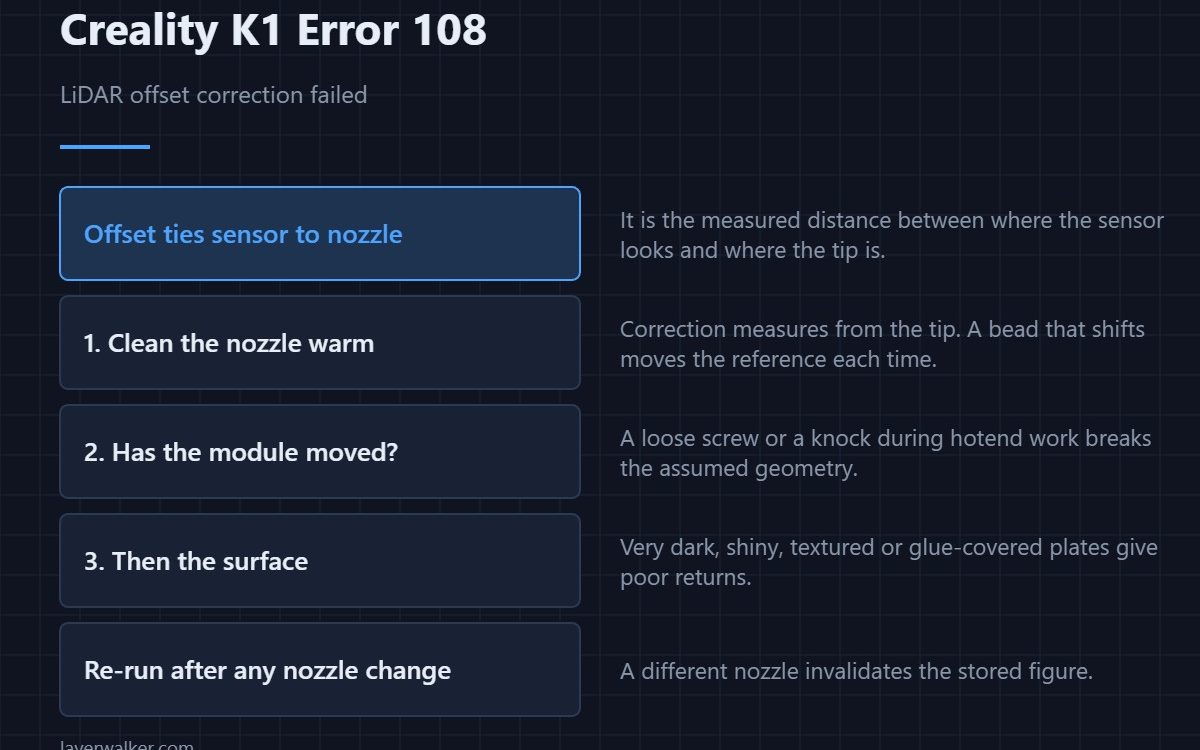
Creality K1 error 108 means the LiDAR offset correction did not complete. Offset is the measured distance between where the sensor looks and where the nozzle actually is. Without it the scan data describes the right surface in the wrong place, so the printer refuses to keep a figure it does not trust.
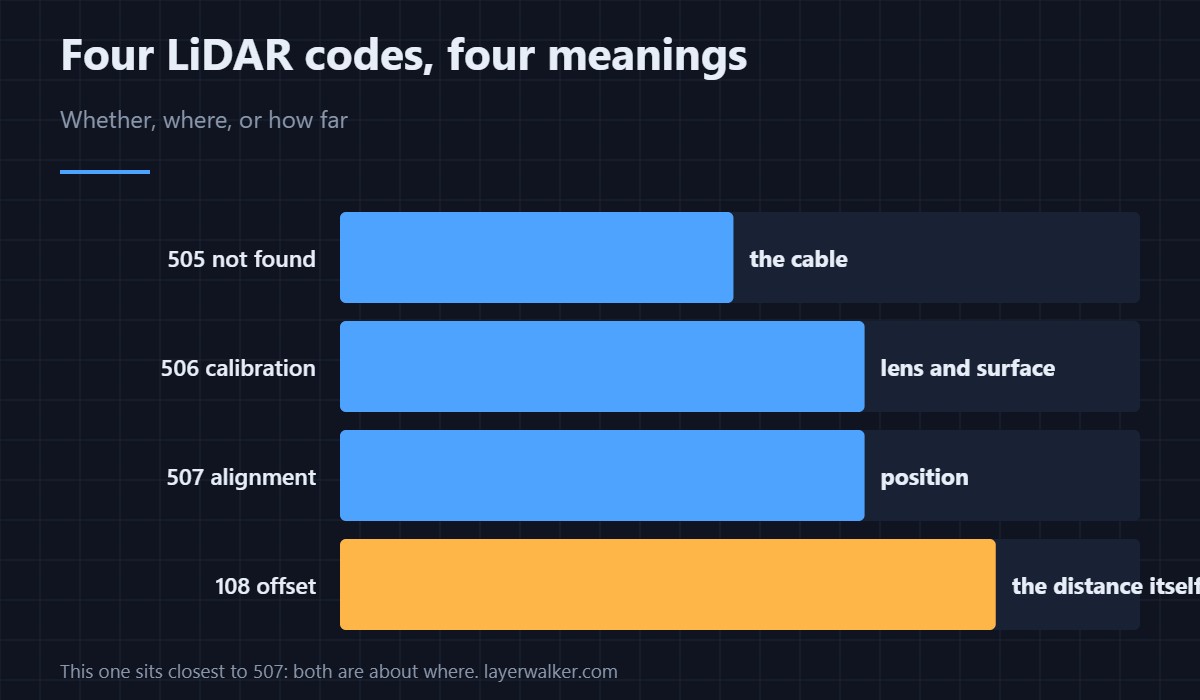
It is the fourth code in the LiDAR family and the one people most often confuse with the other three.
Where to buy
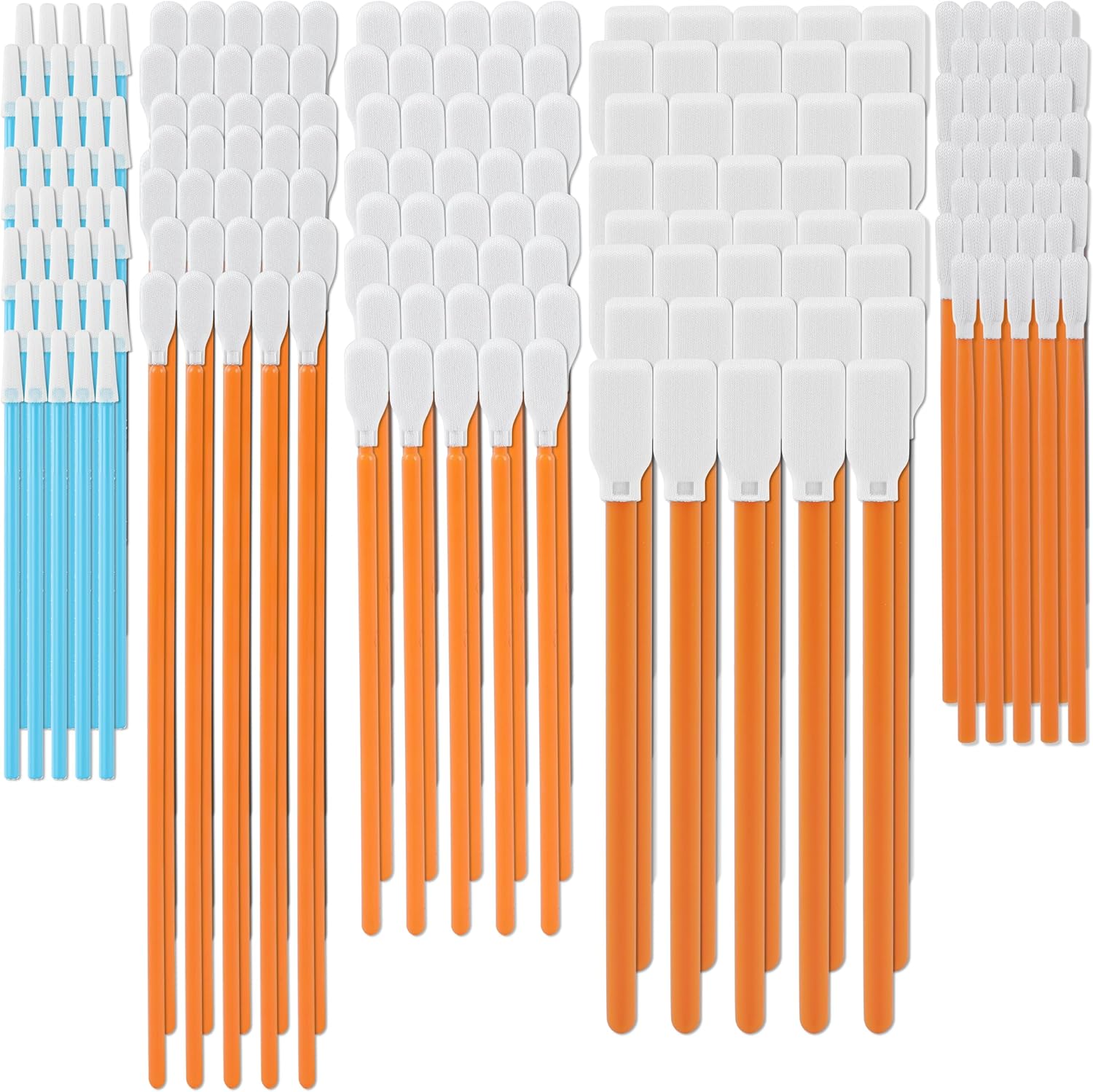


Clean the nozzle before anything else
Offset correction measures from the nozzle tip. Plastic stuck to it moves the reference, and a bead that shifts between measurements moves it differently each time. Heat the hotend, wipe the tip properly, and run the routine again. This is first because it is free and it is the commonest cause.
Then check the module has not moved
If a mounting screw has loosened or the module was knocked during hotend work, the geometry the correction assumes no longer holds. Look at whether it sits square and flush against its bracket, and whether the bracket itself is intact.
Then the surface it measures against
Correction needs a surface with usable contrast. Very dark, very shiny, heavily textured or glue-covered plates all give poor returns. If you changed sheets recently and this started then, refit the old one as a test — the differences are in PEI build plates.
How Creality K1 error 108 differs from the other three
A module the printer cannot find at all is 505 and means the cable. A module that answers but cannot calibrate is 506 and means the lens or the plate. A module that cannot align is 507 and means position. This one is the offset figure specifically, and it sits closest to 507 because both are about where rather than whether.
What you lose in the meantime
Automatic first layer scanning and the flow calibration built on it. Printing continues, and the AI camera still watches that opening layer from its own angle as 103. Checking it yourself means thirty seconds looking at the plate after the first layer goes down.
Creality K1 Error 108 FAQ
Do I need to run this after every nozzle change?
Yes. A different nozzle changes the reference the offset was measured against, so the stored number no longer applies.
Can I enter the offset manually?
The routine exists because the figure has to be measured on your machine. A number copied from elsewhere will not match your hardware.
Is it safe to print with it failing?
Yes, it is a prompt. You simply lose the automatic check rather than any safety function.
Does room light matter here too?
It can. Strong side light or a reflection changes what the sensor returns, so try again in even indoor light before suspecting hardware.

LayerWalker
Print defect diagnosis, calibration procedures and parts that actually fit. Corrections welcome through the contact page.

