Creality K1 Error 507: AI LiDAR Alignment Failure
LayerWalker is a participant in the Amazon Services LLC Associates Program. We may earn a commission when you buy through links on our site, at no extra cost to you.
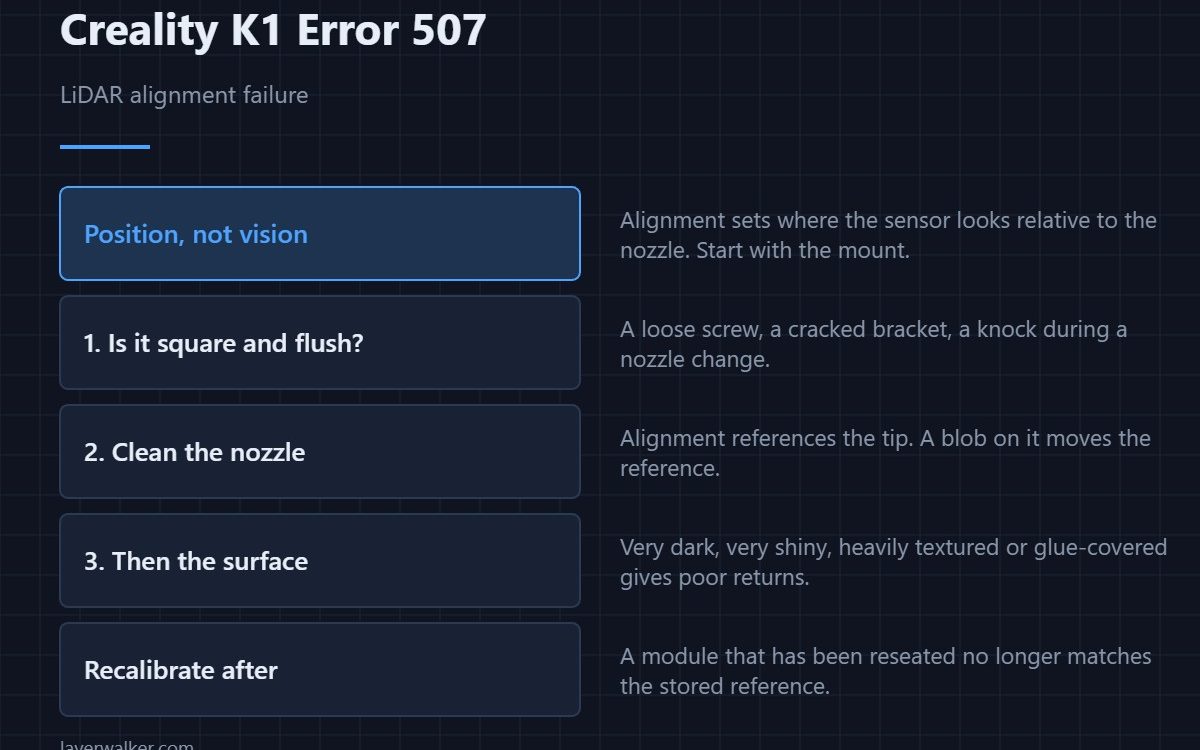
Creality K1 error 507 means the LiDAR module is alive but could not align itself. It is a prompt, so printing continues. Alignment establishes where the sensor is looking relative to the nozzle, which makes a disturbed mount or a shifted module the first suspect rather than the lens or the cable.
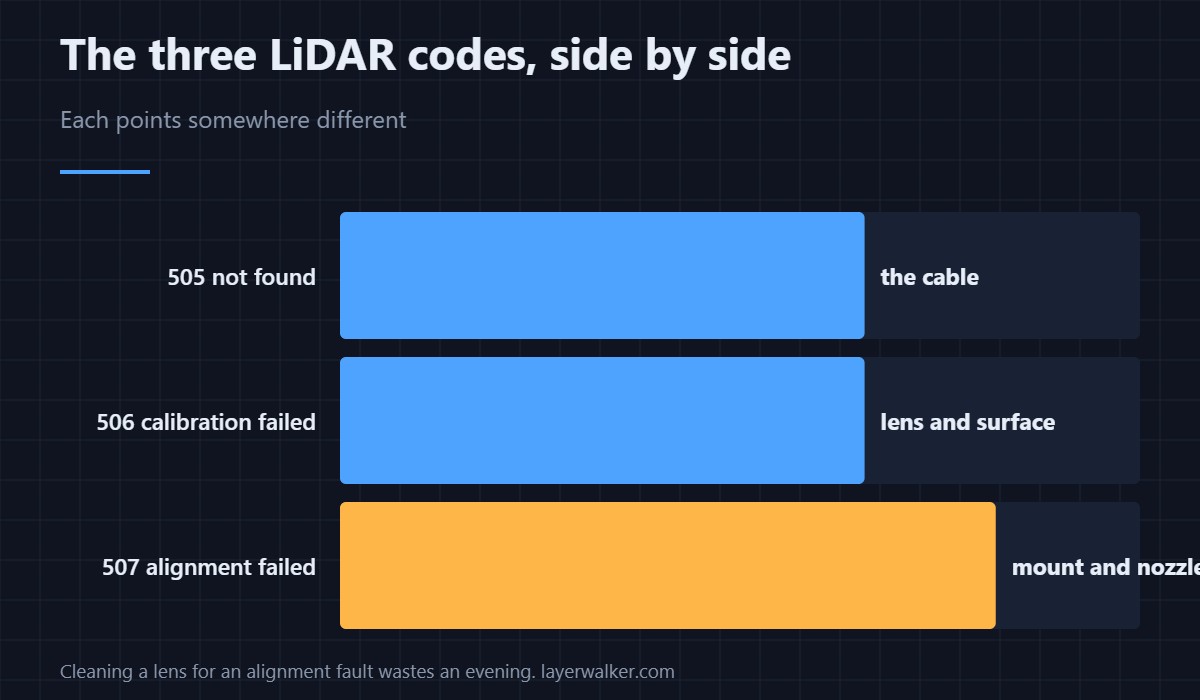
The three LiDAR codes are easy to confuse and they point at three different things, so the distinction is worth holding on to.
Where to buy


Check the mount before the optics
The module is fixed to the print head at a known position. If a screw has loosened, a bracket has cracked, or the module has been knocked during a nozzle change, the geometry it assumes no longer holds. Look at whether it sits square and flush, and whether anything is resting against it.
Then the nozzle it aligns to
Alignment references the nozzle. A blob of plastic on the tip changes what the sensor sees at the reference point, and a nozzle that has been replaced with a different length changes it more. Clean the tip warm, then retry, before touching the module.
Then the surface
A plate that is very dark, very shiny, heavily textured or covered in dried glue gives poor returns. Alignment needs usable contrast just as calibration does. If you changed sheets recently and the fault started then, try the original sheet as a test — the differences are in PEI build plates.
Where Creality K1 error 507 sits among the LiDAR codes
Missing module is 505 and means the cable. Calibration failure is 506 and means the lens or the surface. Alignment failure is this one and means position. Cleaning a lens for an alignment fault, or reseating a cable for a calibration fault, are the two wasted evenings this table prevents.
What you lose meanwhile
The automatic first layer check and the flow calibration built on it. Ordinary printing is unaffected, and the AI camera still watches the opening layer from its own angle as 103. Doing the check yourself means looking at the first layer for half a minute.
Creality K1 Error 507 FAQ
Should I recalibrate after fixing the mount?
Yes. Run the calibration routine once the module is properly seated, because the stored reference no longer matches where it now sits.
Does a nozzle change cause this?
It can, both by disturbing the module and by changing the reference the alignment uses. Re-run alignment after any hotend work.
Can I turn the LiDAR off?
It lives under the AI settings with the camera checks, so disabling it disables the group. Weigh that before a long unattended print.
Is the module worth replacing over this?
Not until you have ruled out the mount, the nozzle and the plate. A module that responds is a module that works.

LayerWalker
Print defect diagnosis, calibration procedures and parts that actually fit. Corrections welcome through the contact page.