Creality K1 Error 505: AI LiDAR Anomaly
LayerWalker is a participant in the Amazon Services LLC Associates Program. We may earn a commission when you buy through links on our site, at no extra cost to you.
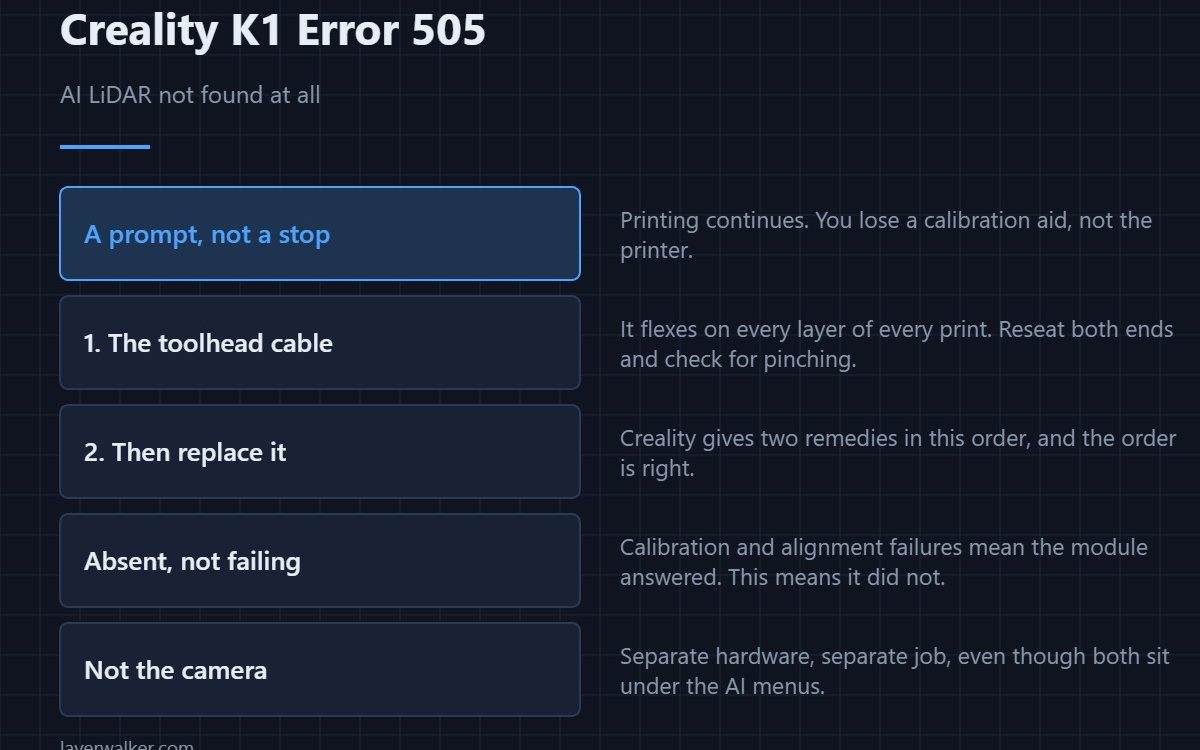
Creality K1 error 505 means the printer cannot find the AI LiDAR module at all. It is a prompt rather than a stop, and printing continues. Creality gives two remedies and they are the right order: check the cable connections to the LiDAR, then replace the module. A unit that has vanished entirely is usually unplugged, not broken.
The LiDAR sits on the print head and scans the first layer. Losing it costs you a calibration aid, not the printer.
Where to buy
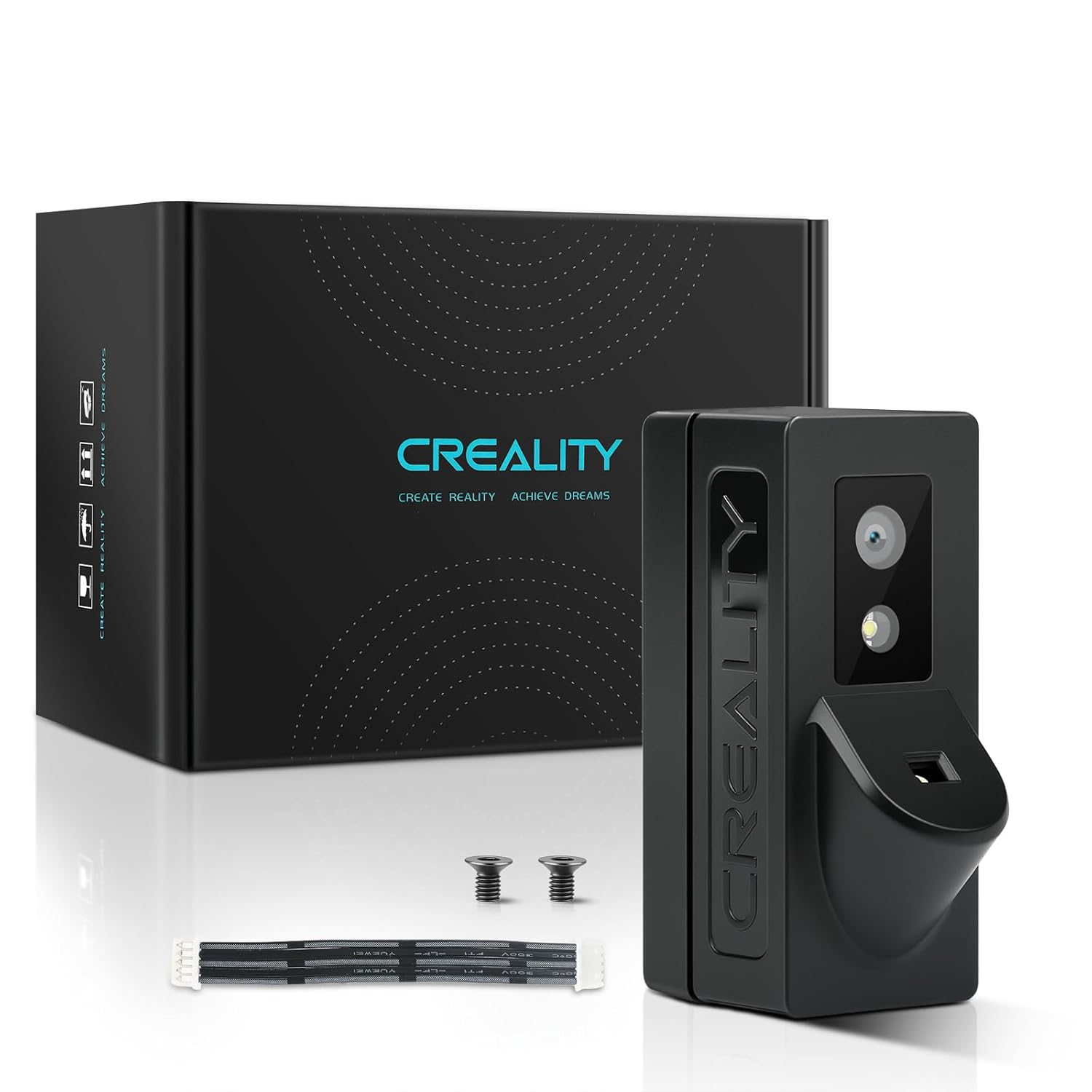


Cable first, and it is usually the cable
The LiDAR rides on the toolhead, so its lead flexes with every layer of every print. That is the single most-worked cable on the machine after the hotend loom. Reseat both ends, look for a pinched section where the loom turns, and check that a previous repair has not left the connector half-latched.
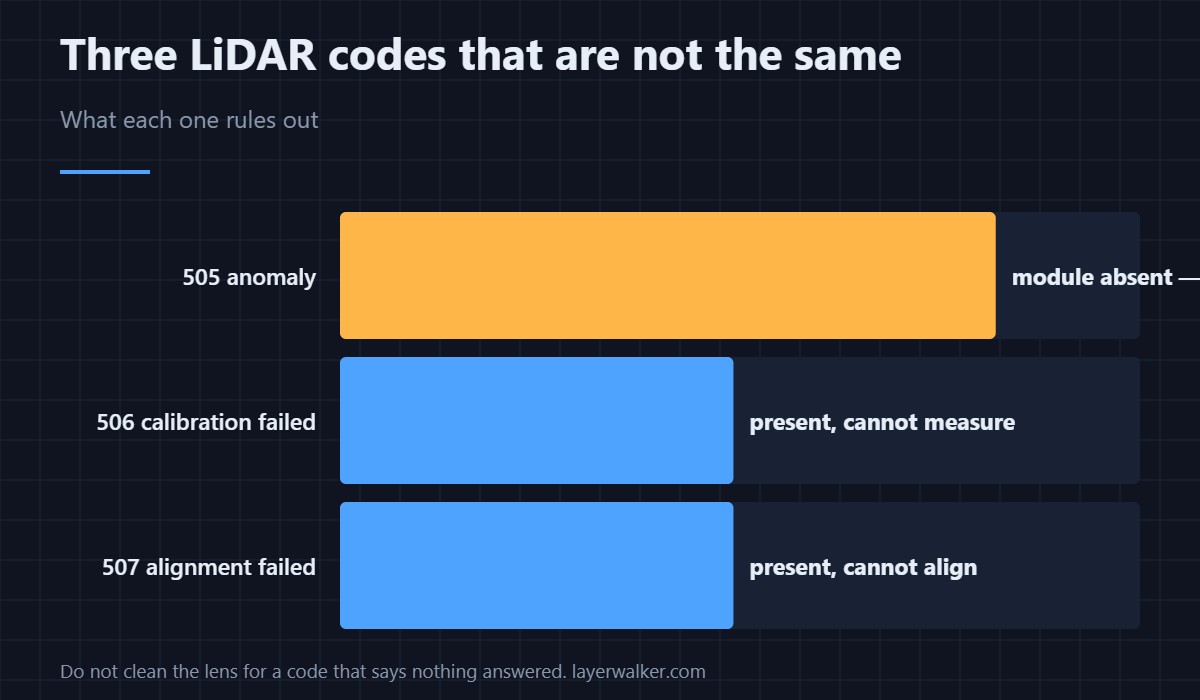
Anomaly, calibration failure and alignment failure are different codes
This one means the module is absent. Calibration failure and alignment failure mean the module is present and working but could not complete a measurement, which points at a dirty lens or an unsuitable first layer rather than wiring. If your code says the LiDAR does not exist, do not start cleaning the lens.
What you lose meanwhile
First layer scanning and the flow calibration that depends on it. Prints still run, Z offset still works from the sensor, and ordinary jobs are unaffected — you simply lose an automatic check, so watch the opening layers yourself as described in first layer problems. Multi-colour work leans on it more, because flow consistency matters far more when you are purging between colours — see K1 Max multi-colour.
Why Creality K1 error 505 is not a camera fault
The LiDAR and the AI camera are separate hardware doing separate jobs, even though both appear under the AI menus. The camera watches for spaghetti and objects, which is 101 and its relatives. The LiDAR measures the surface. A camera problem does not produce this code, and the camera side is covered in the Creality camera guide.
Creality K1 Error 505 FAQ
Can I print with the LiDAR missing?
Yes. It is a prompt, and normal printing carries on without it.
Which K1 models have a LiDAR?
It is fitted to the models with the AI package, most visibly the K1 Max. If your machine never had one, this prompt is telling you something else is misconfigured.
Would cleaning the lens help?
Not for this code. A dirty lens produces calibration or alignment failures, where the module answers but cannot measure. This code means it did not answer.
Does replacing it need recalibration?
Yes, run the calibration routine after fitting a new module. A LiDAR that has never been calibrated on this machine will report failures of its own.
When the module answers but cannot finish calibrating, the cable is innocent. That case is Creality K1 error 506, where the lens and the plate are the suspects instead.

LayerWalker
Print defect diagnosis, calibration procedures and parts that actually fit. Corrections welcome through the contact page.

