K1 Max Multi Color: There Is No CFS for It
LayerWalker is a participant in the Amazon Services LLC Associates Program. We may earn a commission when you buy through links on our site, at no extra cost to you.
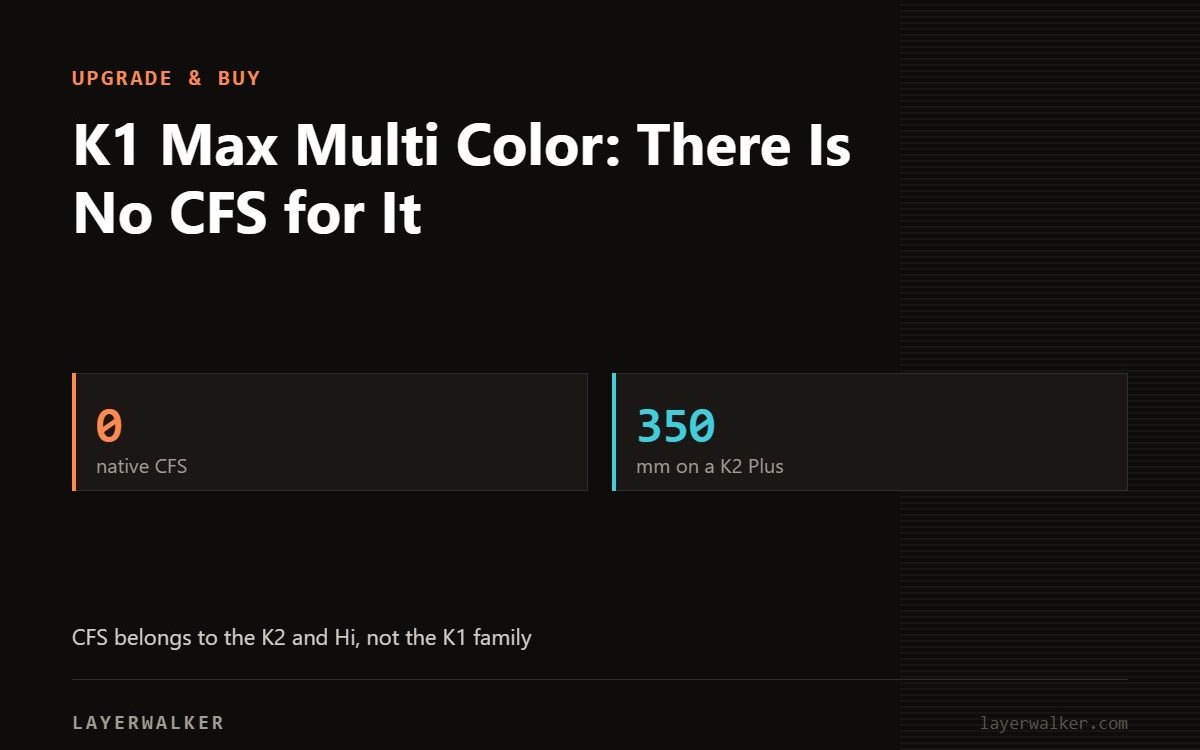
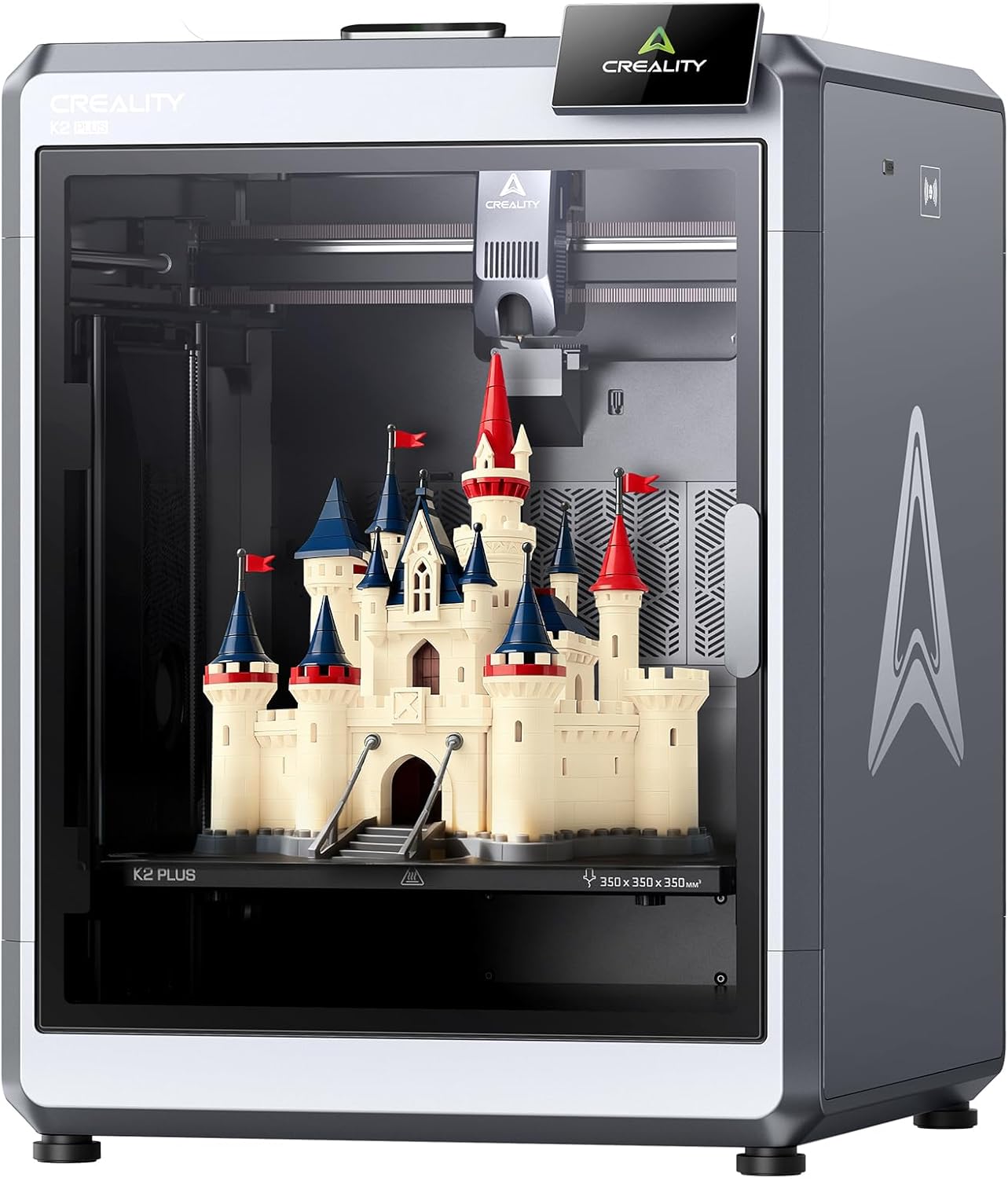
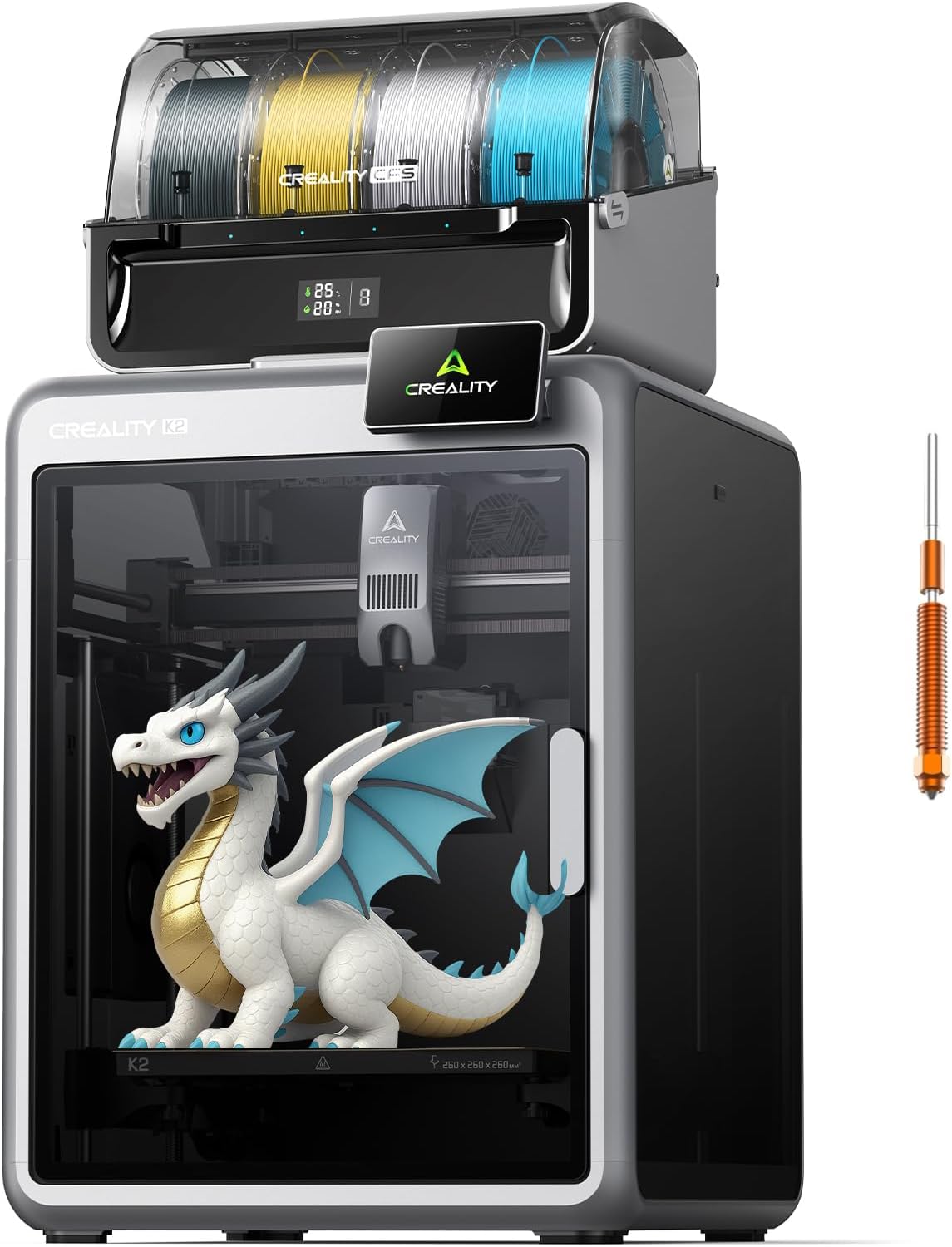
The K1 Max has no native multi-colour system. Creality’s CFS belongs to the K2 and Hi machines, not the K1 family, so multi-colour on a K1 Max means manual filament swaps at layer changes in the slicer. If automated colour is what you want, the honest answer is a different printer: the K2 Plus gives 350 x 350 x 350 mm with CFS up to sixteen colours, and the Hi gives 260 x 260 x 300 mm with the same CFS for less.
This comes up a lot because the K1 Max is a capable machine at 300 x 300 x 300 mm and 600 mm/s, so people reasonably assume Creality’s filament system bolts on. It does not, and it is better to know that before you buy accessories.
Where to buy

What multi-colour on a K1 Max actually looks like
The technique is the pause-and-swap method, and it works on any printer. In your slicer you insert a colour change at a specific layer; the printer pauses, you unload the old filament and load the new one, and printing resumes. Orca and Creality Print both support this, and it costs nothing.
What it gives you is horizontal colour banding: a base in one colour, a stripe in another, a top in a third. What it cannot give you is colour that changes within a layer, which is what people usually mean by multi-colour printing. Logos, patterns and multi-coloured models with detail all need a real filament changer.
It is also manual. A model with fifteen colour changes means fifteen times you have to be standing at the printer. For two or three changes it is genuinely useful; beyond that it stops being practical.
The alternative that does work: two-material by design
If your goal is a support interface rather than decoration, consider whether you need colour at all. On a single-nozzle machine you can often solve the underlying problem with geometry and settings instead: tree supports and a tuned seam position handle a lot of what people reach for a second material to fix.
If you want automated colour, buy for it
Within Creality’s own range, CFS is the system and it is on the K2 and Hi machines. Each CFS unit holds four spools, reads RFID filament, detects run-out and tangles, relays automatically between spools and includes 20 W of drying, at 379 x 314 x 276 mm and 4.56 kg per unit. Four units chain for sixteen filaments.
The K2 Plus is the size upgrade: 350 x 350 x 350 mm, a 350 degC nozzle, a 120 degC bed, a chamber to 60 degC, 600 mm/s and 30,000 mm/s2. The Hi is the cheaper route: 260 x 260 x 300 mm, 300 degC, 100 degC, 500 mm/s and 12,000 mm/s2, and only 9.2 kg. Both take the same CFS. See our K2 Plus overview and Hi Combo page.
Keep the K1 Max for what it is good at: a fast enclosed 300 mm cube for single-material work. Our K1 Max notes and K1 Max vs K2 Plus cover that decision.
K1 Max multi color FAQ
Can I add a CFS to a K1 Max?
No. CFS is designed for the K2 and Hi machines.
Can the K1 Max do any multi-colour printing?
Yes, by manual filament swaps at layer changes, which gives horizontal colour bands only.
What is the cheapest Creality machine with automated colour?
The Hi with a CFS unit, at 260 x 260 x 300 mm.
Does the K1 Max have any multi-material capability at all?
Single nozzle, single feed. Colour changes are manual.
Flow consistency matters more when the printer is purging between colours, so losing the LiDAR hurts here first. That fault is Creality K1 error 505.

LayerWalker
Print defect diagnosis, calibration procedures and parts that actually fit. Corrections welcome through the contact page.

