Creality K1 Error 103: First Layer Detected as Abnormal
LayerWalker is a participant in the Amazon Services LLC Associates Program. We may earn a commission when you buy through links on our site, at no extra cost to you.
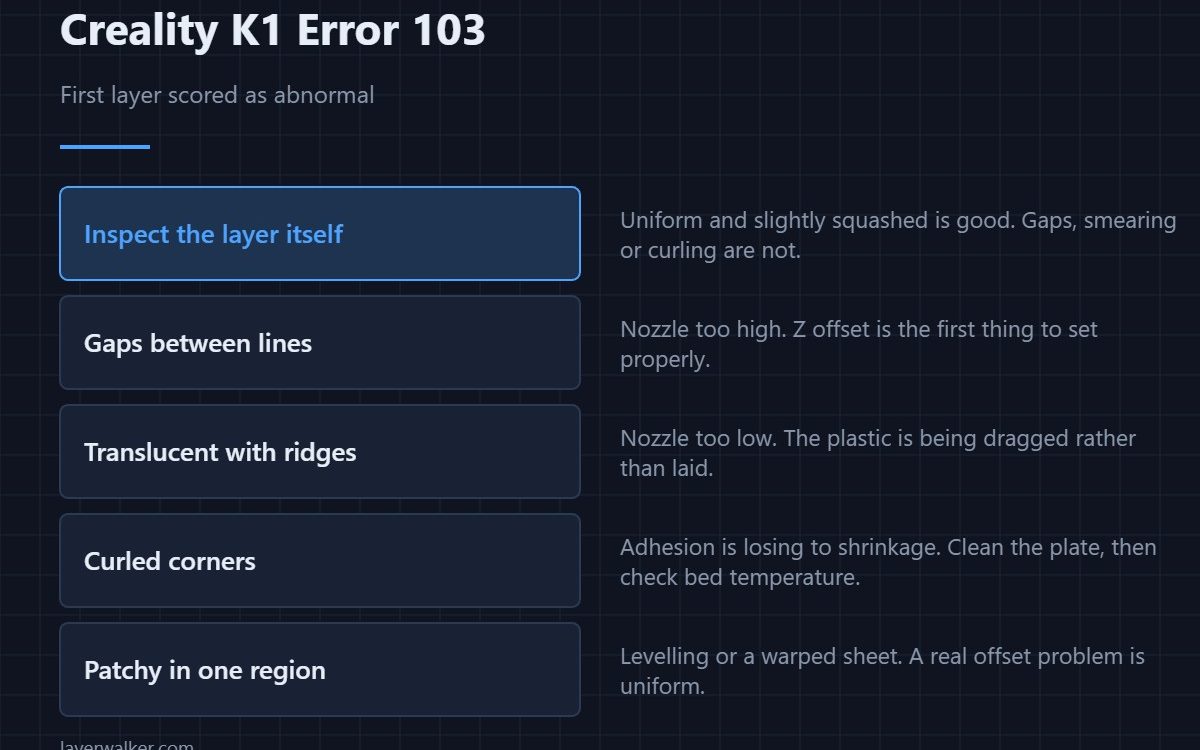
Creality K1 error 103 means the AI check on the first layer found something wrong and paused the print. It fires within the first minutes, which is exactly when you want to be told. Either the first layer genuinely failed — gaps, curling, no adhesion — or the check misread a textured plate or an unusual filament colour.
Stopping early is the point. A bad first layer never recovers, and every minute after it is wasted material.
Where to buy


Look at the layer, not the message
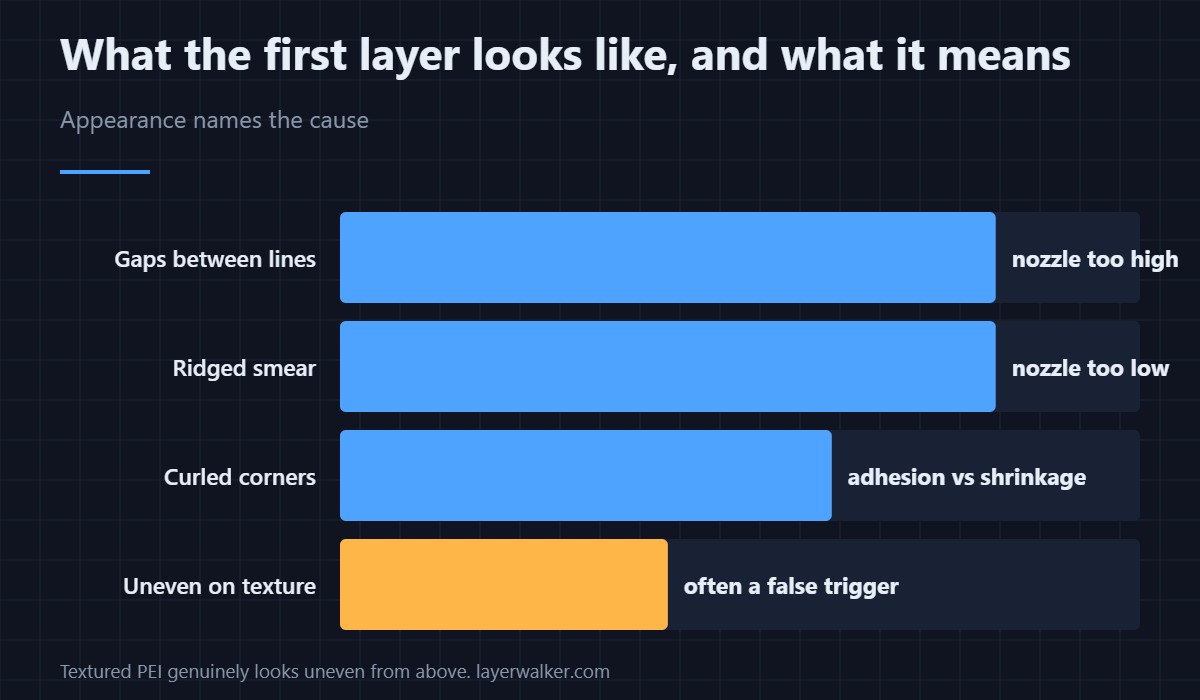
Open the door and inspect what has been laid down. A good first layer is uniform, slightly squashed and fully joined with no gaps between lines. Visible gaps mean the nozzle is too high. A translucent smear with ridges means it is too low. Curled corners mean adhesion is losing to shrinkage.
What each appearance tells you
Gaps and stranded lines point at Z offset, and that is the first thing to set properly — the practical routine is in Z offset and first layer squish. Patchy adhesion across one region of the plate points at levelling or a warped sheet instead, because a genuine offset problem is uniform.
Why Creality K1 error 103 misfires
Heavily textured PEI produces a first layer that genuinely looks uneven from above, because it is: the plastic fills a pattern. The camera sees texture and scores it as a defect. Dark filament on a dark plate is the other common misread, since the check depends on contrast it can no longer find. Sheet types and what each one does to that first layer are covered in PEI build plates.
Fixing the layer rather than the check
If the layer really is bad, clean the plate first, because grease from fingers defeats adhesion more often than any setting does. Then check Z offset, then bed temperature. Only after those three should you start changing slicer settings — the wider list is in first layer problems.
Creality K1 Error 103 FAQ
Should I resume or cancel?
Cancel if the layer looks wrong to you. Resume if it looks fine and you are on a textured plate, which is where most false triggers come from.
Why does it only happen with certain models?
Models with a small footprint give the check very little to look at, and models with a sparse first layer of separate islands look like a failed layer to it.
Is this the same as the spaghetti detection?
No. 101 watches the whole print for detachment. This one looks once, early, at the first layer only.
Can I disable it but keep spaghetti detection?
They live under the same AI camera settings, so in practice you are turning off the group rather than one check. Weigh that before switching it off for a long print.

LayerWalker
Print defect diagnosis, calibration procedures and parts that actually fit. Corrections welcome through the contact page.

