Creality K1 Error 503: First Layer Notice, Print Continues
LayerWalker is a participant in the Amazon Services LLC Associates Program. We may earn a commission when you buy through links on our site, at no extra cost to you.
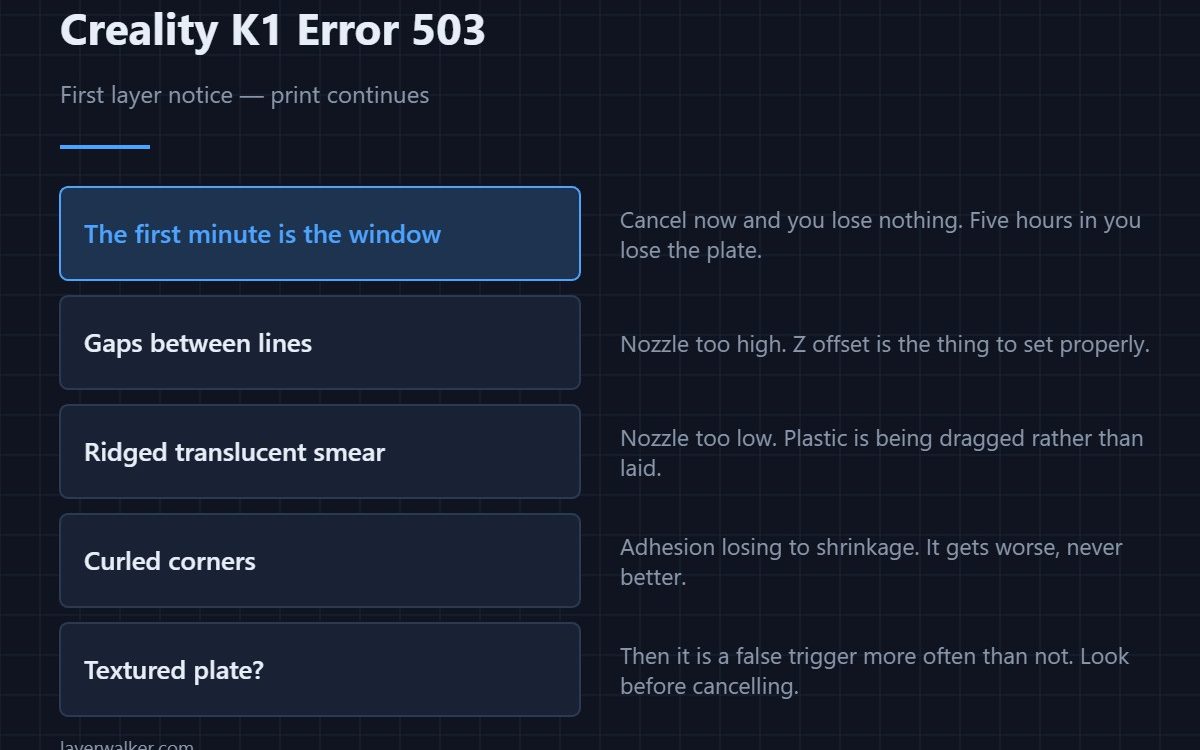
Creality K1 error 503 means the first layer check found something it did not like but is only telling you, not stopping the print. It fires within the first minutes, which is exactly when cancelling costs almost nothing. Look at the plate before you decide, because a bad first layer never recovers.
The value of this notice is entirely in how quickly you respond to it.
Where to buy


What a good first layer looks like
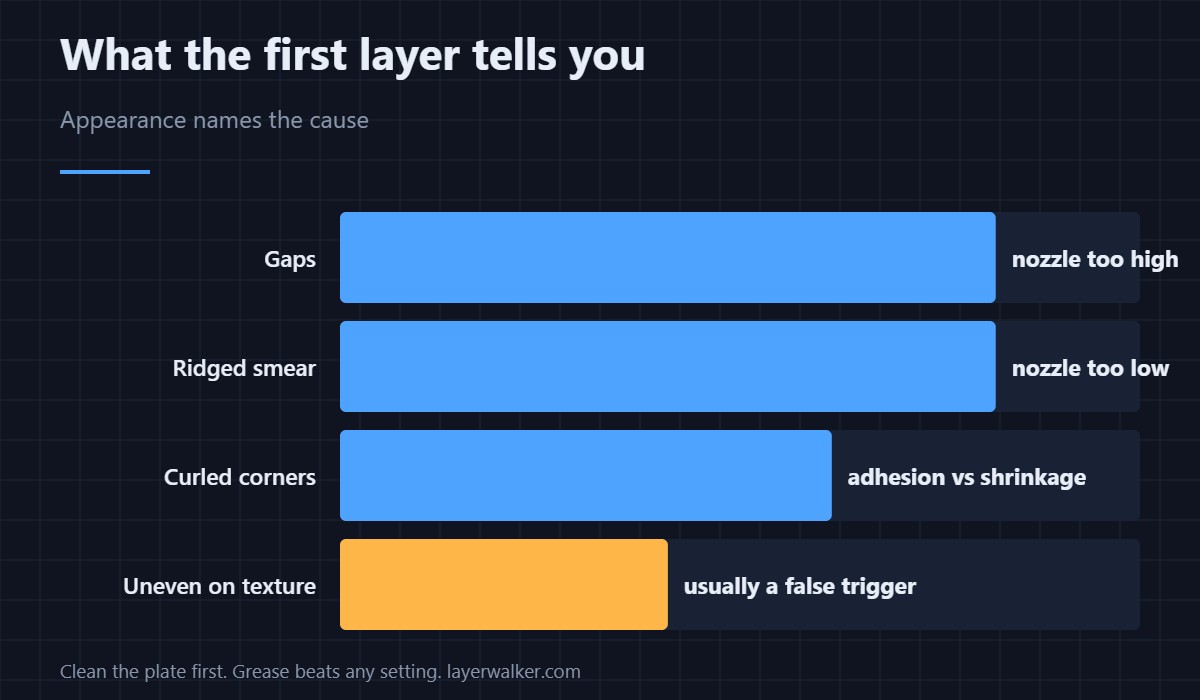
Uniform, slightly squashed, fully joined with no gaps between lines. Visible gaps mean the nozzle is too high. A translucent smear with ridges means it is too low. Curled corners mean adhesion is losing to shrinkage, and that gets worse rather than better.
Cancel early or accept the risk
If the layer is wrong, cancel now. Five minutes in you lose almost nothing; five hours in you lose the whole plate and possibly a jam. This is the one notice where acting immediately is clearly worth more than finishing what you were doing.
Why it misfires on textured plates
A heavily textured PEI sheet produces a first layer that genuinely looks uneven from above, because the plastic fills a pattern. The check sees texture and scores it as a defect. Dark filament on a dark plate is the other common misread, since the check depends on contrast it can no longer find — sheet differences are in PEI build plates.
How Creality K1 error 503 differs from the pausing version
The same check, higher confidence, stops the print and reports as 103. This one is the lower-confidence notice. If you see 503 repeatedly across different models, the check is being provoked by your plate or filament rather than by your printing.
Fixing the layer rather than the check
Clean the plate first, because grease from fingers defeats adhesion more often than any setting does. Then Z offset, then bed temperature. Only after those three should slicer settings come into it — the wider list is in first layer problems, and cleaning technique is in cleaning a print bed.
Creality K1 Error 503 FAQ
Should I always cancel when I see it?
No. Look first. On a textured plate it is a false trigger more often than not.
Why does it not stop the print?
Because the check was not confident enough. Stopping a healthy print has its own cost.
Does it check every layer?
No, it looks at the first layer specifically. Continuous monitoring is a different check with its own codes.
Can I disable just this one?
It sits with the other AI camera checks, so disabling it disables the group including the ones worth keeping.

LayerWalker
Print defect diagnosis, calibration procedures and parts that actually fit. Corrections welcome through the contact page.

