Creality K1 Error 2091: Missed the Next Plan
LayerWalker is a participant in the Amazon Services LLC Associates Program. We may earn a commission when you buy through links on our site, at no extra cost to you.
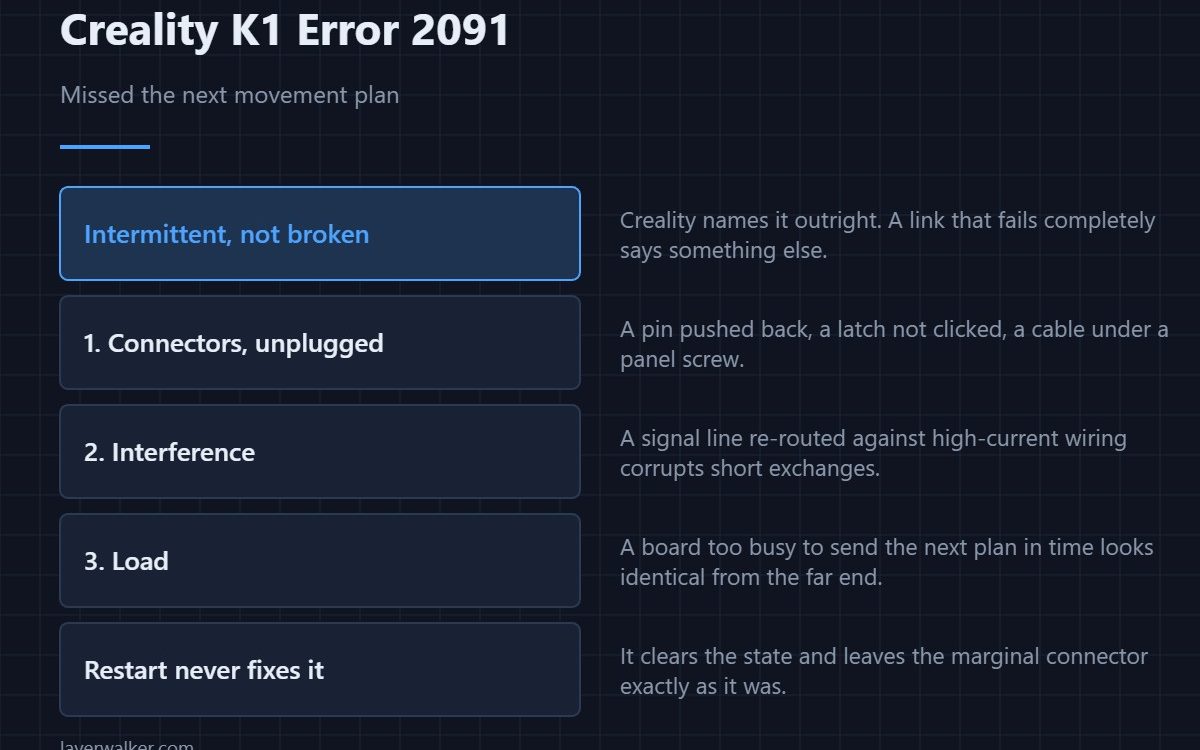
Creality K1 error 2091 means the controller missed the next movement plan, and Creality’s own text says this usually indicates an intermittent communication failure between the microcontroller and the mainboard. Intermittent is the key word: a link that fails completely produces a different message, so this one points at something marginal rather than broken.
Marginal faults are harder to find and easier to fix, because the parts are usually fine and the connection is not.
Where to buy

How motion planning works here
The mainboard plans movement ahead of time and feeds it to the controller that executes it. If the next instalment does not arrive before the current one runs out, the controller has nothing to do and stops rather than guess. That is this message.
Connectors first, with the machine unplugged
Reseat every connector on the path between boards. Look for a pin pushed back into its housing, a latch that never clicked, or a cable pinched by a panel screw. Vibration on a fast machine does this over months; transport does it in one journey.
Then interference
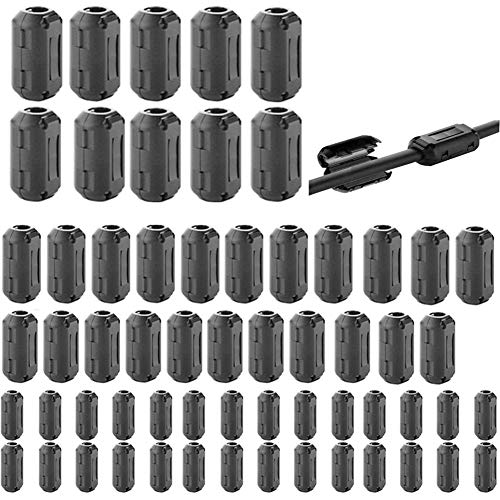
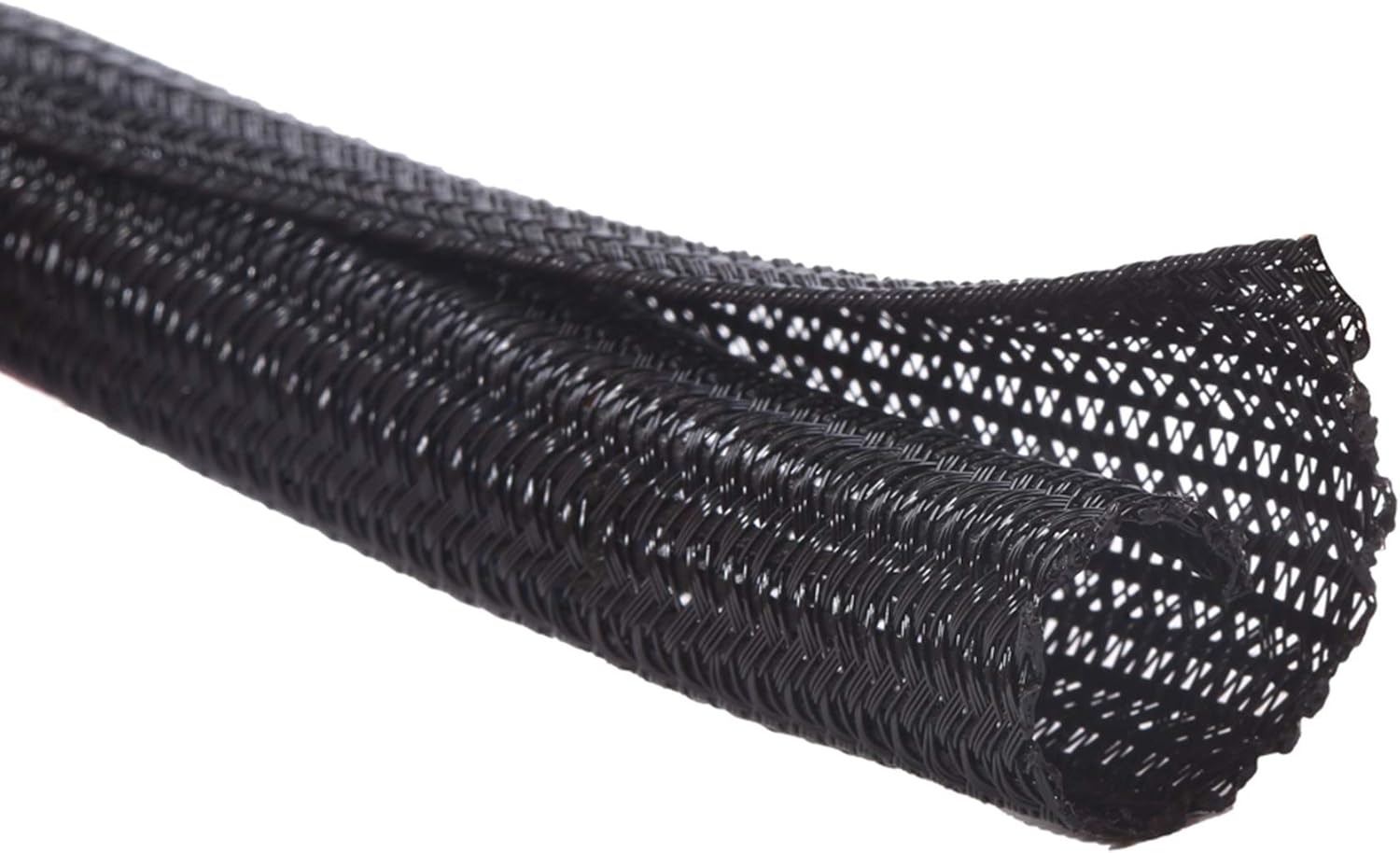
A signal line routed against high-current wiring picks up noise, and noise corrupts short exchanges exactly like this one. If the loom has been re-routed during a repair, or something is cable-tied to the power leads that was not before, put it back.
Then load
A mainboard too busy to send the next plan on time produces the same symptom from the other direction. That is the overload fault, 2090, and dense geometry at high speed causes most of them. If both codes appear in the same session, treat the load as the cause and the communication as the symptom.
Where Creality K1 error 2091 sits among the link faults
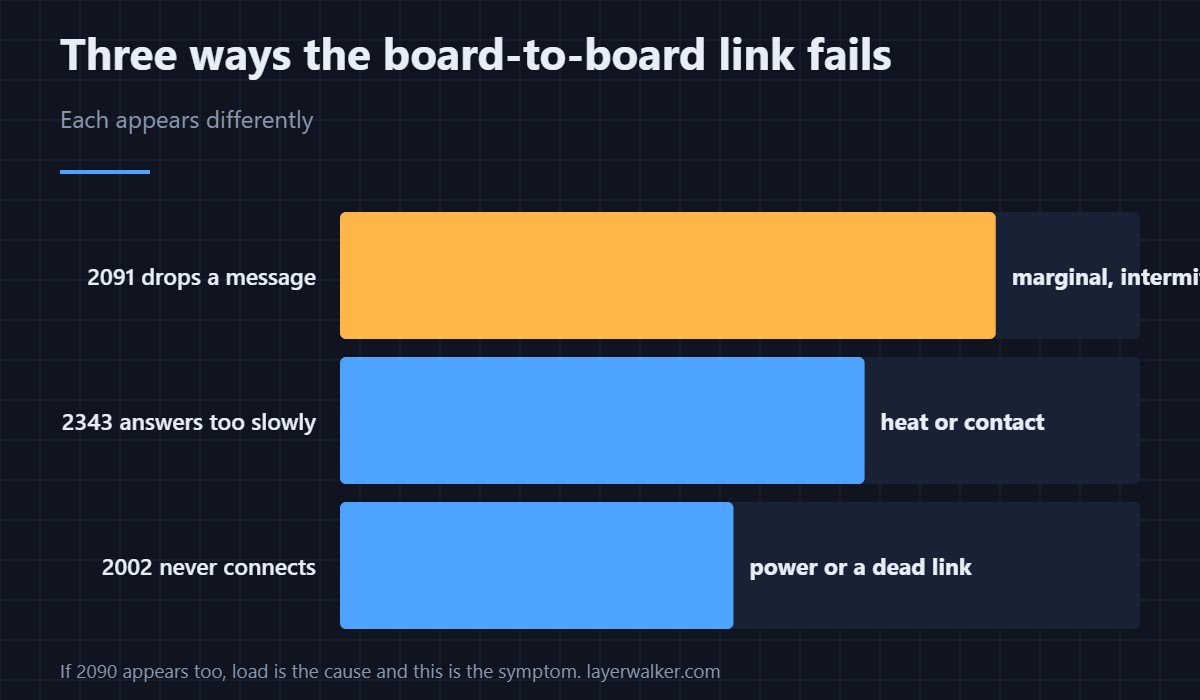
A link that answers too slowly is 2343. One that never connects is 2002. This one is a link that works and occasionally drops a message, which is why restarting always appears to fix it and never does. A link reported as abnormal outright is 110.
Creality K1 Error 2091 FAQ
Does a restart fix it?
It clears the state. It does not change a marginal connector, so expect it back.
Could slowing the print help?
If the cause is load rather than wiring, yes, and that is a useful diagnostic in itself.
Is the mainboard failing?
Rarely. Connections and interference explain most of these, and both are free to check.
It started after transport. Related?
Very likely. Unseated connectors are the single most common cause after a printer has been moved.
Dropping the occasional message is one thing; going silent is another. Creality sets the threshold at five seconds, and that case is Creality K1 error 2560.
Messages can arrive corrupted as well as go missing. A frame with unexplained extra bytes reports as Creality K1 error 2117, which can be a bad tool or electrical noise.

LayerWalker
Print defect diagnosis, calibration procedures and parts that actually fit. Corrections welcome through the contact page.

