Creality K1 Error 2090: Mainboard Overloaded
LayerWalker is a participant in the Amazon Services LLC Associates Program. We may earn a commission when you buy through links on our site, at no extra cost to you.
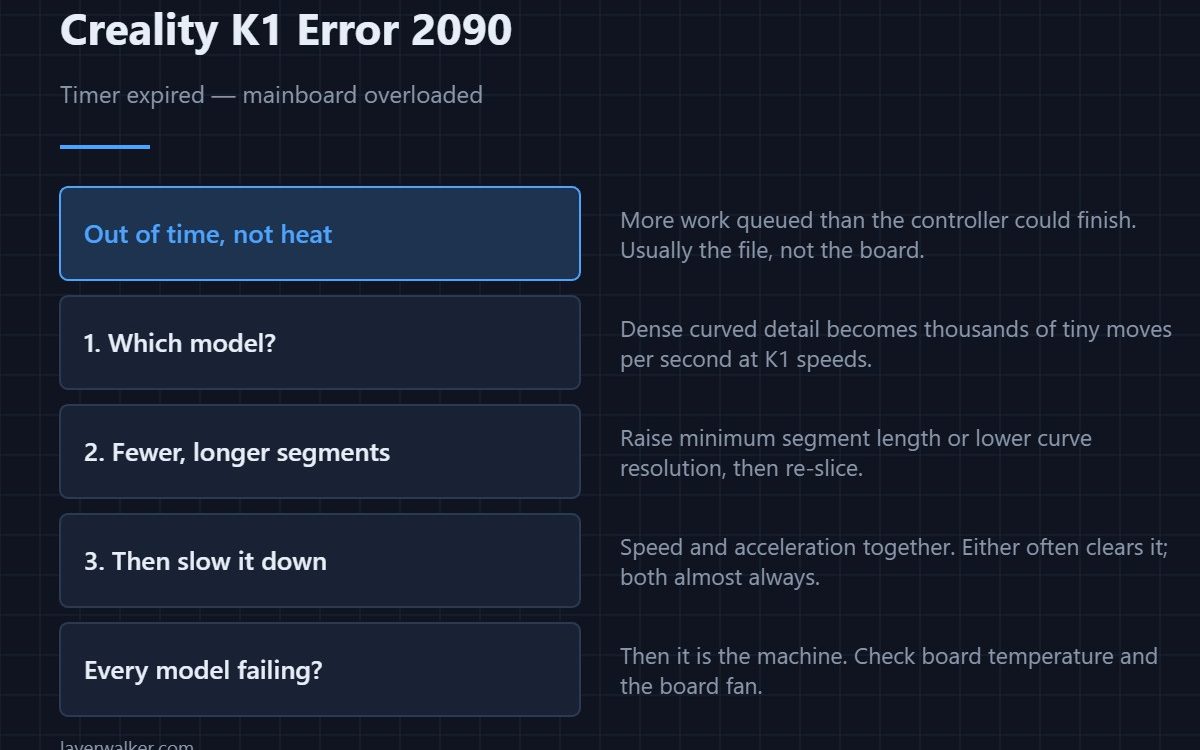
Creality K1 error 2090 means a timer expired, which the printer reports as the mainboard being overloaded. The controller had more work queued than it could complete in the time available. That is usually a G-code problem rather than a broken board: files with very fine segments at very high speed ask for more decisions per second than the hardware can make.
It is a processing limit, and it responds to changing the file far more reliably than to changing parts.
Where to buy


Look at what you were printing
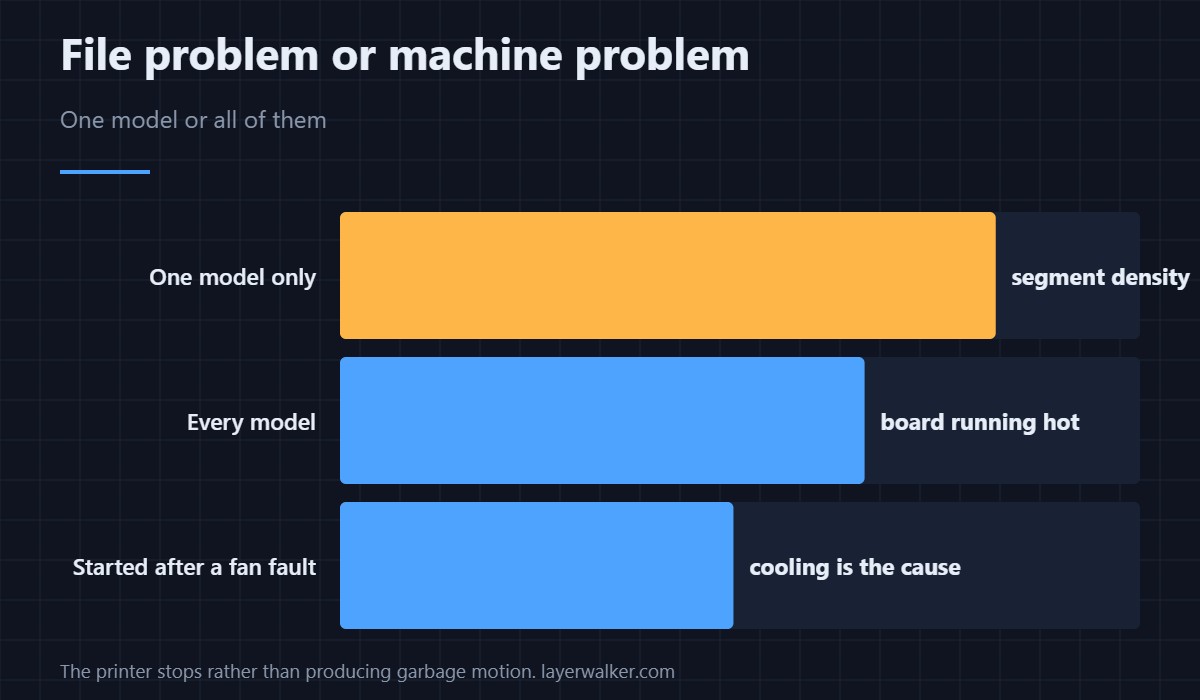
Models with dense curved detail produce enormous numbers of tiny moves. Push those through at K1 speeds and the controller has to plan thousands of segments a second. If the fault only happens on one model, that is your answer and the machine is fine.
What to change in the slicer
Raise the minimum segment length or reduce the curve resolution so fewer, longer moves describe the same shape. Then reduce speed and acceleration for that model. Either alone often clears it; together they almost always do. Where those settings live is covered in the Creality slicer guide.
When it is not the file
If it happens across every model, including simple ones, look at the machine. A board running hot throttles and then misses deadlines, which is the same symptom arriving from a different direction — that is 2512 when the chip temperature itself is flagged, and 502 when the board fan has stopped.
How Creality K1 error 2090 relates to driver faults
A controller that misses deadlines and a driver that overheats both end in missed motion, and both can appear in the same session. The driver version is 2505. If you see the two together, treat cooling as the common cause before rewriting slicer profiles.
The unglamorous check
Clean the board fan. It is the single cheapest thing on this list, it takes ten minutes, and a fan felted with dust is the most common reason a K1 that used to cope suddenly does not — sizes are in cooling fans.
Creality K1 Error 2090 FAQ
Does this damage anything?
No. The printer stops rather than producing garbage motion, which is the correct response.
Why does it only happen on one model?
Because that model has the segment density that crosses the limit. Simpler geometry never gets close.
Would a faster SD card or drive help?
Not really. The printer copies to internal storage before printing, so drive speed is not in the loop during the job.
Is slowing the print an admission of defeat?
It is a diagnosis. If halving the speed clears it, you have proved the cause and can then decide whether to fix the file instead.

LayerWalker
Print defect diagnosis, calibration procedures and parts that actually fit. Corrections welcome through the contact page.

