Creality K1 Error 2111: Extrusion Temperature Below Minimum
LayerWalker is a participant in the Amazon Services LLC Associates Program. We may earn a commission when you buy through links on our site, at no extra cost to you.
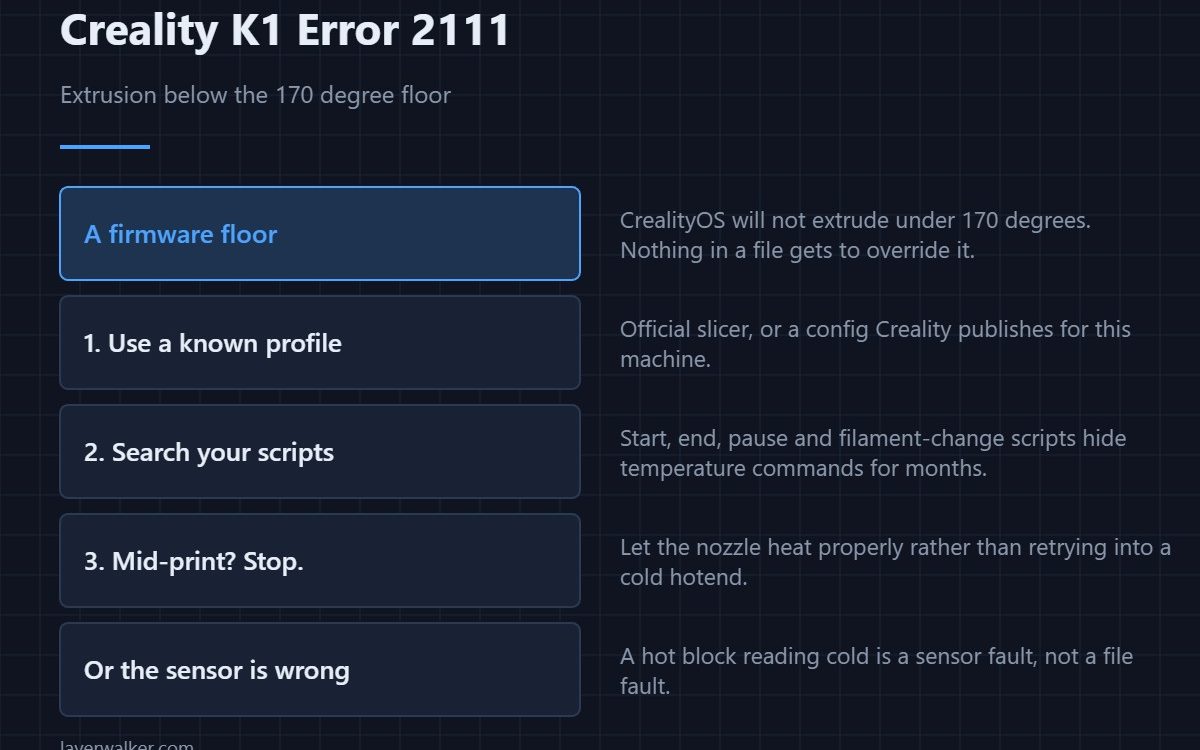
Creality K1 error 2111 means the file asked the printer to extrude below its configured minimum. CrealityOS sets that floor at 170 degrees, and nothing gets to go under it. The usual cause is a slicer profile that lowers temperature somewhere the printer still expects to push filament — often during a pause, a colour change, or an over-eager cooling step.
The firmware is protecting the extruder rather than being fussy, and the fix belongs in the file.
Where to buy


Use a profile the printer recognises
Creality’s advice is direct: use the official slicing software, or a third-party configuration file published by Creality for that machine. A profile borrowed from another printer, or one you have edited over time, is where this almost always comes from. Re-select the machine profile rather than keeping your customised copy — see the Creality slicer guide.
Look at your custom scripts
Start G-code, end G-code, pause scripts and filament-change scripts are the places where a temperature command hides for months. A script that drops the hotend to a standby temperature and then retracts is asking for exactly this. Search the file for temperature commands and read what happens immediately after each one.
What the floor is protecting
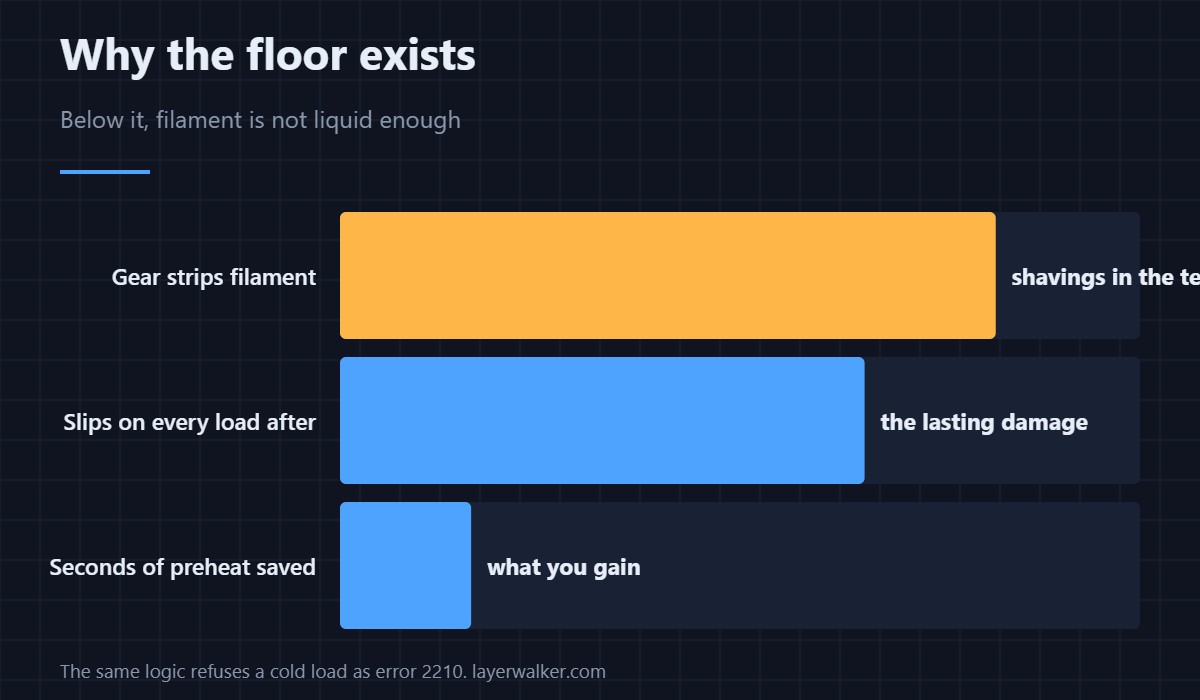
Below roughly 170 degrees, common filaments are not liquid enough to be pushed without force that the drive gear turns into shavings. The related guard refuses to load filament at all when the hotend is cold, and that is 2210. Both exist for the same reason and neither is worth defeating.
If Creality K1 error 2111 appears mid-print
Then something lowered the temperature during the job. Stop, let the nozzle heat properly, and look at what the file was doing at that layer. Creality also notes that if a related nozzle fault appears alongside it, stop printing and heat the nozzle before doing anything else rather than retrying into a cold hotend.
The other possibility: the printer is wrong about the temperature
If the block is genuinely hot and the printer still thinks it is under the floor, the sensor is misreporting rather than the file misbehaving. That fault reads as 2509, and the measurement approach is in 3D printer thermistors.
Creality K1 Error 2111 FAQ
Can I lower the minimum extrusion temperature?
It is set in the printer configuration rather than in your slicer, and it is there to stop the extruder damaging itself. Fix the profile instead.
Why does an old file still print fine?
Because it was sliced with a profile that respected the floor. The problem arrived with a profile change, not with the printer.
Does this affect all materials?
The floor is the same regardless. It is simply more likely to be crossed by profiles tuned for low-temperature materials.
Is 170 degrees the printing temperature?
No, it is the absolute minimum at which extrusion is allowed. Real printing temperatures sit well above it for every common filament.

LayerWalker
Print defect diagnosis, calibration procedures and parts that actually fit. Corrections welcome through the contact page.

