Creality K1 Error 2019: Target Temperature Out of Range
LayerWalker is a participant in the Amazon Services LLC Associates Program. We may earn a commission when you buy through links on our site, at no extra cost to you.
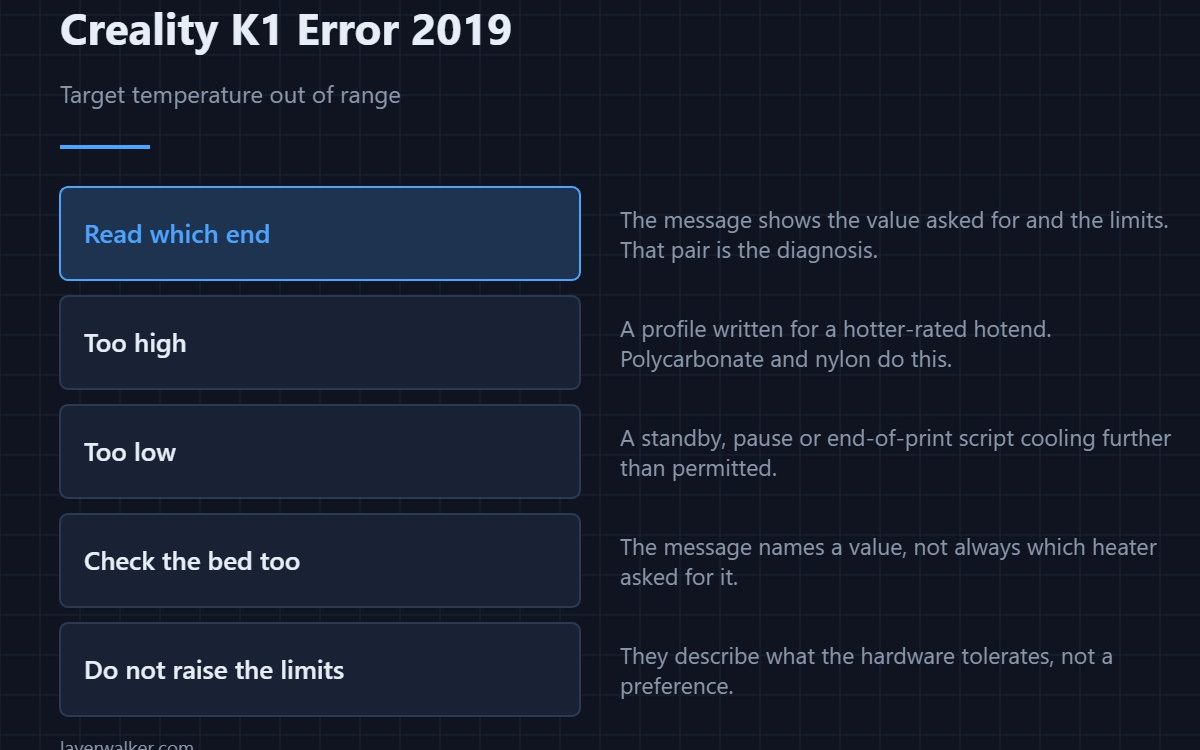
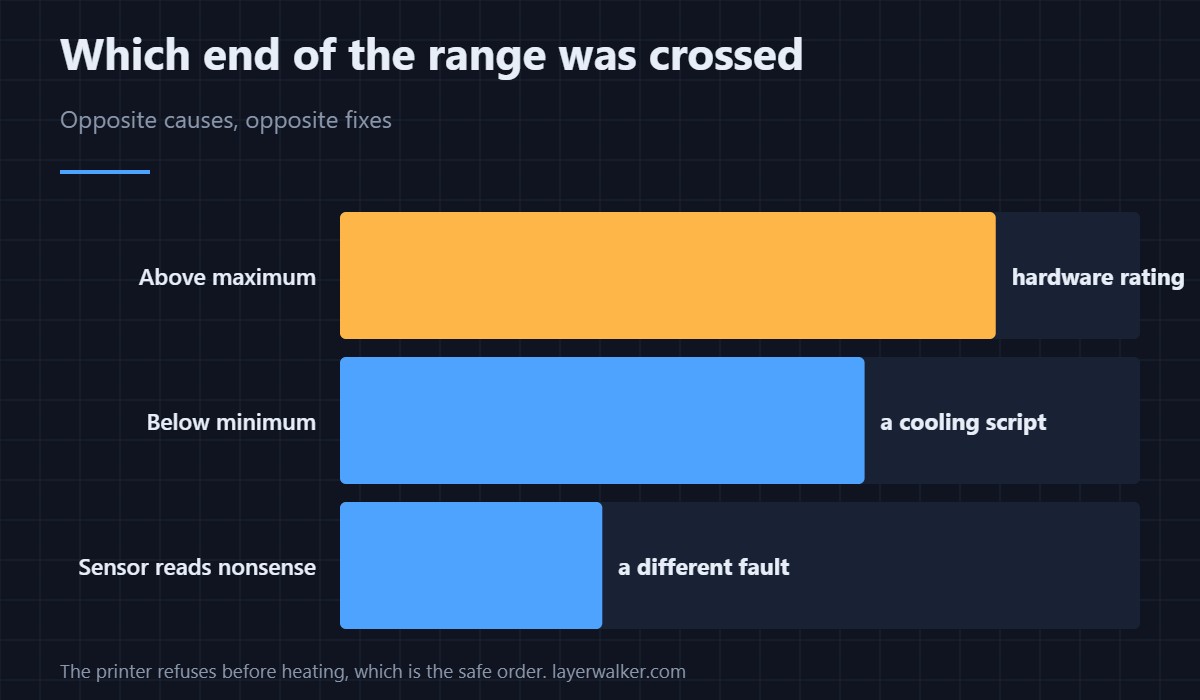
Creality K1 error 2019 means a requested target temperature fell outside the allowed range, and the message shows the value asked for alongside the limits. Read which end it exceeded. Too high usually means a profile written for a higher-temperature hotend; too low means a cooling or standby step that goes further than the firmware permits.
The printer is refusing before heating rather than after, which is the safe order to fail in.
Where to buy


Too high: the profile expects different hardware
Materials like polycarbonate, nylon and some carbon-filled blends want temperatures a standard hotend is not rated for. A profile borrowed for those materials will request a number this machine refuses. Either fit hardware rated for it or choose a material the printer can actually run — profile handling is in the Creality slicer guide.
Too low: something in the file is cooling too far
Standby temperatures during pauses, filament change scripts, and end-of-print cooling steps all set targets. A script that drops the hotend below the permitted floor trips this in the same way a request for extrusion below 170 degrees trips 2111. Search your start, end and pause scripts for temperature commands.
Check the bed as well as the nozzle
The message names the value, not always the heater. A bed target set for a machine with a higher-rated plate produces the same refusal. If the number in the message looks like a bed temperature rather than a nozzle one, that is where to look.
When Creality K1 error 2019 is really a sensor fault
If the printer reports an impossible current temperature, the range check can fail on that rather than on your request. A sensor returning nonsense reads as 2509 for the nozzle, and the measurement approach is in 3D printer thermistors. If the displayed temperature looks wrong before you start any job, suspect the sensor rather than the file.
What not to do
Do not raise the configured limits to silence it. They describe what the hardware tolerates, and a hotend run past its rating degrades PTFE, cooks wiring insulation and eventually fails in a way that costs more than the print.
Creality K1 Error 2019 FAQ
Where do I see the allowed range?
The message includes it, shown alongside the value that was requested. That pair is the fastest diagnosis available.
Can I print polycarbonate on a K1?
Only with a hotend rated for the temperature it needs. Asking a standard one is what produces this error.
It appears at the end of a print. Why?
Because an end script is setting a target. Cooling steps are as capable of leaving the range as heating ones.
Does the chamber temperature matter?
Not to this check directly. It is the requested heater target that is compared, not the air around it.

LayerWalker
Print defect diagnosis, calibration procedures and parts that actually fit. Corrections welcome through the contact page.