Creality K1 Error 2112: Movement Exceeds Maximum Extrusion
LayerWalker is a participant in the Amazon Services LLC Associates Program. We may earn a commission when you buy through links on our site, at no extra cost to you.
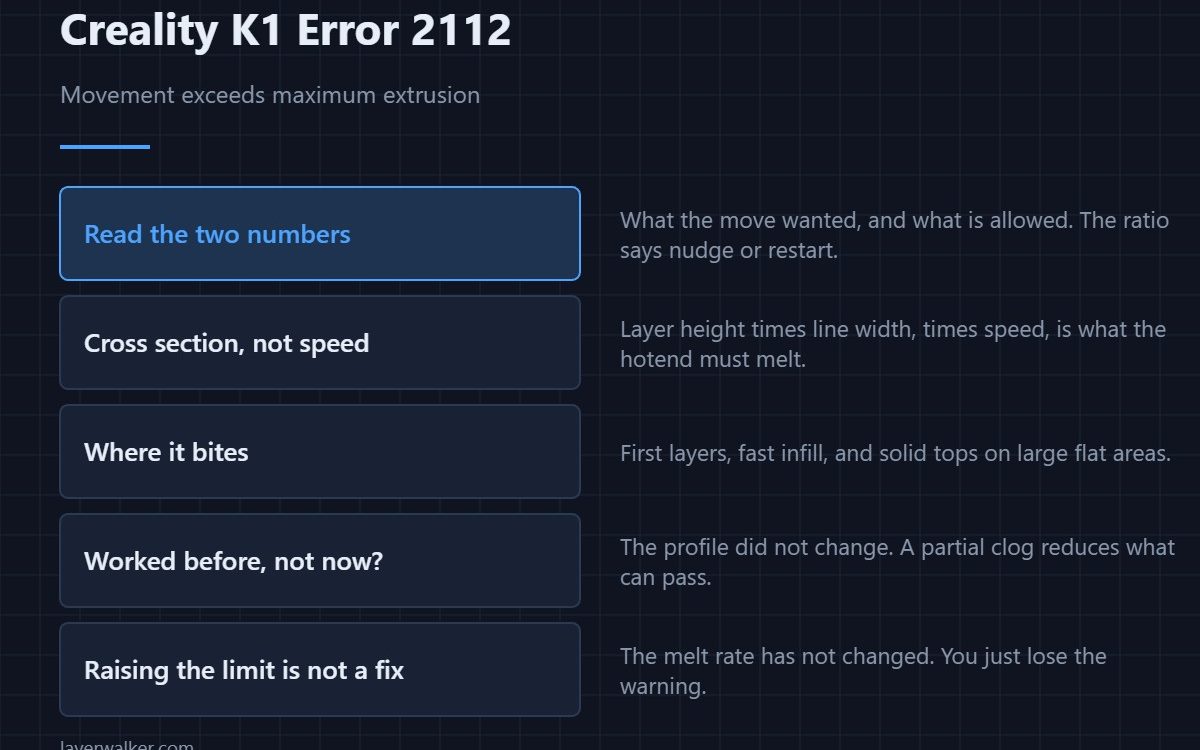
Creality K1 error 2112 means a move asked for more extrusion than the configured maximum cross section allows, and the message shows both numbers so you can see by how much. The limit exists because a hotend can only melt plastic so fast. Exceed it and you get under-extrusion at best and a jam at worst, so the firmware refuses.
The figure is an area, not a speed, and that is the key to fixing it properly.
Where to buy


Read the two numbers
The first is what the move wanted, the second is what is allowed. A small overshoot means one aggressive setting; a large one means the profile is fundamentally wrong for this machine. That ratio tells you whether to nudge a value or start from a fresh profile.
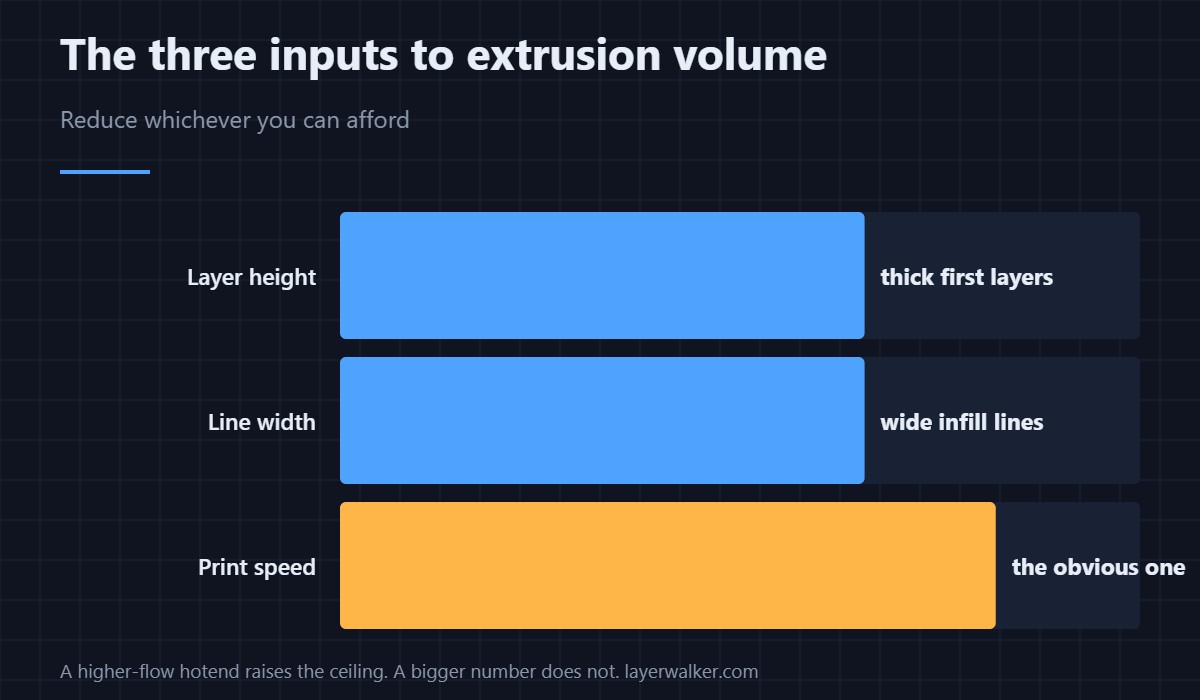
Cross section is layer height times line width
That product, multiplied by speed, is the volume the hotend must melt per second. So the culprit is rarely speed alone: a thick layer and a wide line at a moderate speed can exceed the limit just as easily as a thin layer at a reckless one. Reduce whichever of the three you can most afford to lose.
Where it bites hardest
First layers, which are deliberately thick and wide. Infill at high speed, where slicers often allow wider lines. And ironing or solid top layers on large flat areas. If the fault always appears at the same point in a print, look at what that region is doing rather than at the profile as a whole — settings locations are in the Creality slicer guide.
When Creality K1 error 2112 is really a hardware problem
If a profile that worked for months suddenly trips it, the profile did not change — the hotend did. A partial blockage reduces how much plastic can pass, and the printer notices the mismatch. Work through clearing a clogged nozzle before rewriting settings that were fine last week.
The legitimate way to raise the ceiling
A higher-flow hotend and a nozzle designed to melt faster genuinely raise it. Simply increasing the configured maximum does not, because the physical melt rate has not changed — you just move the failure from an error message to a stringy, hollow print. A related firmware limit on the cold side is 2111, and how the melt zone is put together is in the hotend explainer.
Creality K1 Error 2112 FAQ
Can I just raise the maximum in the configuration?
You can, and the printer will then try and fail silently instead of telling you. The limit reflects what the hotend can melt.
Does a bigger nozzle help?
Only if it also melts faster. A wider hole with the same heater passes more plastic but less well melted.
Why does it only happen on the first layer?
Because first layers use thicker, wider lines by design. That is the largest cross section in most prints.
Is this the same as under-extrusion?
It is the cause the printer catches before it becomes under-extrusion. Ignoring it produces exactly that symptom.

LayerWalker
Print defect diagnosis, calibration procedures and parts that actually fit. Corrections welcome through the contact page.

