Creality K1 Error 2210: Extruder Below Minimum Temperature
LayerWalker is a participant in the Amazon Services LLC Associates Program. We may earn a commission when you buy through links on our site, at no extra cost to you.
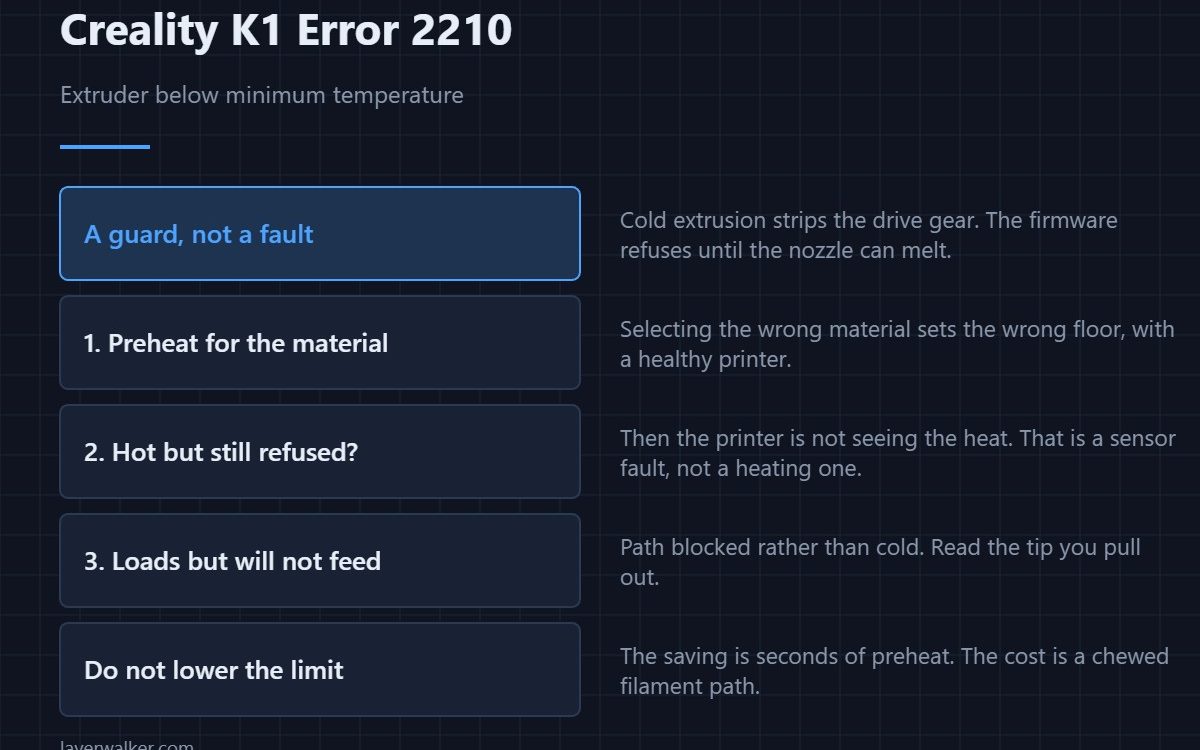
Creality K1 error 2210 means the printer will not load filament automatically because the extruder is below its minimum temperature. This is a guard, not a fault. Pushing filament through a cold nozzle strips the drive gear and can bend the path, so the firmware refuses until the hotend is hot enough to melt what you are feeding it.
Most of the time the answer is simply to preheat and try again. When it is not, the reason is worth knowing.
Where to buy


Preheat for the material, not for the machine
The minimum is a safety floor, not a printing temperature. PLA loads happily around its normal range; PETG and ABS need more; TPU wants heat and a slow feed. Selecting the right material in the load menu sets this for you, and picking the wrong one is a common way to meet this code with a perfectly healthy printer.
When it appears even though the hotend is hot
Then the printer is not seeing the temperature, which is a sensor problem rather than a heating problem. The reading, not the metal, decides whether the guard opens. If the display shows a number far below what the block clearly is, start with 2509, the nozzle sensor fault.
Why Creality K1 error 2210 exists at all
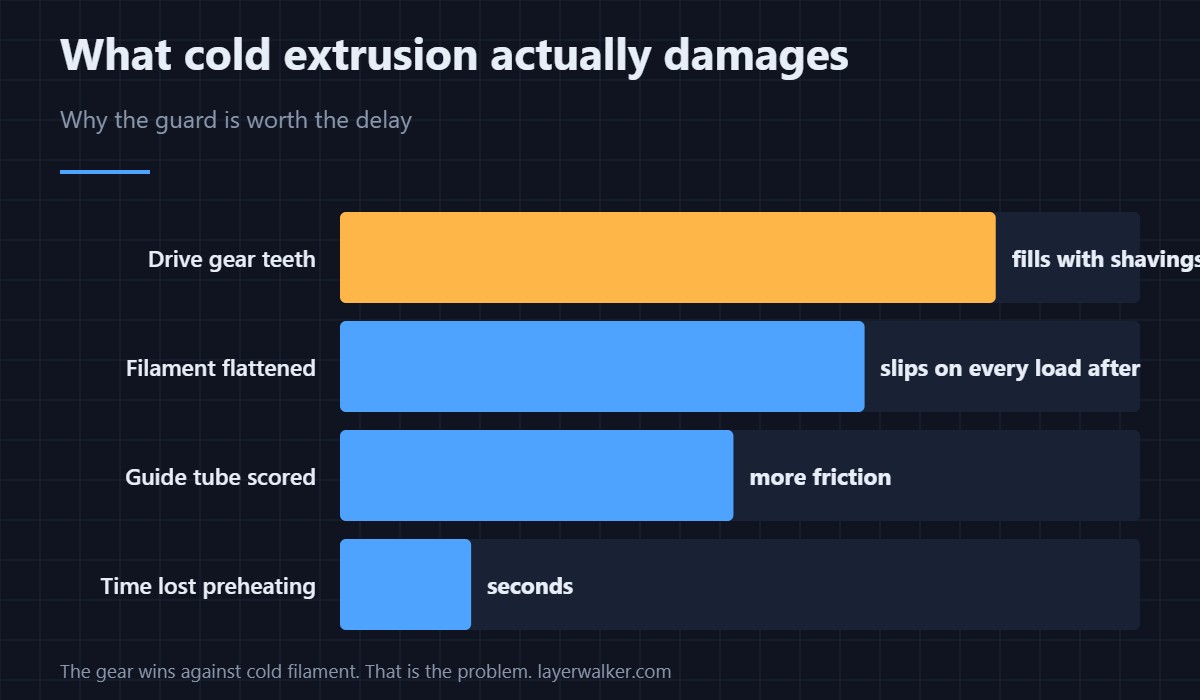
Cold extrusion is one of the few things on a printer that reliably causes damage. The drive gear wins against solid filament, which means it chews a flat into it and fills its teeth with shavings. Those shavings then cause slipping on every subsequent load. Preventing that is worth an occasional inconvenient refusal.
If it loads but will not feed
Once temperature is right and the filament still will not go, the path is blocked rather than cold. Look at the tip you pull out, check the guide tube for scoring — see PTFE tube — and if the resistance is at the very end, work through clearing a clogged nozzle. Filament that has gone brittle in storage snaps inside the path and produces the same symptom, which is a storage problem rather than a machine one.
Creality K1 Error 2210 FAQ
Can I lower the minimum temperature?
You should not. It exists to stop the extruder damaging itself, and the saving is a few seconds of preheat.
It preheated and still refused. Now what?
Check the displayed temperature against what the block feels like. A hot block reading cold is a sensor or wiring fault, not a heating fault.
Does this happen more with some materials?
It happens more when the selected material does not match the loaded one, because the floor is set from the selection rather than from what is in the tube.
Is this the same as a failed load?
No. This is a refusal before anything moved. A load that starts and times out is a different fault with a different cause.
The same floor applies mid-print, not just at load time. A file asking to extrude below it reports as Creality K1 error 2111, and CrealityOS sets that floor at 170 degrees.

LayerWalker
Print defect diagnosis, calibration procedures and parts that actually fit. Corrections welcome through the contact page.

