Creality K1 Error 2211: Pause Printing
LayerWalker is a participant in the Amazon Services LLC Associates Program. We may earn a commission when you buy through links on our site, at no extra cost to you.
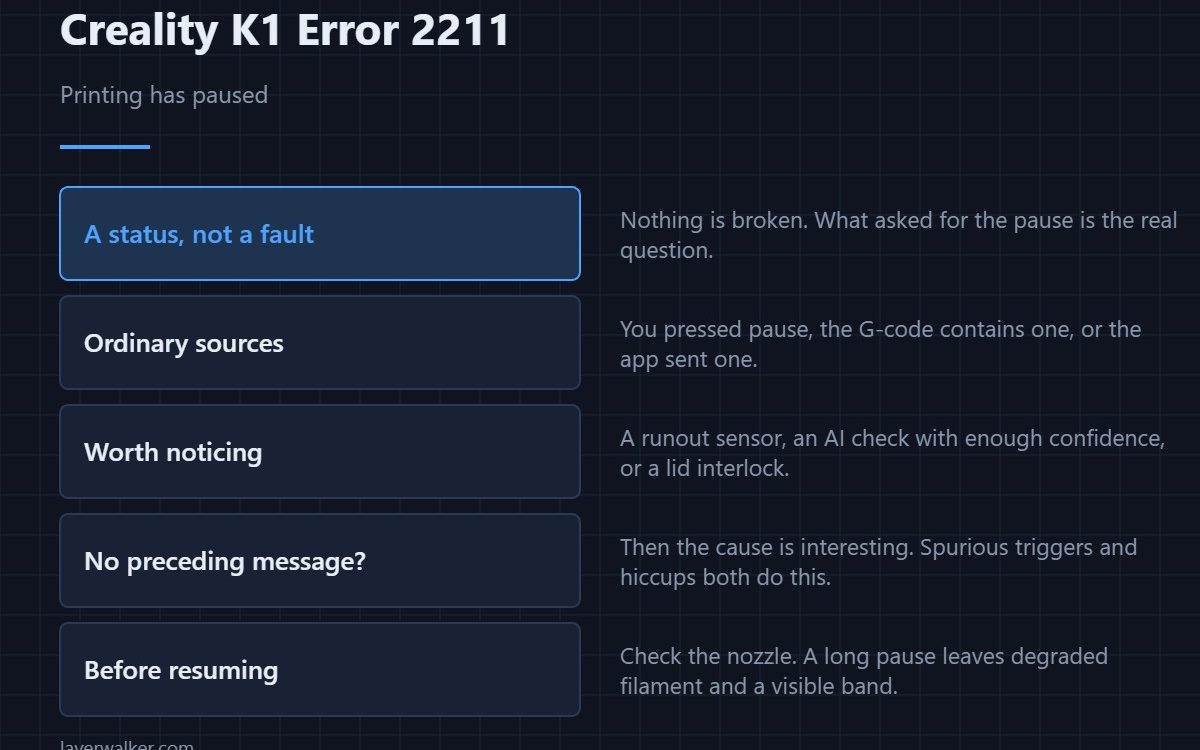
Creality K1 error 2211 is the printer reporting that printing has been paused. It is a status message rather than a fault, and on its own it tells you nothing is broken. What matters is what requested the pause, because the answer ranges from you pressing a button to a safety check stepping in quietly.
People chase this code and find nothing, because the thing worth finding is the message that came before it.
Where to buy


The ordinary sources
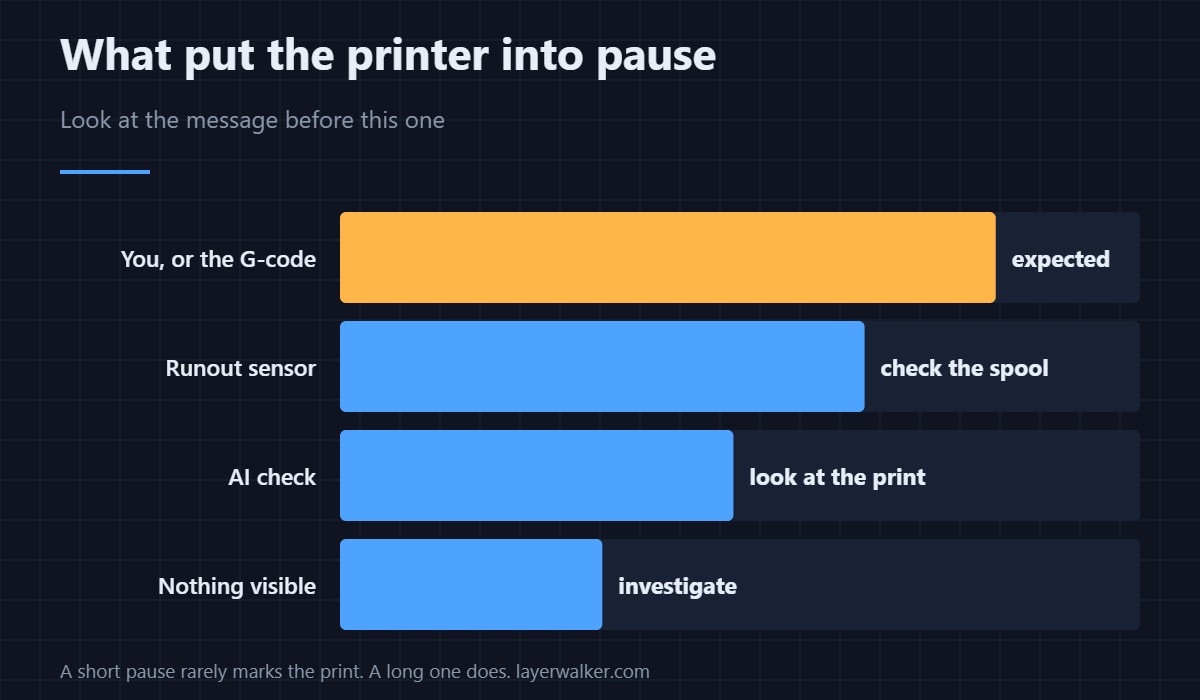
You pressed pause. The G-code contains a pause command, usually for a filament change or an insert. The app or web interface sent one. All three are expected, and the printer is simply confirming.
The ones worth noticing
A filament runout sensor triggering, an AI camera check with enough confidence to stop the job, or a door or lid interlock. These present as a pause because that is the gentlest possible response, and the underlying reason appears as its own message alongside.
Look at what came first
Scroll back through the screen or the log. If a pause arrived with no preceding message and no action from you, the cause is more interesting: an intermittent sensor, a spurious runout trigger, or a controller hiccup. That pattern is worth investigating even though the pause itself is harmless.
Resuming safely
Check the nozzle before you resume a long pause. Filament sitting in a hot nozzle degrades, and the first extrusion after a lengthy pause is often under-extruded for a few seconds. Purging a little before resuming avoids a visible band at that layer.
What Creality K1 error 2211 is not
It is not a refusal to move, which is 2095, and not a refusal to accept a command, which is 2283. It is also not the cold-extrusion guard refusing to load filament, which is 2210. All four get confused because all four stop you doing something. Filament that has gone brittle in storage causes false runout triggers, and that is a storage problem rather than a printer one.
Creality K1 Error 2211 FAQ
Do I need to do anything?
Only resume, unless something else prompted the pause. Then deal with that first.
Can a pause ruin a print?
A short one, rarely. A long one leaves a visible layer line and can cool the part enough to affect adhesion of the next layer.
Why did it pause with nothing on screen?
That is the case worth investigating. A spurious runout trigger or a brief communication fault can both do it.
Does the hotend stay hot while paused?
It holds temperature, which is why checking the nozzle before resuming is worth the ten seconds.
The opposite situation also has a code: a resume arriving at a printer that was never paused reports as Creality K1 error 2016, and the cause is usually a stale app view.

LayerWalker
Print defect diagnosis, calibration procedures and parts that actually fit. Corrections welcome through the contact page.

