Creality K1 Error 2016: Not Paused, Resume Refused
LayerWalker is a participant in the Amazon Services LLC Associates Program. We may earn a commission when you buy through links on our site, at no extra cost to you.
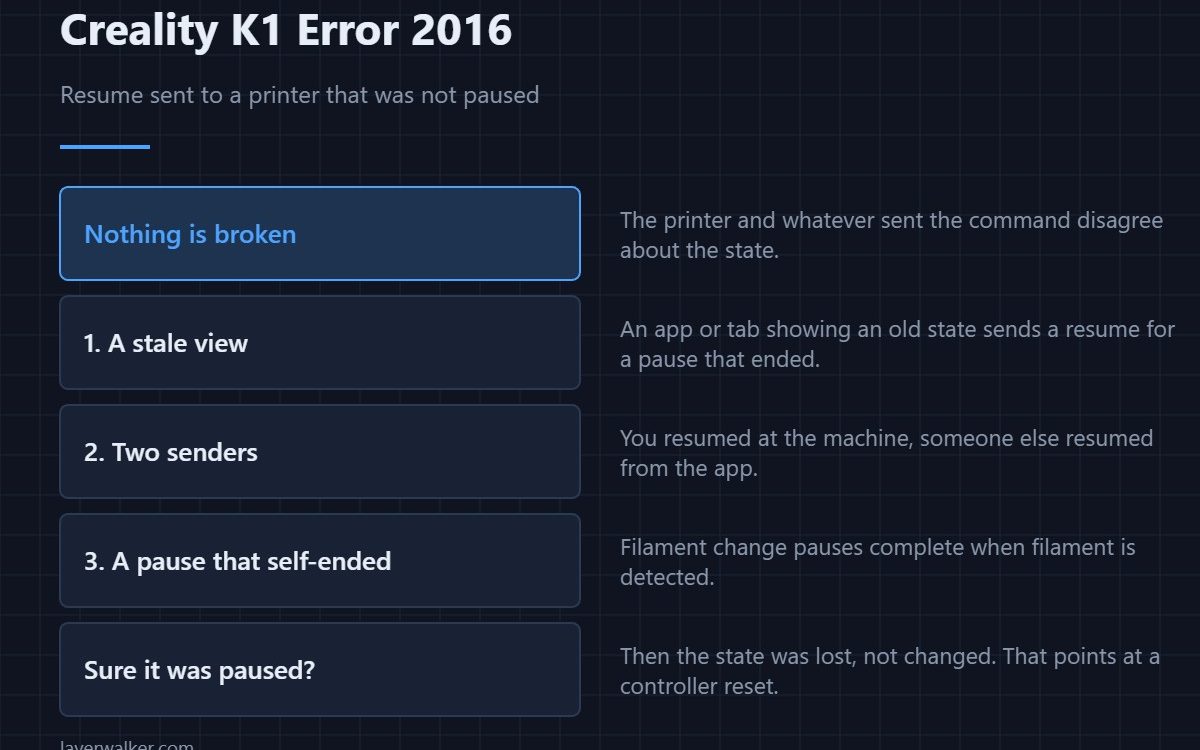
Creality K1 error 2016 means a resume command arrived while the printer was not actually paused, so it refused. Nothing is broken. The printer and whatever sent the command disagree about the current state, and that disagreement is almost always a stale interface rather than a fault in the machine.
It is one of the few K1 messages where the cause is on your screen rather than inside the printer.
Where to buy

SUNLU PLA Filament 1.75mm, 250g Spool Bundle, 3D Printer Filament

The commonest cause: a stale view
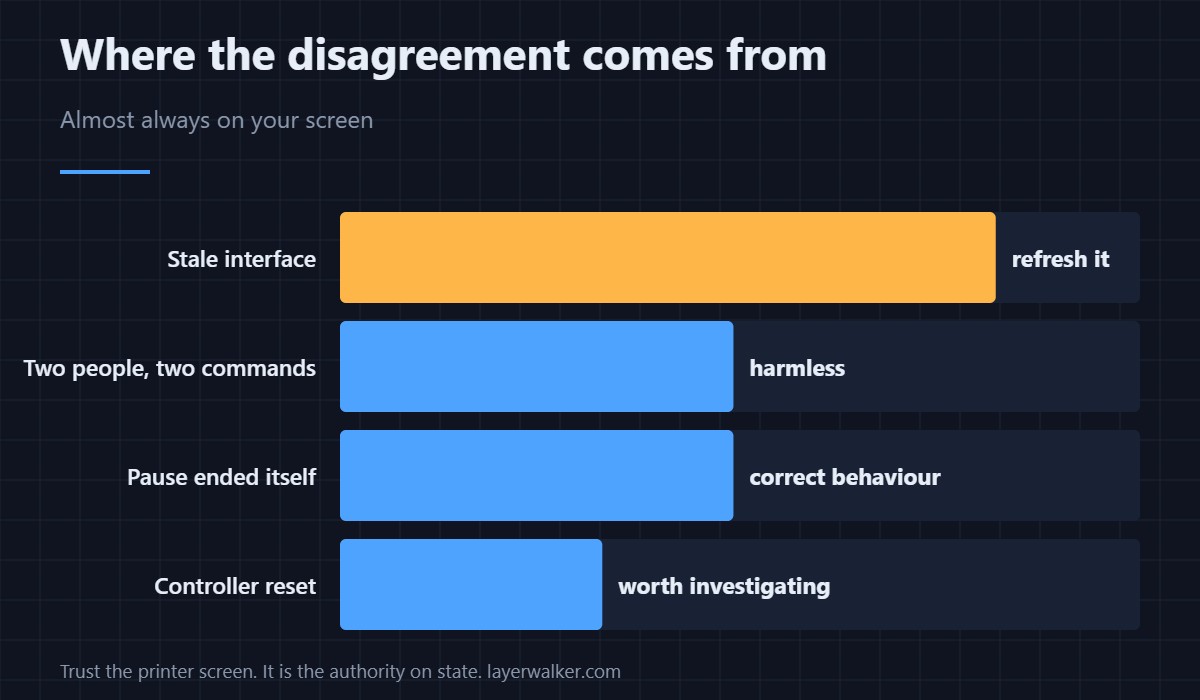
The app, the web interface or a second browser tab showing an old state will happily send a resume for a pause that ended minutes ago. Refresh the interface and look at what the printer screen says, because that is the authority.
Two things sending commands
If you resumed at the machine and someone else resumed from the app, the second command lands on a printer that is already running. Same message, no fault, and worth knowing if more than one person uses the printer.
A pause that ended by itself
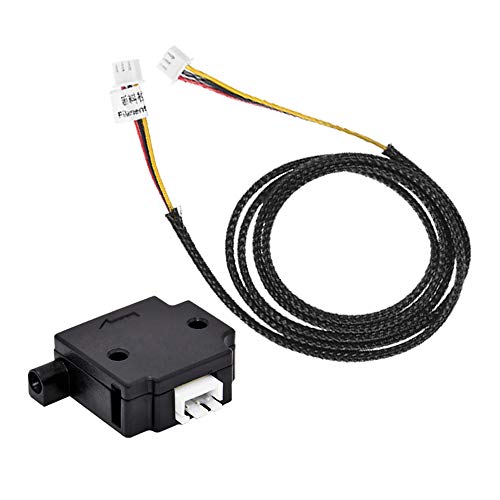
A filament change pause completes when filament is detected. If you then press resume, the printer has already moved on. The sequence feels wrong but the behaviour is correct.
When Creality K1 error 2016 is worth a closer look
If you are certain the printer was paused and it says otherwise, the state was lost rather than changed. That points at a controller reset, which also shows up as a refusal to move — 2095 — because position is discarded at the same time. A machine refusing commands generally reports 2283.
How it differs from the pause status
A printer that is genuinely paused reports 2211. This message is the opposite situation: a resume with nothing to resume. Reading them as a pair makes both obvious.
Creality K1 Error 2016 FAQ
Did my print get damaged?
No. A refused command changes nothing.
Why does the app show the wrong state?
Because it caches and updates on a delay. Refresh it and trust the printer screen.
Should I restart the printer?
Not for this. Restarting a running print to fix a cosmetic mismatch is the worse outcome.
Can I stop it happening?
Use one interface at a time, and refresh before sending commands after a gap. Genuine loss of contact looks different and reports as 2560.

LayerWalker
Print defect diagnosis, calibration procedures and parts that actually fit. Corrections welcome through the contact page.

