Creality K1 Error 2252: Parameter Below Minimum
LayerWalker is a participant in the Amazon Services LLC Associates Program. We may earn a commission when you buy through links on our site, at no extra cost to you.
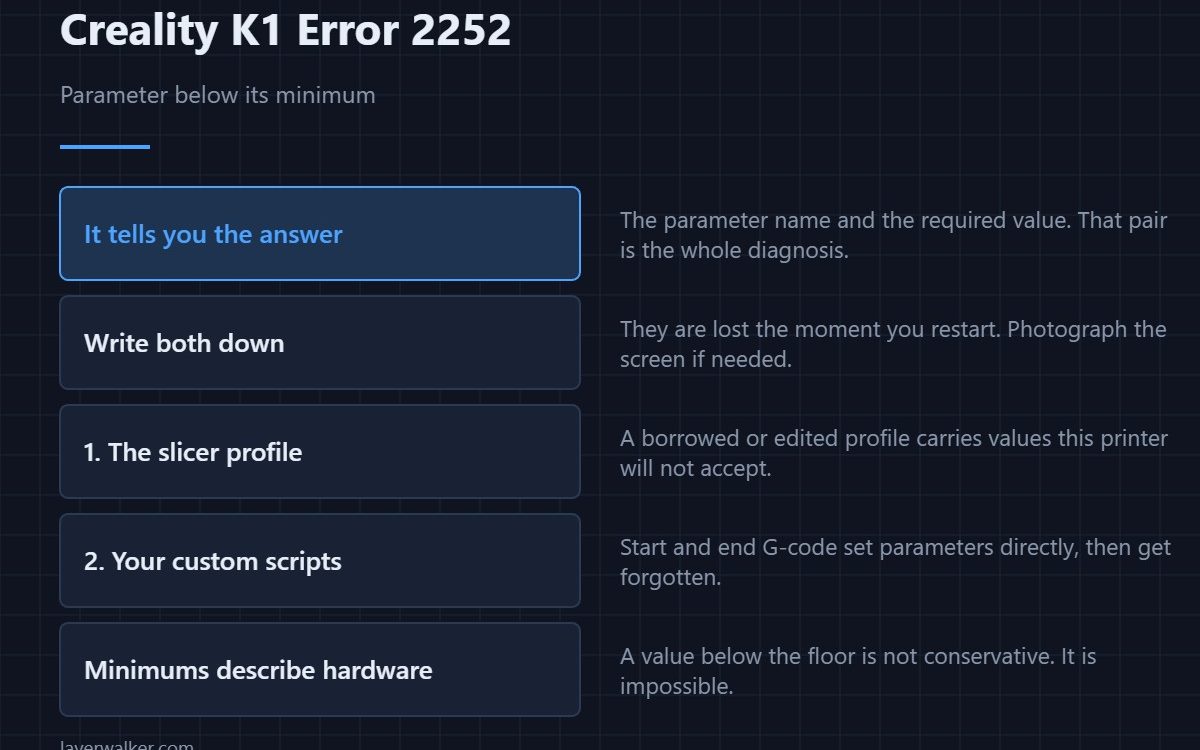
Creality K1 error 2252 means a parameter was set below its permitted minimum, and the message names the parameter and the required value. That makes it one of the most directly fixable K1 messages: you are told what is wrong and what it has to be. The fix belongs wherever that value came from, which is usually the slicer.
People restart the printer over this message. The printer has already told them the answer.
Where to buy


Write down both halves
The parameter name and the minimum. Those two pieces of information are the entire diagnosis, and they are lost the moment you restart. Photograph the screen if you need to.
Where the value came from
Most parameters in play during a print arrive from the sliced file. A profile borrowed from another machine, or one edited over time, can carry values this printer will not accept. Re-select the machine profile rather than keeping your customised copy — see the Creality slicer guide.
Then your custom scripts
Start and end G-code set parameters directly, and they are edited once and forgotten. A line setting a speed, an acceleration or a temperature below the floor produces exactly this. Search those scripts for the parameter named in the message.
Why minimums exist at all
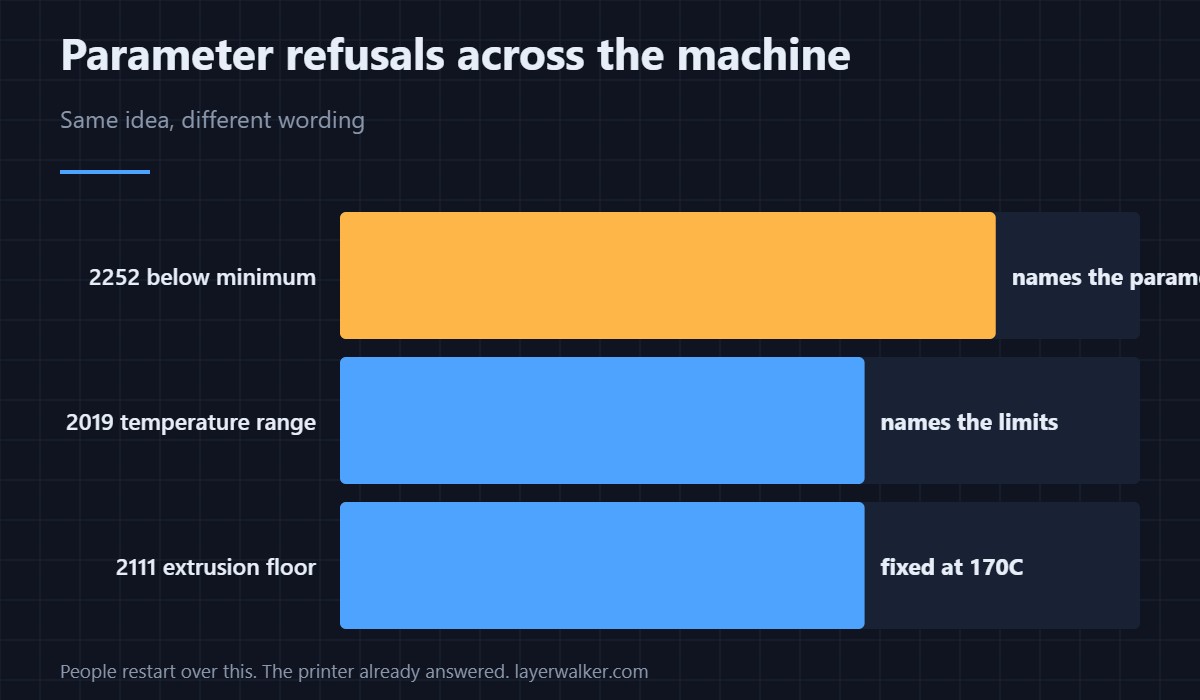
They describe what the hardware can actually do. A value below the floor is not a conservative setting, it is an instruction the machine cannot carry out. The temperature version of the same idea is 2111, where the floor is 170 degrees and nothing in a file overrides it.
Its relationship to the range check
A heater target outside its band reports as 2019, which is the same kind of refusal phrased for temperatures specifically. This one is the general parameter form, and the maximum counterpart has its own code. A file describing an impossible move reports as 2014 instead.
Creality K1 Error 2252 FAQ
Can I change the minimum?
It reflects hardware capability. Changing it moves the failure from a clear message to a silent malfunction.
Why did the same file work before?
Because it was sliced with a profile that respected the limit. The change came with the profile, not the printer.
The message is gone. Now what?
Reproduce it by starting the same print, and capture the parameter name this time.
Is a firmware update relevant?
Occasionally limits change between versions. If the fault appeared immediately after an update, that is worth mentioning.
Not every refused value is a number. When the value is a named option that is not on the permitted list, the code is Creality K1 error 2115 and nudging a number will not help.

LayerWalker
Print defect diagnosis, calibration procedures and parts that actually fit. Corrections welcome through the contact page.

