Creality K1 Error 2115: Unknown Value in Enumeration
LayerWalker is a participant in the Amazon Services LLC Associates Program. We may earn a commission when you buy through links on our site, at no extra cost to you.
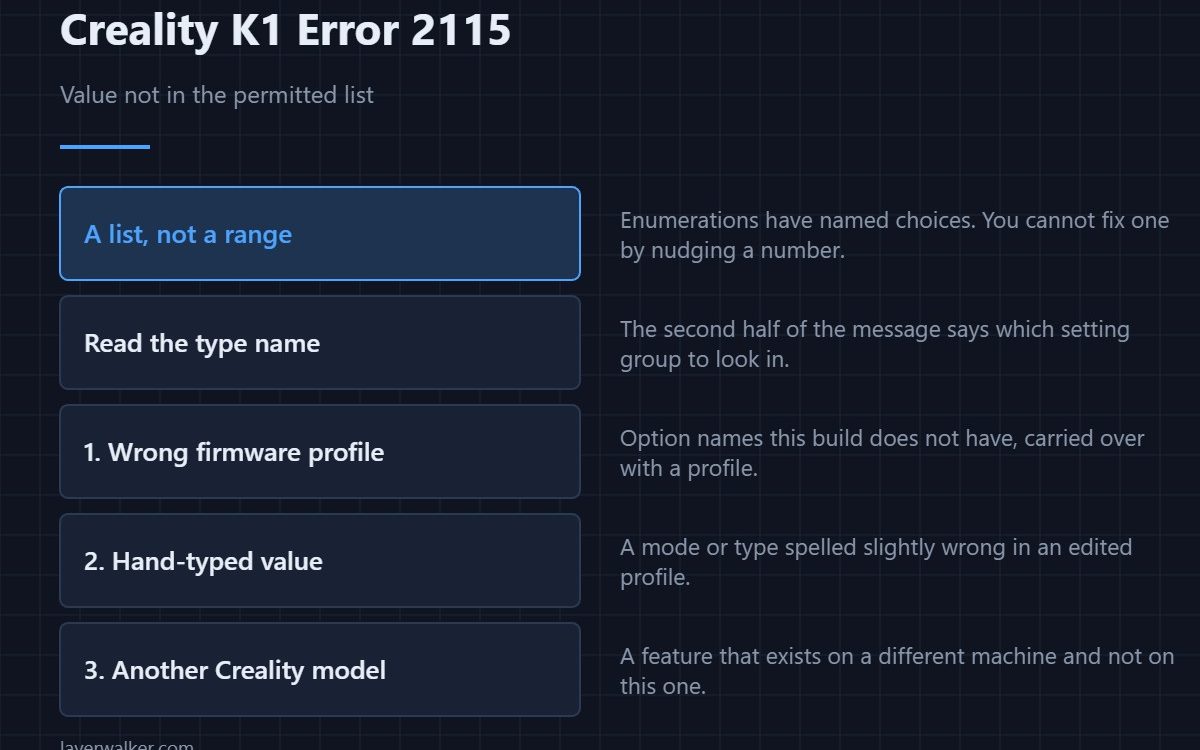
Creality K1 error 2115 means a parameter was given a value that is not in its list of permitted options. This is different from a number being too large or too small: an enumeration has a fixed set of named choices, and the value supplied was not one of them. The message includes both the value and the type, which is most of the diagnosis.
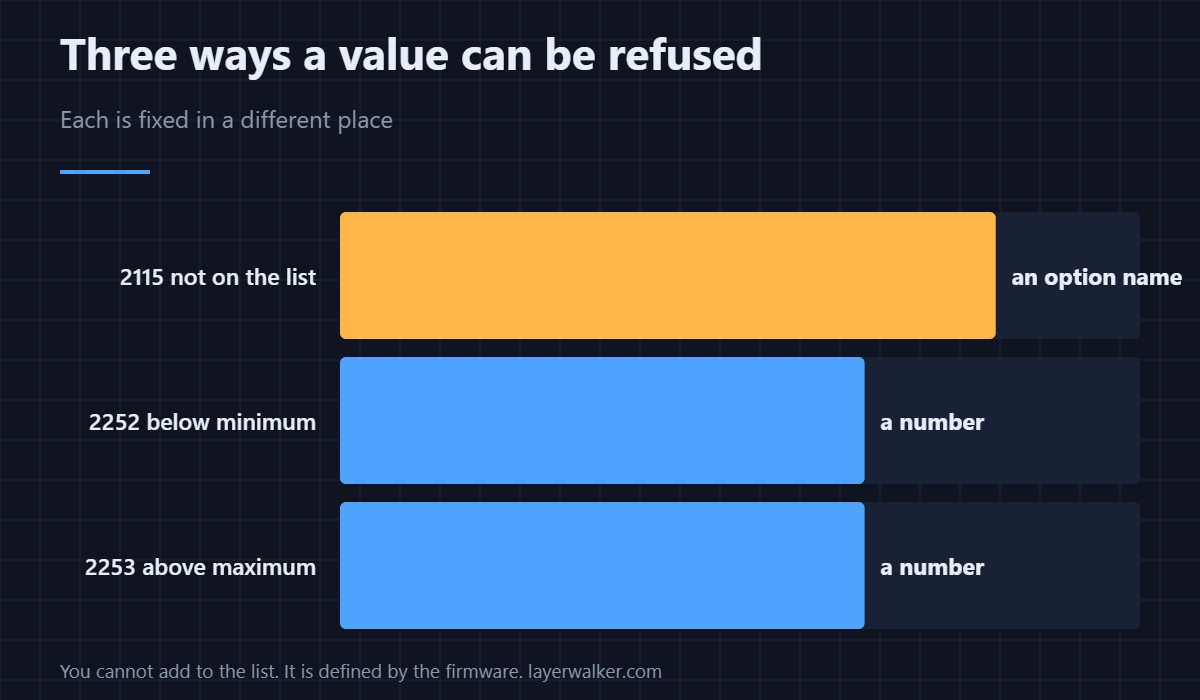
Range errors and enumeration errors get confused constantly, and they are fixed in different places.
Where to buy

SUNLU PLA Filament 1.75mm, 250g Spool Bundle, 3D Printer Filament


Range versus list
A range check asks whether a number falls between two bounds. An enumeration check asks whether a word appears in a list. You cannot fix an enumeration error by nudging a number, because the value was never numeric in the first place — the numeric form is 2252.
Where unrecognised values come from
A slicer profile written for different firmware, using option names this build does not have. A profile edited by hand where a mode or a type was typed slightly wrong. Or a feature that exists on another Creality machine and not on this one, carried over with the profile.
Read the type name in the message
The second half of the message names which enumeration was involved. That word tells you what kind of setting to look for — a fan mode, a material type, a motion setting — and narrows the search in your profile from everything to one group.
The fix belongs in the slicer
Re-select the machine profile rather than keeping your customised copy, then re-slice and compare. If the fault persists, search your start and end G-code for the setting named in the message. Profile handling is covered in the Creality slicer guide.
How Creality K1 error 2115 relates to the parsing faults
A command that cannot be read at all is 2513. One that reads but has a malformed parameter is 2514. This one parses cleanly and the value is simply not on the list. Three stages of the same journey, and the later you get the more specific the message becomes.
Creality K1 Error 2115 FAQ
Can I add the missing option?
No. The list is defined by the firmware, which means the value belongs to a machine or a build this is not.
Why did the same file work before?
Because it was sliced with a profile whose options this firmware knows. The change came with the profile.
Does a firmware update help?
If the option exists in a newer build, yes. More often the profile is simply for a different machine.
Is my model affected?
No. The model is geometry; this is about a setting name in the file produced from it.

LayerWalker
Print defect diagnosis, calibration procedures and parts that actually fit. Corrections welcome through the contact page.

