Creality K1 Error 2116: Invalid Output Format
LayerWalker is a participant in the Amazon Services LLC Associates Program. We may earn a commission when you buy through links on our site, at no extra cost to you.
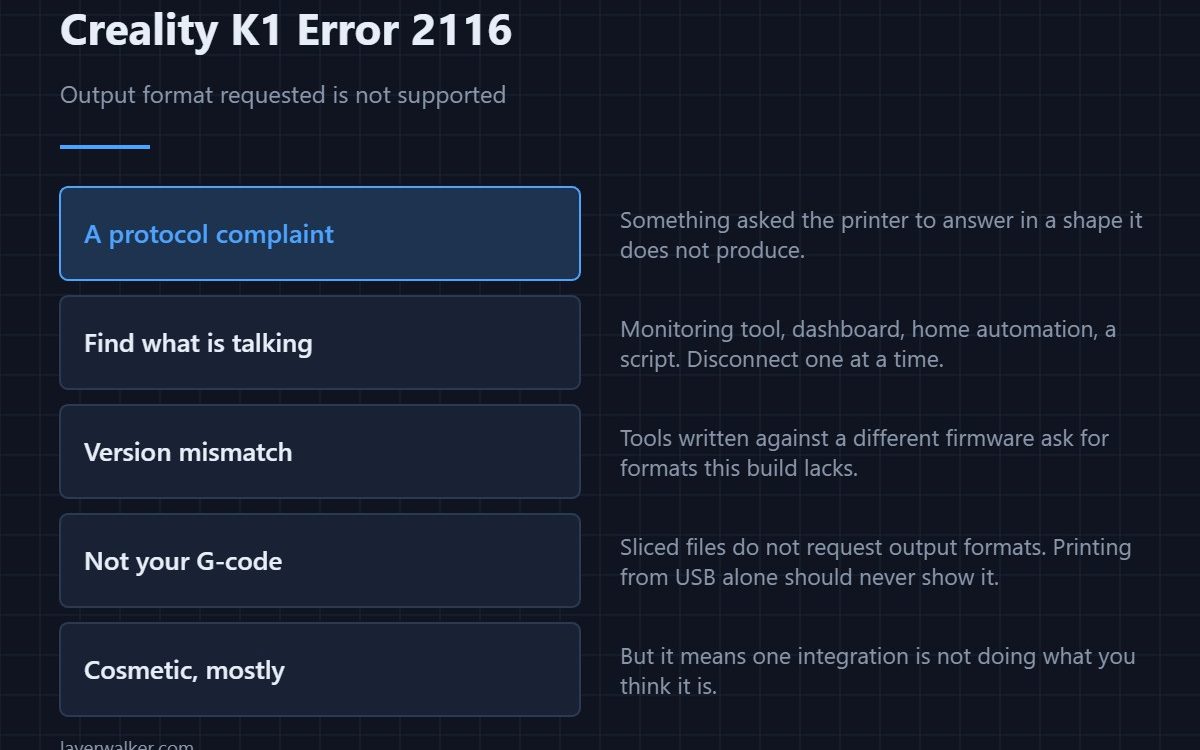
Creality K1 error 2116 means an invalid output format was requested: something asked the printer to report back in a form it does not produce. It is a protocol complaint rather than a printing fault, and the usual source is a third-party tool, a script, or a monitoring dashboard talking to the machine.
If you only ever print from a USB drive, you will probably never see this.
Where to buy


Find what is talking to the printer
A monitoring tool, a custom dashboard, a home automation integration, a script someone wrote. Disconnect each in turn and see when the message stops. That test takes minutes and is conclusive, which is more than can be said for guessing.
Version mismatch is the usual reason
Tools written against a newer or older firmware ask for formats that build does not support. Either update the tool, update the firmware so they agree, or accept that the integration is not compatible with this version.
Not your G-code
Sliced files do not request output formats. If the message appears while printing from a drive with nothing connected over the network, that is unusual and worth reporting rather than diagnosing yourself.
How Creality K1 error 2116 fits the protocol family
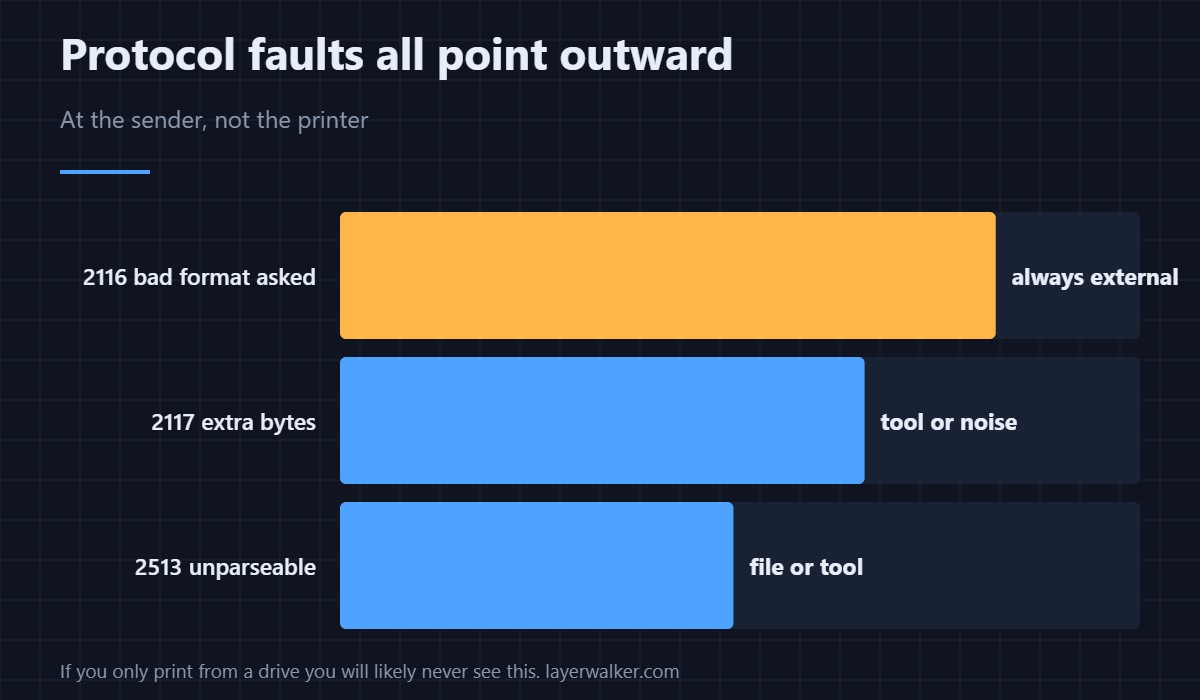
A message with more bytes than expected is 2117. A command that cannot be parsed is 2513. This one parses fine and asks for something impossible. All three point outward, at whatever is sending, rather than inward at the printer.
When it comes with timeouts
A tool that keeps asking for an unsupported format and keeps being refused can leave the printer waiting, which surfaces as 2294. If you see both, fix the tool and both disappear together.
Creality K1 Error 2116 FAQ
Is the printer broken?
No. It is refusing a request it cannot satisfy, which is correct behaviour.
Can I ignore it?
If printing works normally, it is cosmetic. It does mean one integration is not doing what you think it is.
Which tool is at fault?
The one that stops the message when you disconnect it. Test one at a time.
Would a factory reset help?
No, and it would cost you your calibration. The request is coming from outside the printer, and a file that will not parse at all is a separate matter — see 2513.

LayerWalker
Print defect diagnosis, calibration procedures and parts that actually fit. Corrections welcome through the contact page.

