Creality K1 Error 2117: Extra Data at End of Message
LayerWalker is a participant in the Amazon Services LLC Associates Program. We may earn a commission when you buy through links on our site, at no extra cost to you.
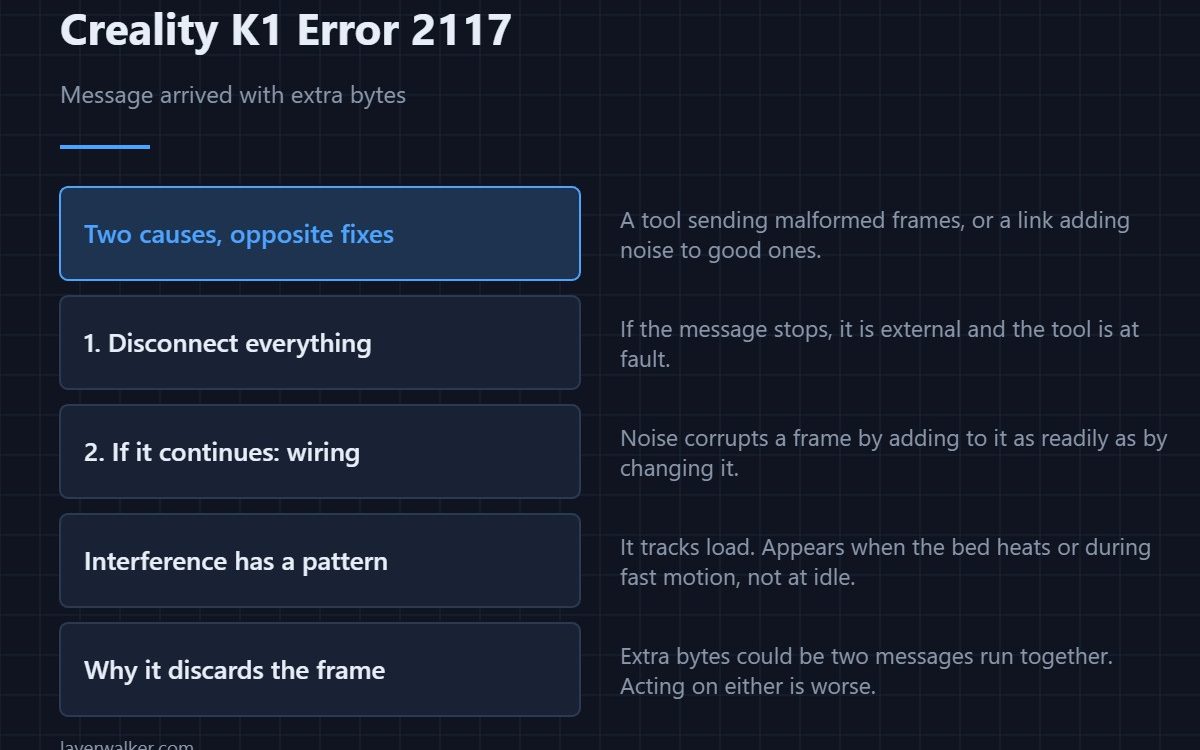
Creality K1 error 2117 means a message arrived with more data than its format allows. The printer read what it expected, found bytes left over, and rejected the whole thing. That happens either because something is sending malformed messages, or because the link is adding noise to good ones — and those need opposite fixes.
Deciding which you have is the only real work in this one.
Where to buy


Is anything connected?
If a third-party tool, script or dashboard is talking to the printer, disconnect it and see whether the message stops. A tool with a version mismatch sends frames the firmware does not expect, and that is the simpler of the two causes.
If nothing is connected, suspect the wiring
Then the extra bytes are noise on an internal link. Electrical interference corrupts a frame by adding to it as readily as by changing it. With the machine unplugged at the wall, reseat the connectors between boards and look for a loom routed against high-current wiring.
Interference has a signature
It correlates with load. If the message appears when the bed heater switches on, or during fast motion, and not at idle, you are looking at noise rather than a badly written tool. That pattern is the most useful thing you can observe.
How Creality K1 error 2117 relates to its neighbours
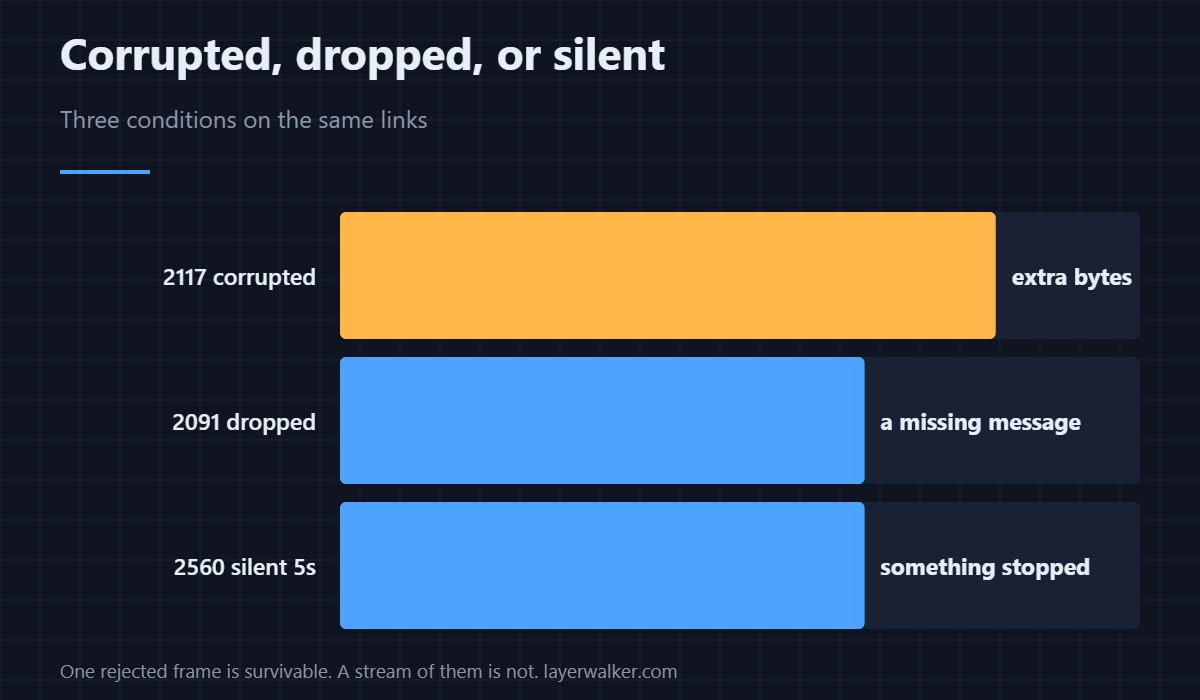
An unsupported output format is 2116 and is always external. A dropped message is 2091. Total silence for five seconds is 2560. Corrupted, dropped and silent are three different conditions on the same links.
Why the printer discards rather than guesses
A frame with unexplained bytes could be two messages run together, or one message with corruption in the middle. Acting on either would be worse than refusing, which is why the firmware throws the whole thing away.
Creality K1 Error 2117 FAQ
Does it stop the print?
One rejected message usually does not. A stream of them means the link is unreliable and the job is at risk.
How do I tell noise from a bad tool?
Disconnect everything external. If it continues, it is internal and almost certainly electrical.
Could a long USB cable cause it?
For anything connected that way, yes. Long unshielded runs pick up noise.
Is the mainboard failing?
Rarely, and it is the last thing to suspect. Connections and interference explain nearly all of these; a link that never comes up at all is 2002.

LayerWalker
Print defect diagnosis, calibration procedures and parts that actually fit. Corrections welcome through the contact page.

