Creality K1 Error 2253: Parameter Above Maximum
LayerWalker is a participant in the Amazon Services LLC Associates Program. We may earn a commission when you buy through links on our site, at no extra cost to you.
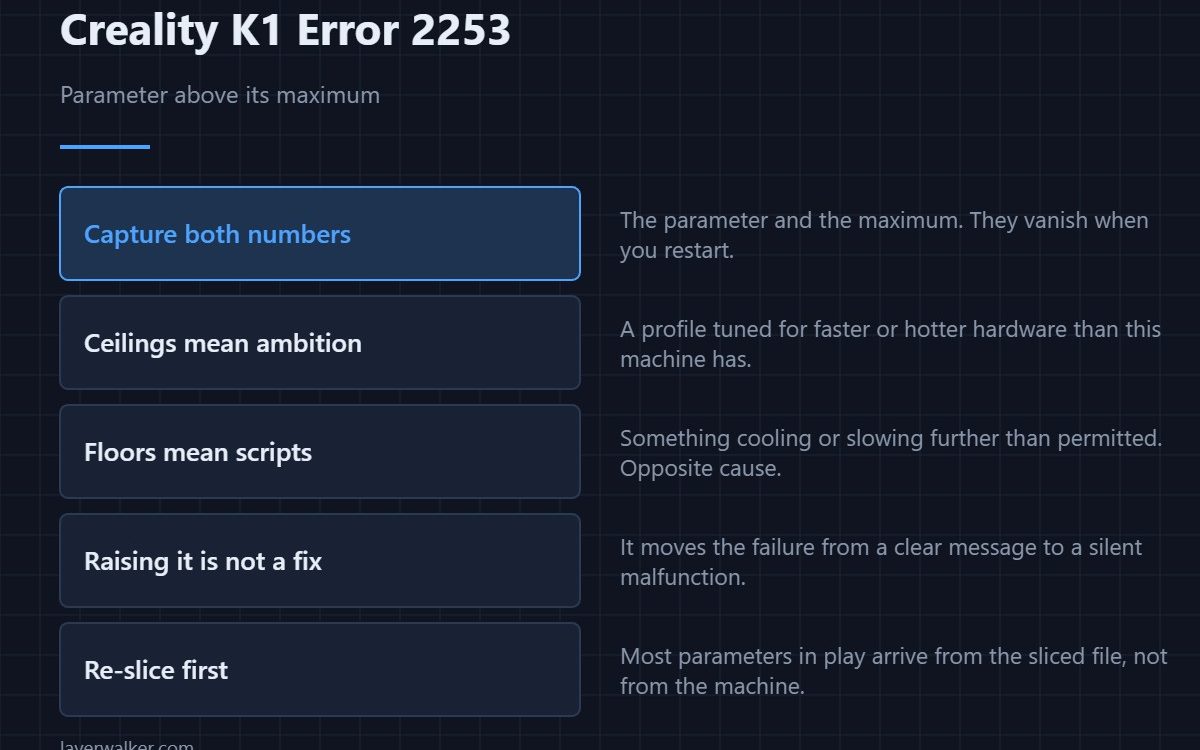
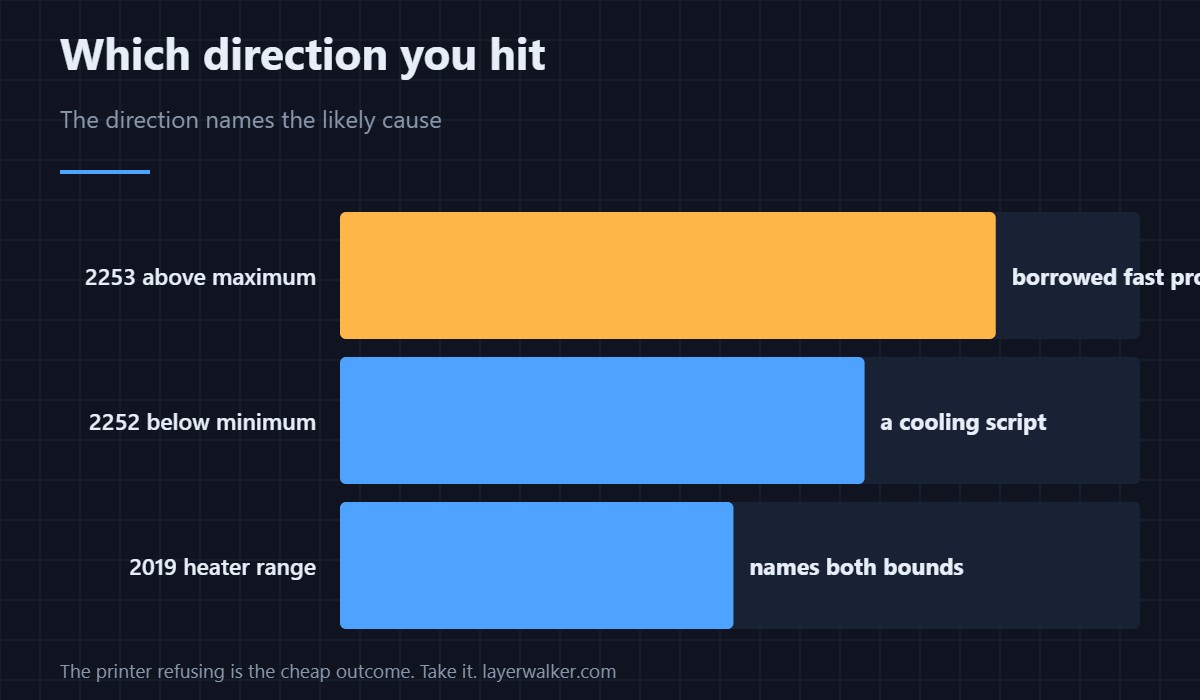
Creality K1 error 2253 means a parameter was set above its permitted maximum, and the message names the parameter and the required value. It is the ceiling counterpart to the minimum fault, and the direction matters: hitting a ceiling usually means a profile tuned for faster or hotter hardware, while hitting a floor usually means a script cooling or slowing too far.
That asymmetry is genuinely useful, because it tells you where to look before you open anything.
Where to buy


Capture both numbers before restarting
The parameter name and the maximum. They disappear when you restart, and without them you are guessing. Photograph the screen if that is quickest.
Why ceilings are usually ambition
Speed, acceleration, flow and temperature maxima all describe what the hardware can sustain. A profile borrowed from a faster machine, or one you have been pushing deliberately, asks for more than this one will give. That is the common story behind a maximum being exceeded.
Raising the limit is not the fix
Limits reflect what the machine can actually do. Raising one moves the failure from a clear message to a silent problem: skipped steps, under-extrusion, or a hotend running past its rating. The printer refusing is the cheap outcome.
Where the value came from
Most parameters in play during a print arrive from the sliced file, so re-select the machine profile and re-slice before anything else. If it persists, search start and end G-code for the parameter named — see the Creality slicer guide.
How Creality K1 error 2253 pairs with the floor
The minimum version is 2252, and the two share everything except direction. The temperature-specific form of the same idea is 2019, which names the heater and both bounds at once.
Creality K1 Error 2253 FAQ
Which parameters have maxima?
Anything the hardware limits: speeds, accelerations, flow, temperatures, currents. The message tells you which one you hit.
Can I raise it in the configuration?
You can, and the machine will then fail silently instead of telling you. That is a worse position.
Why did a profile from a friend trigger it?
Because their machine tolerates it and yours does not. Re-slice with your own profile.
Does this damage anything?
No. The refusal happens before the value is used, and the extrusion-specific floor behaves the same way — see 2111.

LayerWalker
Print defect diagnosis, calibration procedures and parts that actually fit. Corrections welcome through the contact page.

