Creality K1 Error 2513: Command Format Incorrect
LayerWalker is a participant in the Amazon Services LLC Associates Program. We may earn a commission when you buy through links on our site, at no extra cost to you.
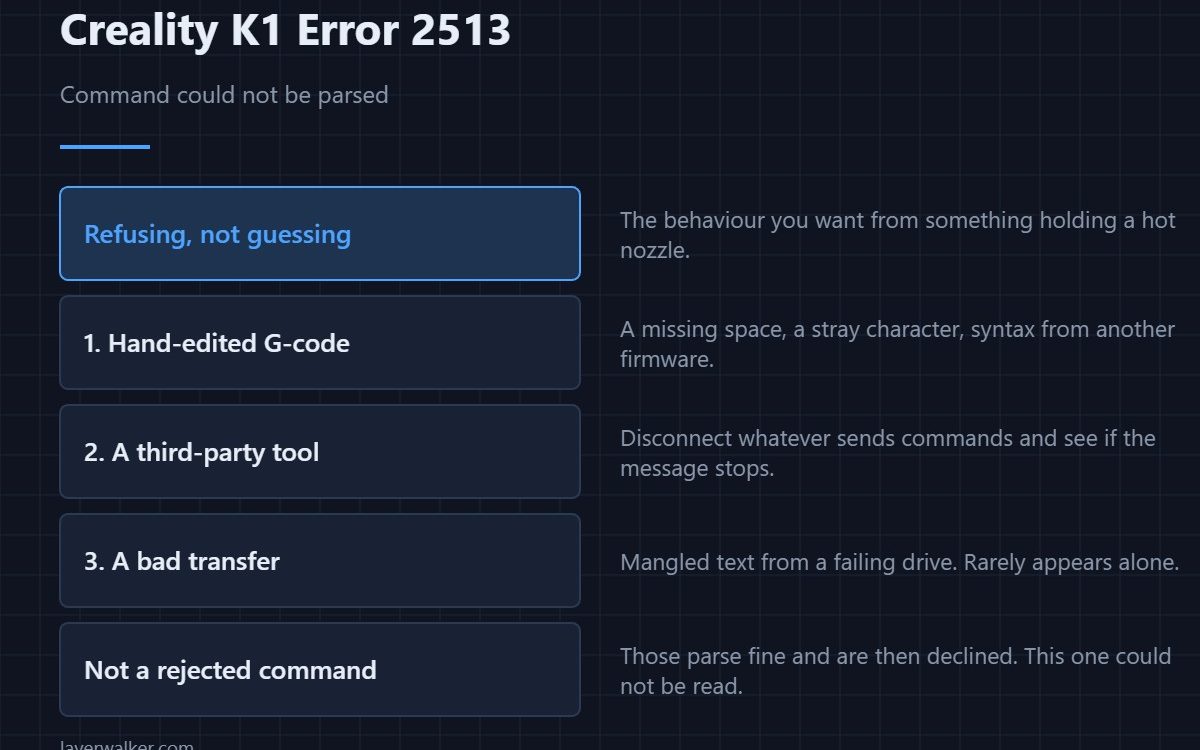
Creality K1 error 2513 means a command arrived in a format the printer could not parse. It is not a hardware fault and nothing is damaged. Something sent text the firmware does not understand, and the three usual sources are a hand-edited file, a third-party tool talking to the printer, and a corrupted transfer.
The printer is refusing rather than guessing, which is the behaviour you want from something holding a hot nozzle.
Where to buy



Hand-edited G-code first
If you have been editing start scripts, end scripts or the file itself, that is where to look. A missing space, a stray character, or a command copied from another firmware’s syntax all produce this. Reinstate the original and test before blaming anything else.
Third-party tools
Anything sending commands over the network — a monitoring tool, a custom dashboard, a script — can send syntax the printer rejects. Disconnect it and see whether the message stops. That is a five-minute test and it is conclusive.
A corrupted transfer
A file that was copied badly, or a drive with a failing cell, delivers mangled text. Re-slice, re-copy with a proper eject, and compare. Transfer problems rarely produce only this message, so look for other oddities in the same session.
Why Creality K1 error 2513 is not the same as a rejected command
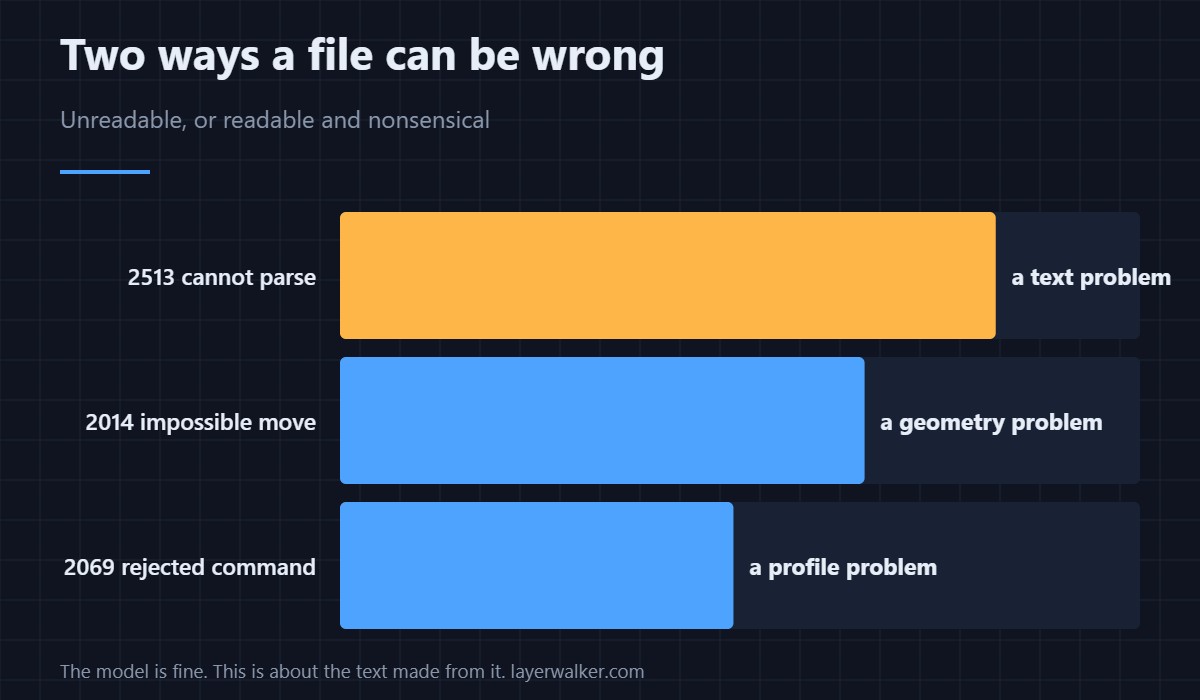
A command the printer understands and refuses — such as the fan instruction behind 2069 — is parsed successfully and then declined. This one could not be read at all. The distinction matters because the first is a profile problem and the second is a text problem.
Its relative in the slicing family
A file that parses but describes an impossible move reports as 2014. Together with this code they cover the two ways a file can be wrong: unreadable, or readable and nonsensical. Both are fixed in the slicer rather than in the machine, and a G-code preview catches most of them before you walk to the printer.
Creality K1 Error 2513 FAQ
Could my model be at fault?
No. The model is geometry; this is about the text produced from it.
Does it stop the print?
The offending command is refused, and depending on what it was the job may stop. Either way nothing is damaged.
Is a parameter format error the same thing?
Close, and it has its own code. That one parses the command and objects to what is inside it.
Would a firmware update fix it?
Only if the syntax is newer than your firmware. Check the file and the sender first.
If the command itself parses and a value inside it does not, the printer says so more precisely: Creality K1 error 2514, where hand-edited G-code leads the suspects.

LayerWalker
Print defect diagnosis, calibration procedures and parts that actually fit. Corrections welcome through the contact page.

