Creality K1 Error 2000: MCU Closed, Cannot Configure
LayerWalker is a participant in the Amazon Services LLC Associates Program. We may earn a commission when you buy through links on our site, at no extra cost to you.
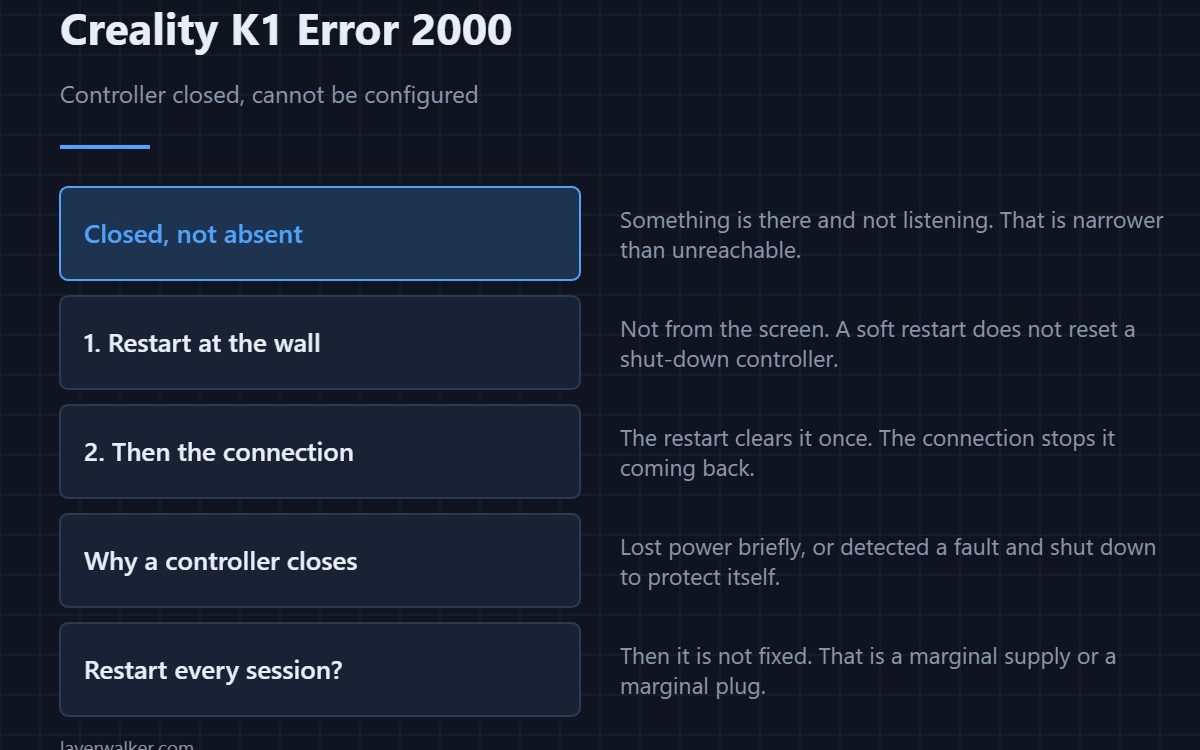
Creality K1 error 2000 means the printer could not update a controller’s configuration because that controller is closed — it is not in a state where it can be talked to. Creality’s remedy is two steps: restart first, then check the connection. The restart often clears it once; the connection is what stops it coming back.
Closed rather than absent is the distinction worth holding. Something is there and not listening.
Where to buy


Restart properly, at the wall
Not from the screen. A controller that has shut itself down may still be partly powered, and a soft restart does not reset it. Switch off at the socket, wait ten seconds, and power up again. If the fault clears and stays clear for a week, it was a one-off.
Then the connection, because it is the real fix
Open the base with the machine unplugged and reseat every connector on the path to the controller named in the message. Look for a pin pushed back in its housing, a latch that never clicked, and a cable pinched by a panel screw. Vibration loosens plugs over months.
Why a controller closes itself
Usually because it lost power briefly, or because it detected a fault and shut down to protect itself. Either way the printer finds it unreachable at configuration time. A supply that sags when the bed heater kicks in is a classic cause, and it looks like an intermittent fault rather than a power problem.
Where Creality K1 error 2000 sits among its neighbours
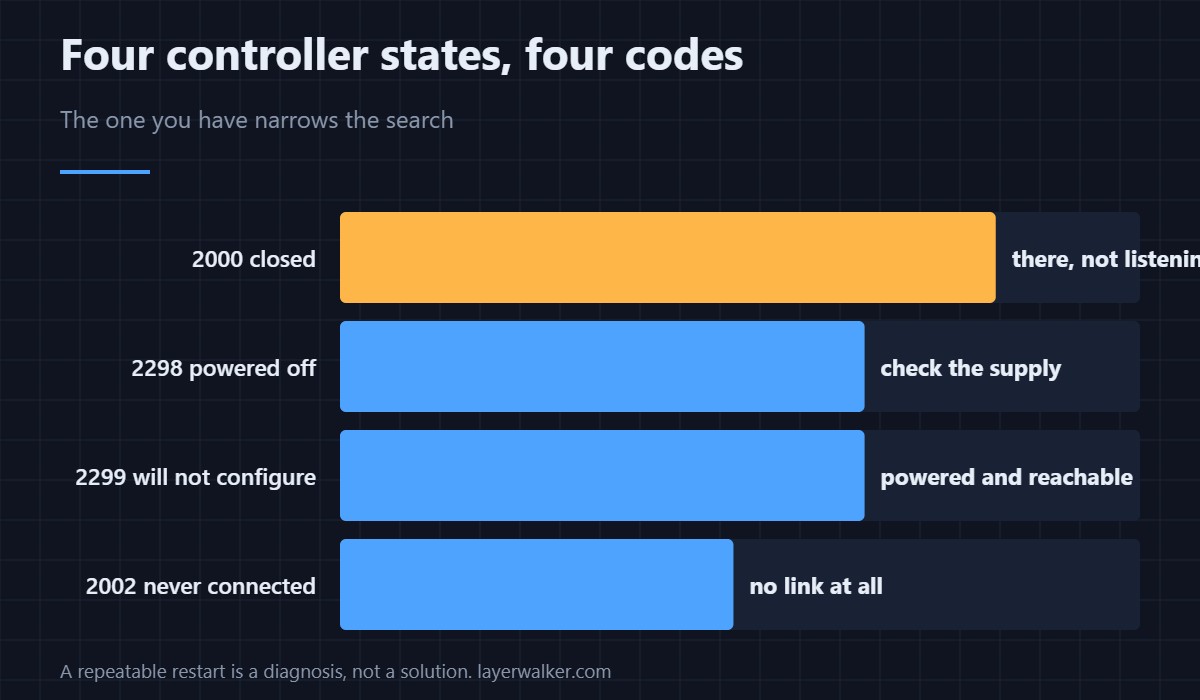
A controller that has powered off entirely reports as 2298. One that answers but cannot be configured is 2299. A connection never established at all is 2002. Four codes, four slightly different states, and the one you have narrows the search considerably.
If restarting always fixes it
Then it is not fixed. A fault that needs a restart every session is a marginal connection or a marginal supply, and both get worse. Treat a repeatable restart as a diagnosis rather than a solution — the same logic applies to 2295 when the printer tries to restart a controller itself.
Creality K1 Error 2000 FAQ
Which controller does it mean?
The message names it where it can. Main, hotend or bed, and that word decides which third of the machine to open.
Is the board damaged?
Rarely. A closed controller is usually one that lost power or protected itself, not one that failed.
Can I print after a successful restart?
For a one-off, yes. If it returns, fix the connection before running a long job.
Could a firmware update cause it?
An interrupted update can leave a controller in exactly this state. If the fault began during one, say so when asking for help.

LayerWalker
Print defect diagnosis, calibration procedures and parts that actually fit. Corrections welcome through the contact page.

