Creality K1 Error 3002: Nozzle Communication When Idle
LayerWalker is a participant in the Amazon Services LLC Associates Program. We may earn a commission when you buy through links on our site, at no extra cost to you.
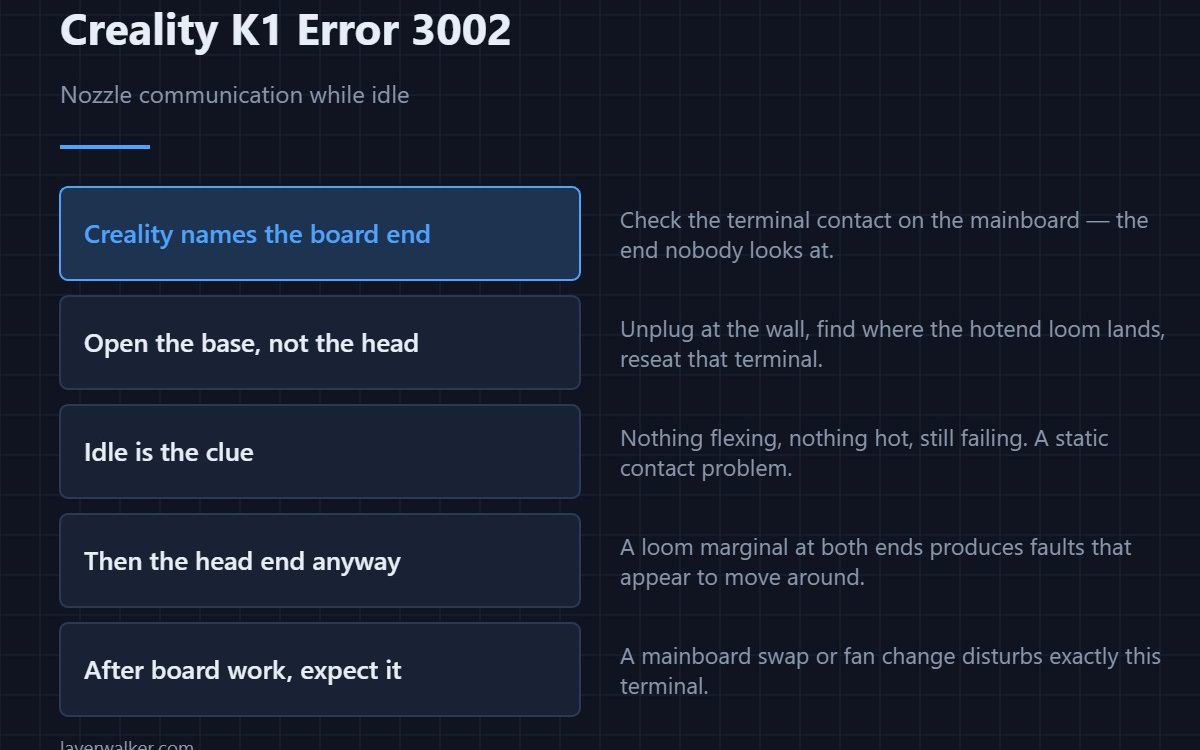
Creality K1 error 3002 means nozzle communication is abnormal while the printer is idle, and the stated cause is that the hotend wire is not plugged in properly at the mainboard. Creality specifically says to check the terminal contact on the mainboard — the end people never look at, because the moving end gets all the blame.
That detail is the whole value of this code, and it is the opposite of where instinct sends you.
Where to buy
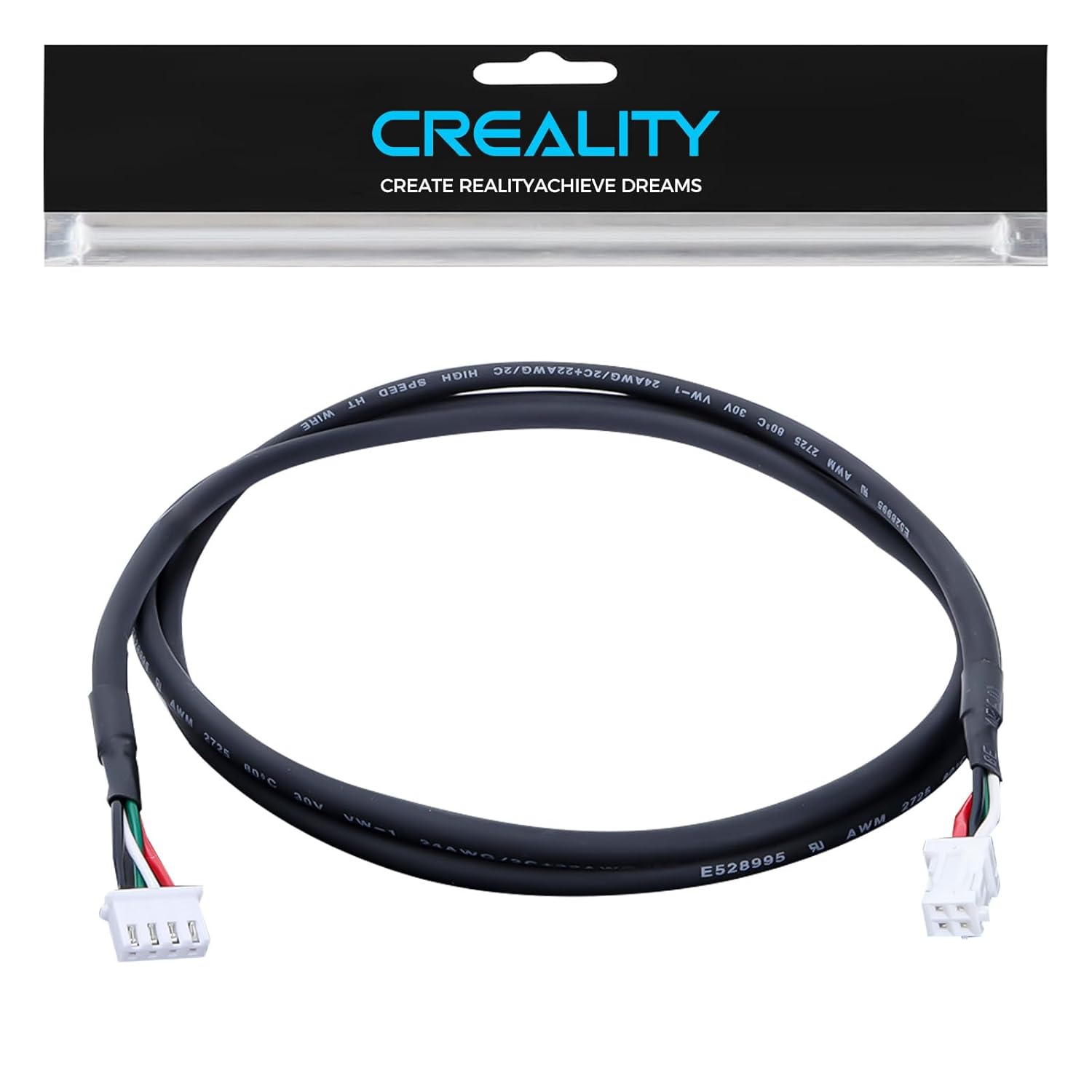


Open the base, not the head
With the printer unplugged at the wall, find where the hotend loom lands on the mainboard and reseat that terminal. Look for a connector sitting slightly proud, a latch that never clicked, or a pin pushed back into its housing. This is the end disturbed during assembly and board work, and the end nobody checks after a nozzle change.
Why idle matters
The fault appearing when nothing is printing rules out heat and rules out motion. Nothing is flexing, nothing is hot, and the link still fails — which points at a static contact problem rather than fatigue. That is a genuinely useful piece of information.
Then the head end anyway
Once the board terminal is proven, reseat the print head end too. A loom that is marginal at both ends produces faults that appear to move around, and chasing one end at a time wastes evenings.
How Creality K1 error 3002 relates to the rest
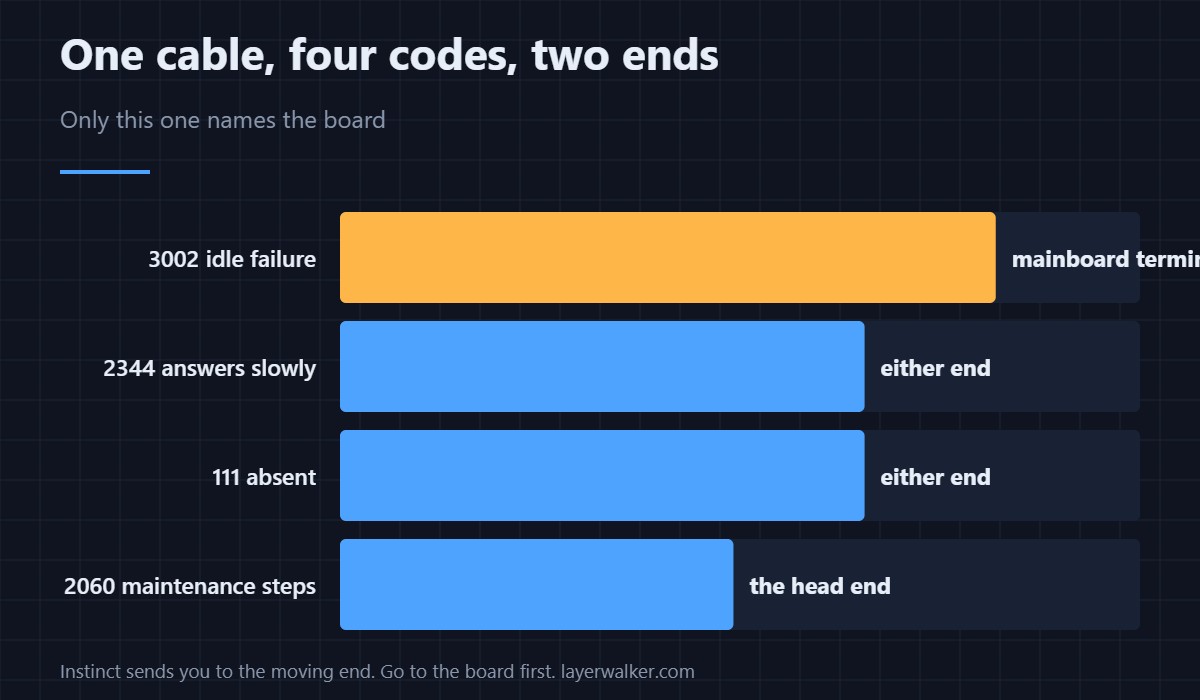
The general maintenance sequence for this cable is 2060. A link that answers too slowly is 2344. One that is absent entirely is 111. All four describe the same physical path, and this one is the only one that names the board end specifically.
After board work, expect it
If anyone has had the base open — a mainboard replacement, a fan change, a power supply inspection — this is one of the first faults to appear afterwards. That timing is a stronger clue than any measurement, and how the head is assembled is in the hotend explainer.
Creality K1 Error 3002 FAQ
Why does it only appear when idle?
Because it is a static contact problem. Heat and movement are not involved, which is itself diagnostic.
Do I need a new cable?
Not before reseating both ends. Creality names a contact problem, not a broken conductor.
Is it safe to print with it showing?
No. If the board cannot reliably reach the head, it cannot control temperature safely.
Could a nozzle change have caused it?
At the head end, yes. At the board end, only if someone has been in the base.

LayerWalker
Print defect diagnosis, calibration procedures and parts that actually fit. Corrections welcome through the contact page.

