Creality K1 Error 2523: Packet Loss During Measurement
LayerWalker is a participant in the Amazon Services LLC Associates Program. We may earn a commission when you buy through links on our site, at no extra cost to you.
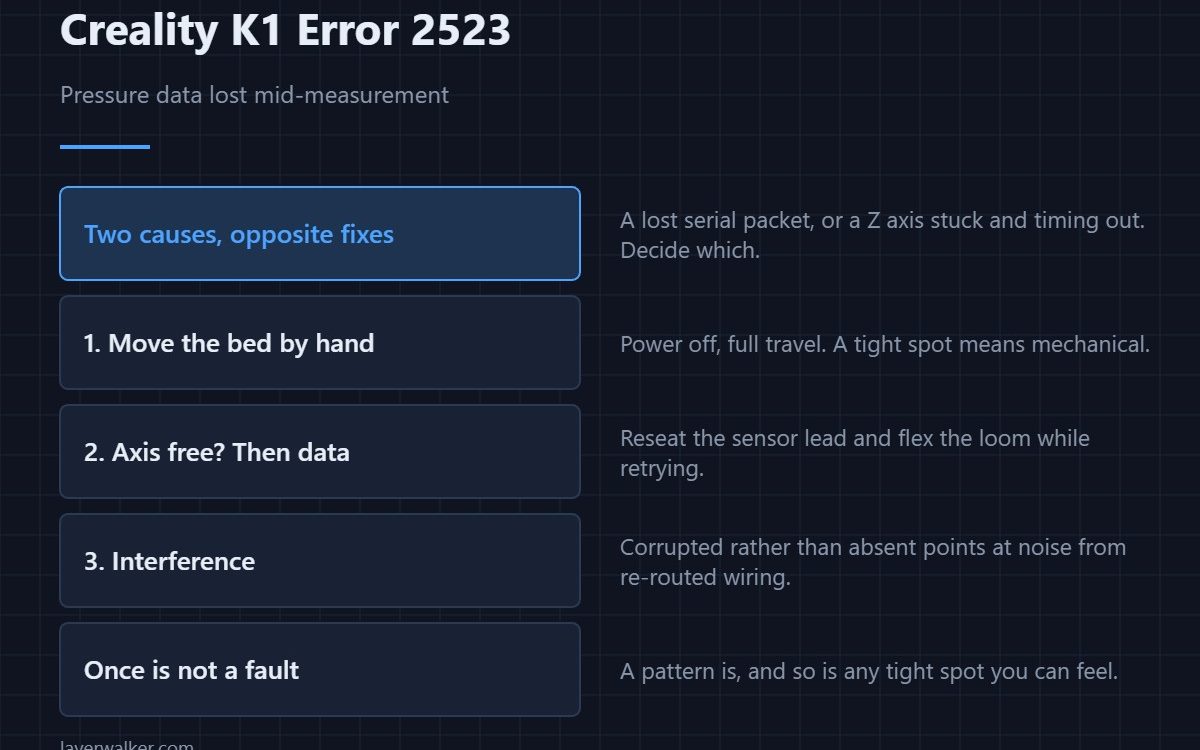
Creality K1 error 2523 means pressure data was lost during a levelling measurement. Creality gives two causes: a serial packet was lost, or the Z axis was stuck and timed out. Those are completely different problems — one is wiring, one is mechanical — and the useful work is deciding which one you have.
Most of the levelling codes point at a single thing. This one genuinely has two, which is why it is worth slowing down over.
Where to buy


Test the axis by hand
Power off and move the bed through its full travel by turning the lead screw. You are feeling for a tight spot rather than general stiffness. If you find one, you have the mechanical case, and the fix is cleaning and lubricating the screw — the dedicated code for that failure is 2526.
If the axis is free, it is data
Then a packet went missing on the way from the sensor. Reseat both ends of the sensor lead with the machine unplugged, then flex the loom while retrying. A fault you can provoke by moving the cable has identified itself.
Interference as a third possibility
Serial data corrupted rather than absent points at noise. If the loom has been re-routed near high-current wiring during a repair, or something has been cable-tied to the bed power leads, put it back and retry.
How Creality K1 error 2523 differs from its neighbours
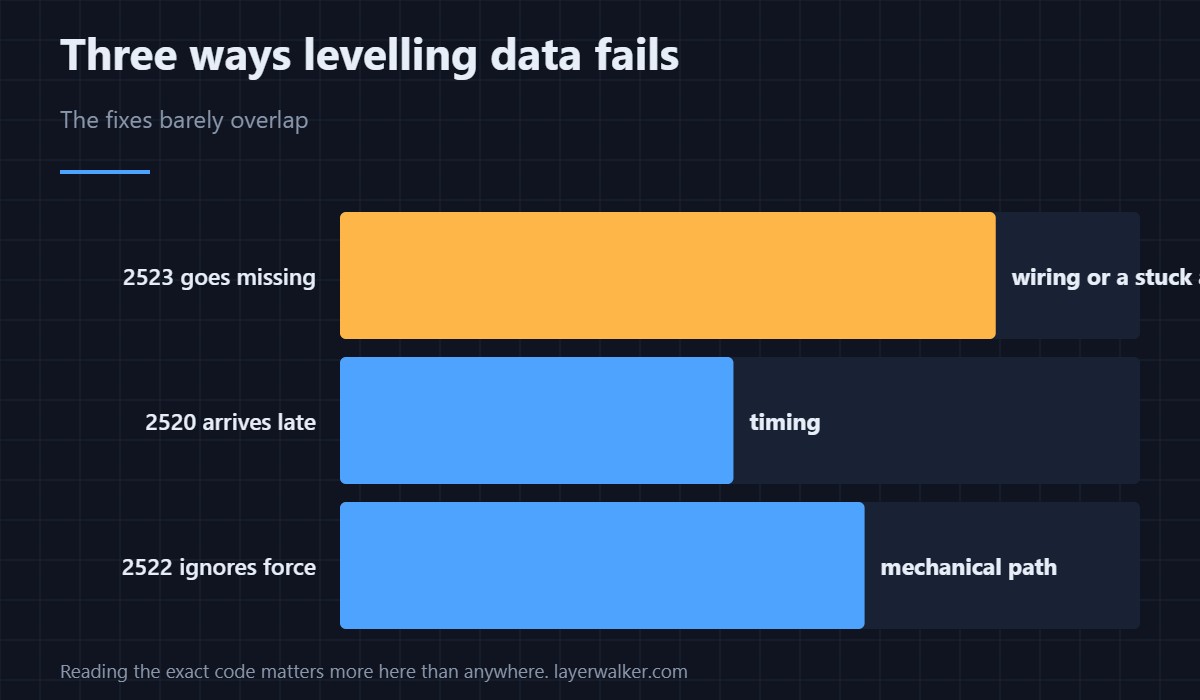
Data arriving too late is 2520. Data that does not respond to force is 2522. This is data going missing mid-measurement. The three sound alike and the fixes barely overlap, which is why reading the exact code matters more here than anywhere else on the machine.
If it happens once
Retry the levelling. A single lost packet on a busy controller is not a fault. A pattern is, and so is any occurrence where you can also feel a tight spot in the Z axis. How force probing works at all is in bed levelling sensors.
Creality K1 Error 2523 FAQ
How do I tell the two causes apart?
Move the bed by hand with the power off. A tight spot means mechanical; smooth travel means data.
Can I level manually instead?
No. The K1 has no manual path that bypasses the force sensor.
Does a stuck Z axis damage anything?
Repeatedly driving against a binding screw wears the nut and can bend the screw. Fix it rather than retrying.
Is one occurrence worth chasing?
Only if you can reproduce it or you find a tight spot. Otherwise retry and watch.
There is a narrower version of this fault for when the probe has already triggered: Creality K1 error 2527, where a stuck Z axis is ruled out by definition.

LayerWalker
Print defect diagnosis, calibration procedures and parts that actually fit. Corrections welcome through the contact page.

