Creality K1 Error 2520: Pressure Sensor Read Timeout
LayerWalker is a participant in the Amazon Services LLC Associates Program. We may earn a commission when you buy through links on our site, at no extra cost to you.
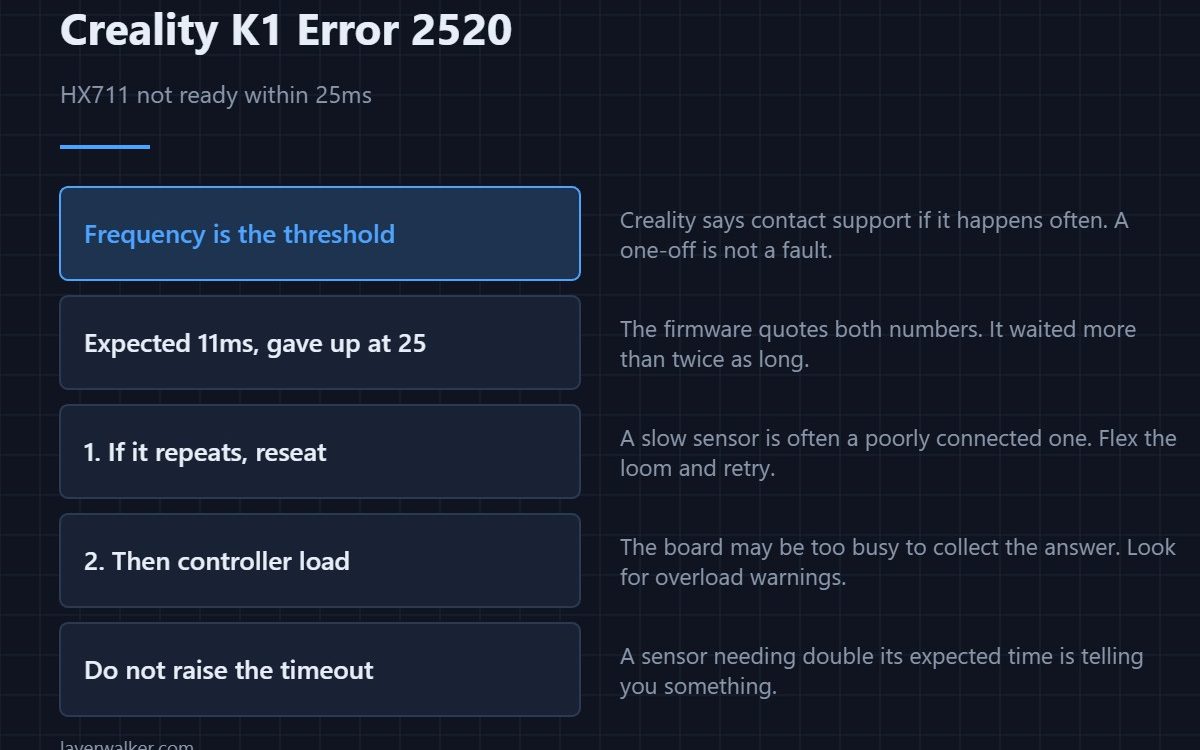
Creality K1 error 2520 means the HX711 that digitises the levelling force sensor did not become ready in time. The firmware expects a read to take about eleven milliseconds and gives up after twenty-five. Creality attributes it to the Z-axis sensor chip and says to contact support if it happens often — which tells you a one-off is not worth chasing.
That advice is the most useful part of the message: frequency is what separates noise from a fault here.
Where to buy


A single occurrence is probably nothing
Timing faults on a busy controller happen. If you have seen it once and levelling then worked, note it and carry on. Creality’s own wording sets the threshold at repeated occurrences, and that is a reasonable place to draw the line.
If it repeats, start with the connection
A sensor that is slow to respond is often a sensor that is poorly connected. Reseat both ends of the lead with the machine unplugged, then flex the loom while retrying. The sensor lives in the toolhead and shares the moving bundle with everything else.
Then consider load on the controller
A read that should take eleven milliseconds and takes more than twenty-five suggests either the chip is not responding or the board is too busy to collect the answer. If you have also seen overload or board temperature warnings, that is the same story from another angle — the overload code is 2090.
How Creality K1 error 2520 differs from its neighbours
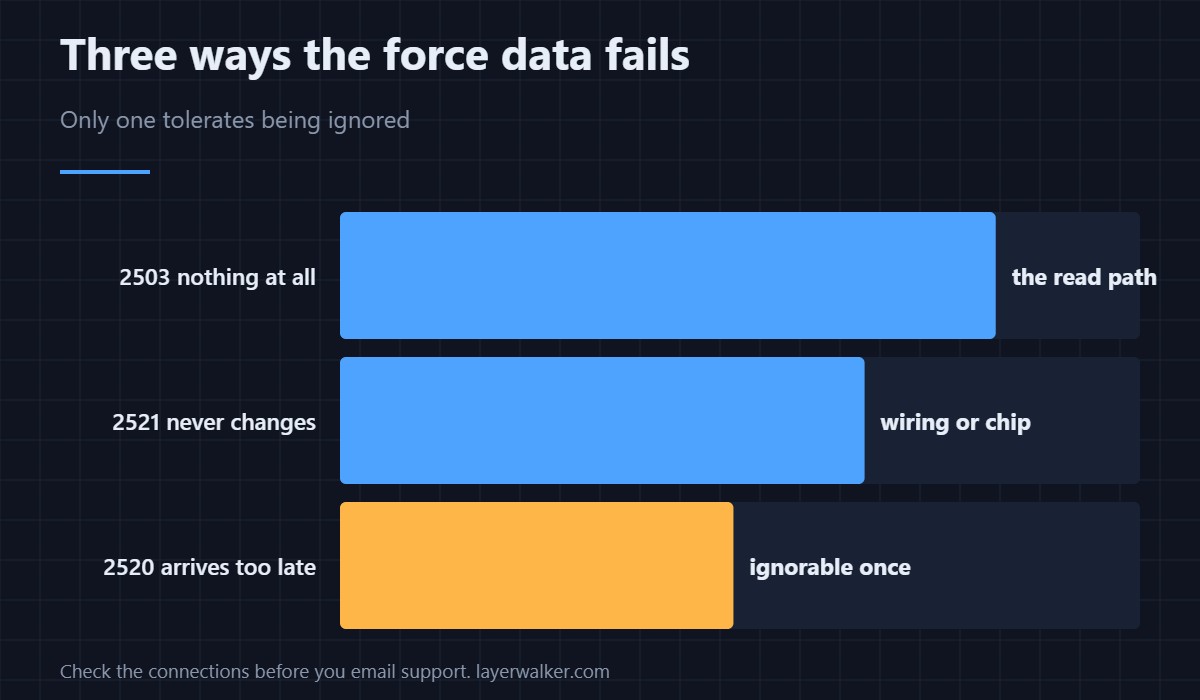
Nothing coming back at all is 2503. A value that arrives but never changes is 2521. This one is data that arrives too late. Three failure shapes, three different places to look, and only this one tolerates being ignored once.
What stops working
Levelling and Z homing, because the K1 finds the plate by force rather than with a switch. There is no manual path around it — how that compares with switch-based probing is in bed levelling sensors.
Creality K1 Error 2520 FAQ
How often is too often?
If it interrupts levelling more than occasionally, or appears on consecutive prints, treat it as a fault rather than noise.
Should I contact support straight away?
Check the connections first. Support will ask whether you have, and it is a ten-minute job.
Can I increase the timeout?
Not sensibly. A sensor that needs more than twice its expected time is telling you something.
Does room temperature matter?
Not to a timing fault. Temperature affects the reading, not how quickly the chip answers.

LayerWalker
Print defect diagnosis, calibration procedures and parts that actually fit. Corrections welcome through the contact page.

