Creality K1 Error 2503: Cannot Read Z Strain Gauge
LayerWalker is a participant in the Amazon Services LLC Associates Program. We may earn a commission when you buy through links on our site, at no extra cost to you.
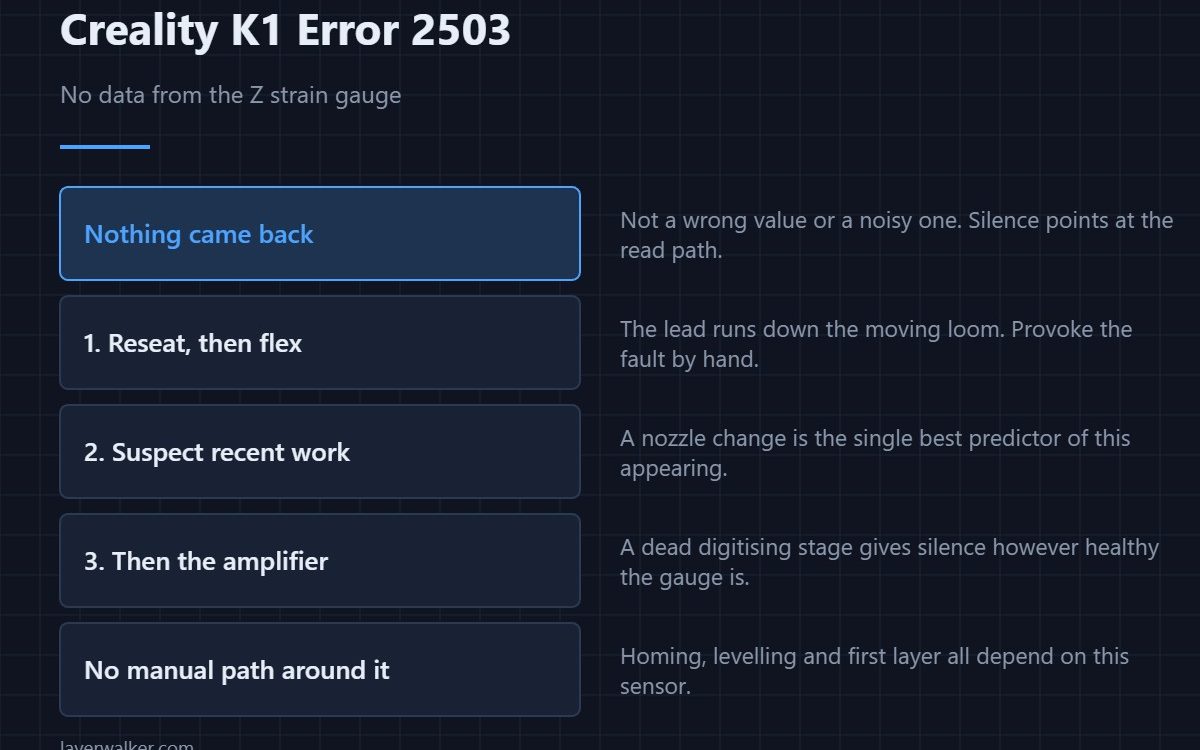
Creality K1 error 2503 means the printer could not read the Z-axis strain gauge at all. Not a wrong value, not a noisy one — nothing came back. The K1 finds Z by pressing the nozzle down and measuring force, so this stops levelling and homing outright. The read path is the suspect: connector, cable, or the amplifier that digitises the gauge.
Distinguishing no data from bad data is what separates this from the other levelling codes, and it changes where you look.
Where to buy


Reseat, then flex
The sensor lives in the toolhead and its lead runs down the same moving loom as everything else. Reseat both ends firmly. Then, with the printer on, flex the loom gently and watch whether the fault comes and goes. A fault you can provoke by moving the cable has located itself for you.
Suspect recent work first
This code appears disproportionately within a day or two of somebody being inside the print head. Nozzle changes and hotend swaps disturb the same bundle, and a connector left half-latched reads as nothing at all. If you have been in there, start and probably finish there.
Then the amplifier
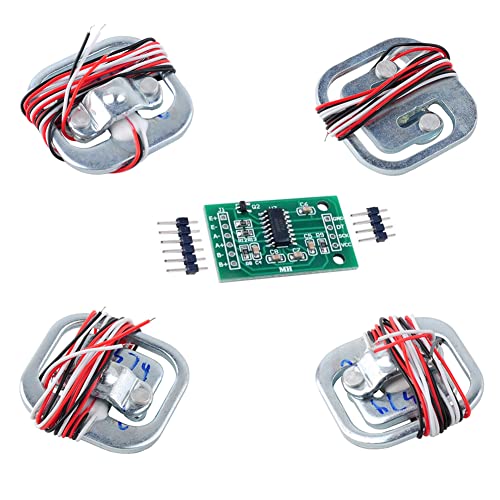
A strain gauge produces a tiny signal that an amplifier converts into numbers. If that stage is dead or unpowered, the printer gets silence regardless of how healthy the gauge is. That is a board-level fault and the point at which parts become the answer rather than the guess.
How Creality K1 error 2503 differs from its neighbours
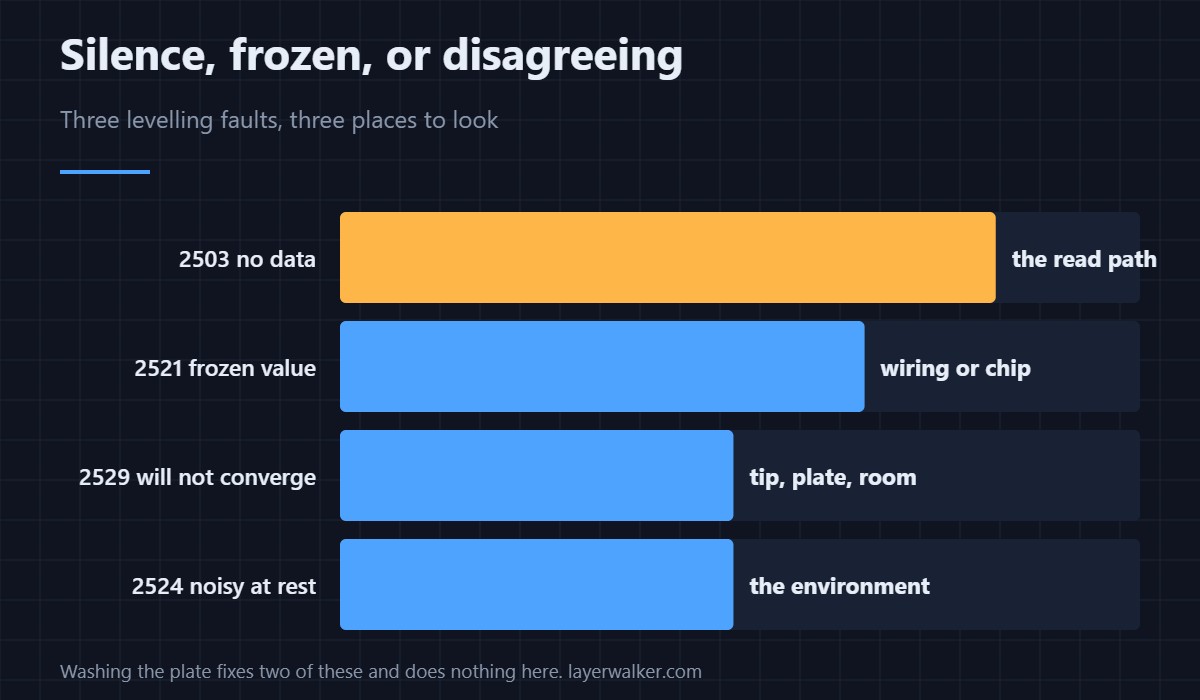
A value that arrives but never changes is 2521. Values that arrive and refuse to agree over twenty attempts are 2529. Nothing arriving at all is this one. Cleaning the nozzle, washing the plate or moving the printer to a solid table will fix the other two and do nothing here.
What stops working
Everything that needs Z zero: homing, levelling, first layer calibration and therefore printing. A homing attempt will fail outright as 2504. There is no manual path around it on this machine, because the sensor is how the printer finds the plate — the comparison with switch-based systems is in bed levelling sensors.
Creality K1 Error 2503 FAQ
Can I level manually instead?
No. The K1 has no manual path that bypasses this sensor.
Is the gauge itself likely to have failed?
Less likely than the wiring or the amplifier. Gauges are simple and well protected; connectors are neither.
It appeared after a nozzle change. Coincidence?
Almost certainly not. That is the single best predictor of this fault.
Does temperature affect it?
A working sensor drifts slightly with temperature. Silence is not a temperature effect.
Data arriving late is not the same as no data at all. The timeout case is Creality K1 error 2520, and Creality treats a single occurrence as tolerable.

LayerWalker
Print defect diagnosis, calibration procedures and parts that actually fit. Corrections welcome through the contact page.

