Creality K1 Error 2300: MCU Error During Configuration
LayerWalker is a participant in the Amazon Services LLC Associates Program. We may earn a commission when you buy through links on our site, at no extra cost to you.
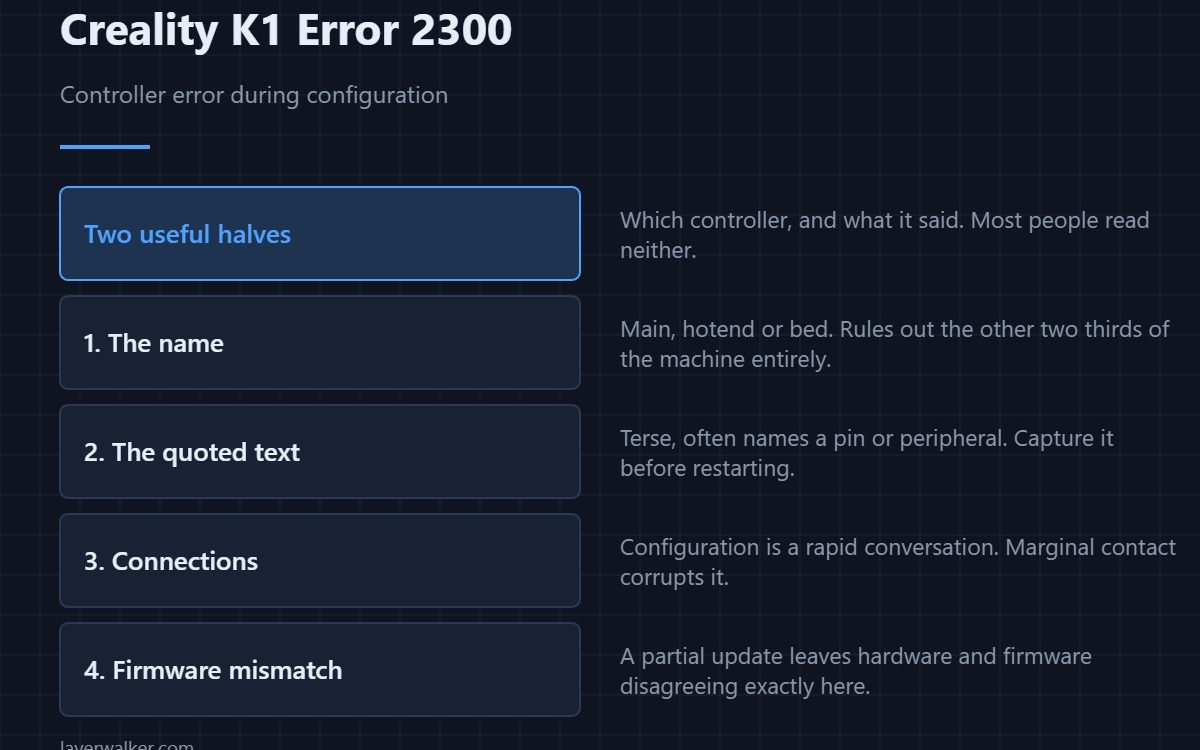
Creality K1 error 2300 means a controller reported an error while being configured, and the message gives you two things: which controller, and what it said. Configuration happens at startup, before anything moves, so nothing mechanical is involved. The named controller tells you where to look and the quoted text usually tells you what it objected to.
It is one of the more informative K1 messages, and most of that information gets ignored.
Where to buy


Read the controller name first
Main, hotend or bed. That word decides which third of the machine is involved and rules out the other two entirely. A hotend configuration error has nothing to do with your bed wiring.
Then read the quoted error
The second half of the message is what the controller actually reported. It is terse and often mentions a pin, a parameter or a peripheral. Even if the wording means little to you, it is exactly what support will ask for, so capture it before restarting.
Connections, because configuration is a conversation
The mainboard asks and the controller answers, many times in quick succession. A marginal connection corrupts that exchange and produces a configuration error rather than a clean failure to connect. Reseat the path to the named controller with the machine unplugged at the wall.
Firmware mismatch as a real cause
Configuration is where firmware and hardware have to agree. A partially applied update, or a controller running a different build from the main board, produces exactly this. If the fault began after an update, that is the first thing to mention rather than the last.
How Creality K1 error 2300 fits with its neighbours
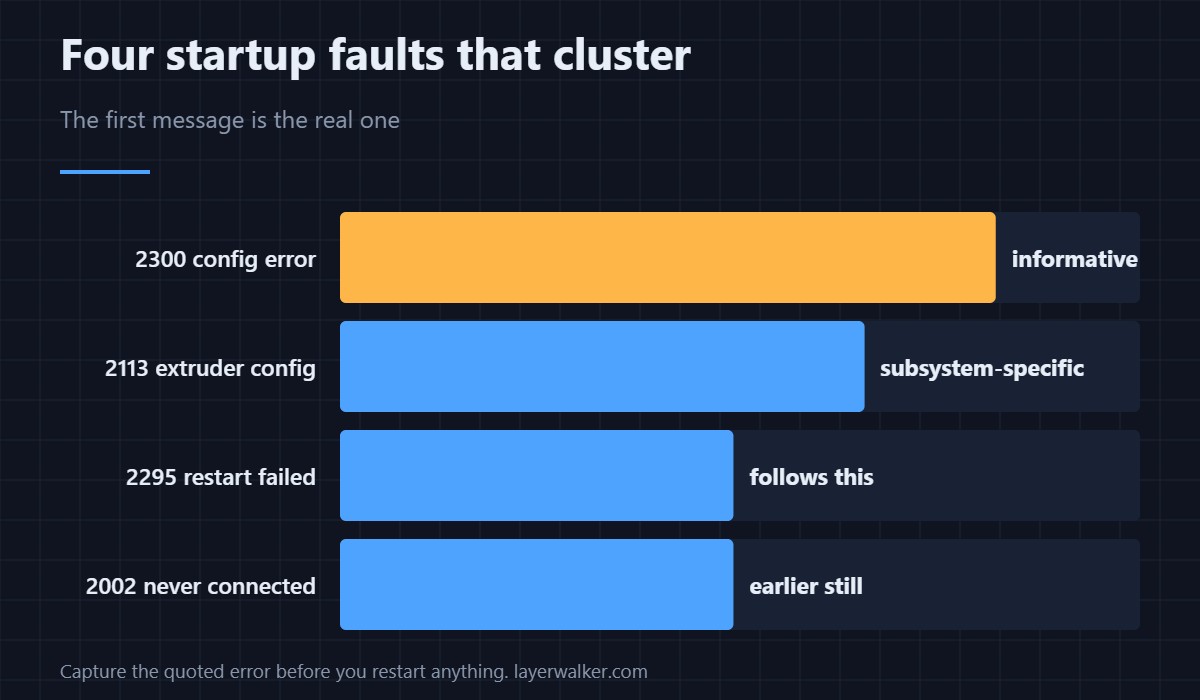
A restart attempt that fails is 2295, and it often follows this one. A connection never established is 2002. The extruder-specific configuration failure is 2113. All four cluster at startup, and the first message of the session is the one that matters — a blanket refusal afterwards reads as 2283.
Creality K1 Error 2300 FAQ
Can I print through it?
No. A controller that failed configuration is not in a usable state.
Should I reflash the firmware?
If the fault started with an update, yes, carefully. Otherwise check connections first.
Why does it mention a pin number?
Because the controller is describing which peripheral it could not set up. That is a clue, not noise.
Does a restart help?
It can clear a one-off. A fault that returns every time is telling you something is genuinely wrong.
The same failure without the quoted detail reports as Creality K1 error 2299. If you ever get the version with text attached, capture it, because it is strictly more useful.

LayerWalker
Print defect diagnosis, calibration procedures and parts that actually fit. Corrections welcome through the contact page.

