Creality K1 Error 2299: Unable to Configure Controller
LayerWalker is a participant in the Amazon Services LLC Associates Program. We may earn a commission when you buy through links on our site, at no extra cost to you.
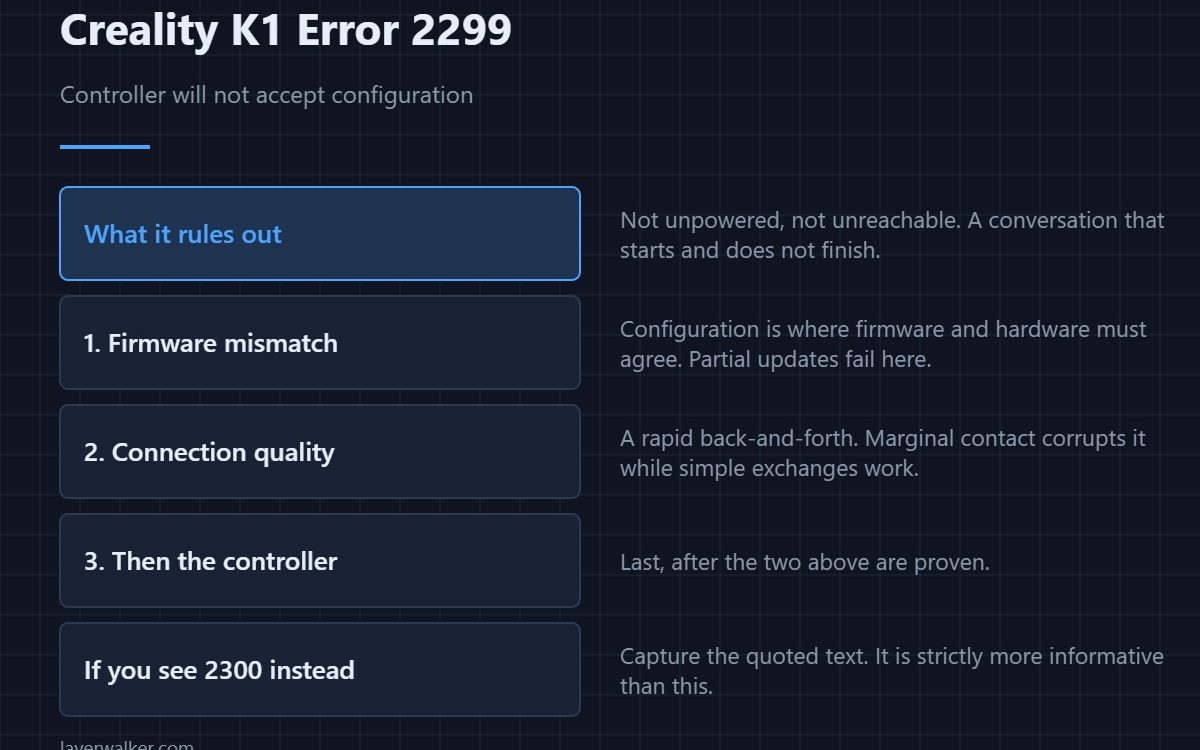
Creality K1 error 2299 means a controller could not be configured. Unlike the neighbouring codes, this one does not say the controller is off or closed — it is there, it is answering, and configuration still failed. That narrows the causes sharply: a corrupted exchange, a firmware mismatch, or a controller in a state it cannot leave.
The things it rules out are as useful as the things it suggests.
Where to buy


What it rules out
Power, because an unpowered controller reports differently. A completely dead link, because that produces a connection failure instead. You are left with a conversation that starts and does not finish.
Firmware mismatch is a leading cause
Configuration is where firmware and hardware have to agree. A partially applied update, or a controller running a different build from the main board, fails at exactly this step. If the fault began after an update, that is the first thing to investigate rather than the last.
Then the connection quality
Configuration is a rapid back-and-forth, so a marginal connection corrupts it while still appearing to work for simpler exchanges. Reseat the path to the named controller with the machine unplugged at the wall, then retry.
How Creality K1 error 2299 relates to 2300
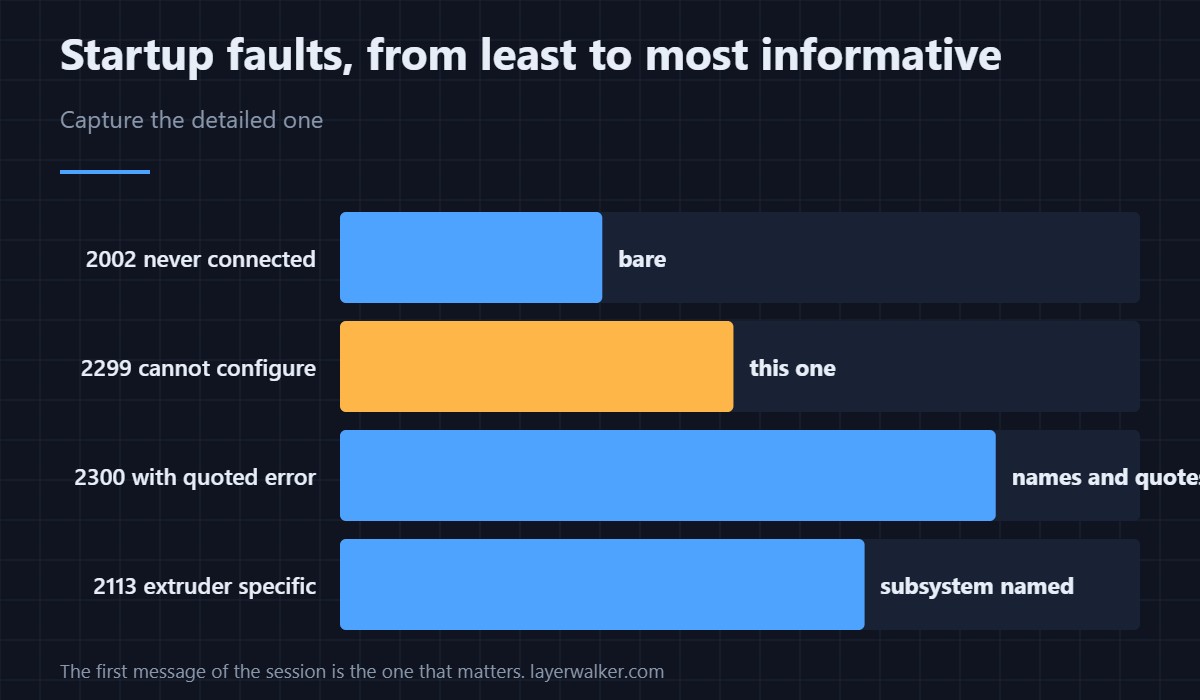
This code says configuration failed. 2300 says configuration failed and quotes what the controller reported. If you ever see the quoted version, capture the text, because it is strictly more informative than this one and support will want it.
The subsystem-specific version
When it is specifically the extruder that cannot be configured, the printer says so as 2113. A controller that is closed rather than uncooperative is 2000. These four cluster at startup and the first message of the session is the one that matters; a controller that has lost power entirely is 2298.
Creality K1 Error 2299 FAQ
Can I print through it?
No. An unconfigured controller is not in a usable state.
Should I reflash firmware?
If the fault began with an update, yes, carefully. Otherwise check connections first.
Does a restart help?
It can clear a one-off. A fault that returns every startup is telling you something real.
Which controller is it?
The message names it. That word decides which part of the machine to open.

LayerWalker
Print defect diagnosis, calibration procedures and parts that actually fit. Corrections welcome through the contact page.

