Creality K1 Error 2113: Extruder Fails to Configure
LayerWalker is a participant in the Amazon Services LLC Associates Program. We may earn a commission when you buy through links on our site, at no extra cost to you.
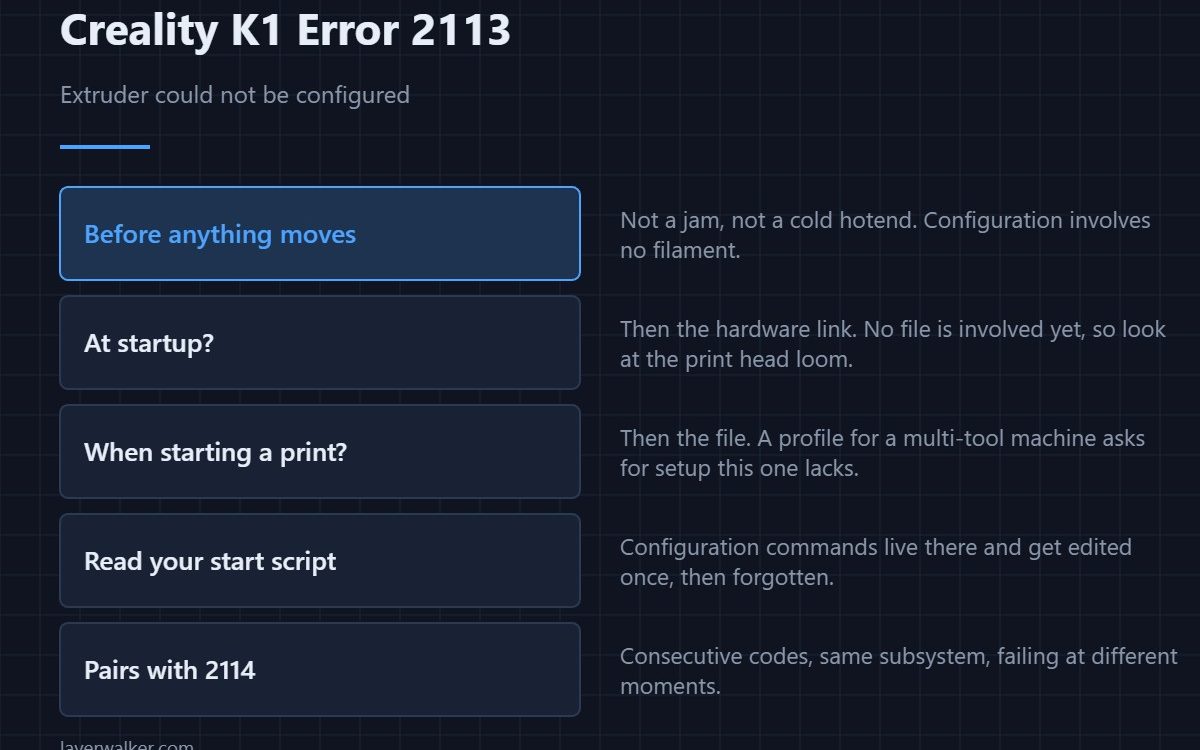
Creality K1 error 2113 means the extruder could not be configured. Configuration happens at startup or when a print begins, before any filament moves, so this is not a jam and not a mechanical fault. Either the printer could not talk to the extruder hardware, or the file asked for a configuration that does not apply to this machine.
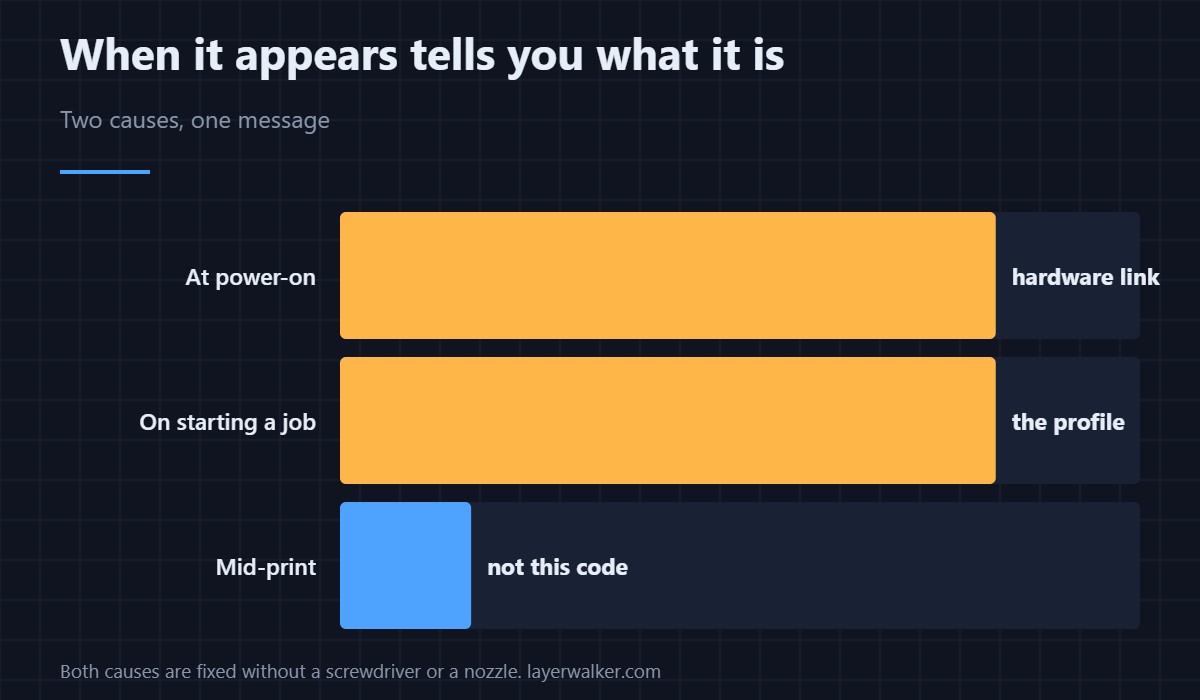
Those two causes look identical in the message and are told apart by when the fault appears.
Where to buy


At startup: suspect the hardware link
If it appears when you switch the printer on, before any file is loaded, nothing in your G-code is involved. The extruder hardware is not answering properly, which puts it in the same family as the driver register fault 2001 — and that family almost always ends at the print head loom.
When starting a print: suspect the file
If the printer is fine until you send a particular job, the configuration being requested is the problem. A profile built for a multi-tool machine, or carried over from a different printer, asks for extruder setup this one cannot provide. Re-select the machine profile and re-slice — see the Creality slicer guide.
Check your custom scripts
Start G-code is where configuration commands live, and it is the part people edit once and forget. A line setting extruder parameters for hardware you do not have produces exactly this. Read the start script line by line rather than skimming it.
How Creality K1 error 2113 relates to 2114
They are consecutive codes about the same subsystem and they fail at different moments. This one is configuration failing; 2114 is extrusion being requested with no tool active. Both are usually profile faults, and both are fixed by re-slicing rather than with a screwdriver.
What it is not
Not a clog, not a stripped gear, not a cold hotend. None of those prevent configuration, because configuration does not involve moving filament. If extrusion fails after a successful start, you are looking at a different problem entirely — usually a clogged nozzle.
Creality K1 Error 2113 FAQ
Does it stop the print?
Yes. Without a configured extruder the printer has nothing to print with.
Why does one file work and another not?
Because they were sliced with different profiles. That difference is the diagnosis.
Would a firmware update help?
Only if the firmware is genuinely mismatched. It is not the first thing to try.
Could a nozzle change cause it?
Indirectly, by disturbing the print head wiring. The nozzle itself plays no part in configuration.

LayerWalker
Print defect diagnosis, calibration procedures and parts that actually fit. Corrections welcome through the contact page.

