Creality K1 Error 2001: E-Axis Driver Read Timeout
LayerWalker is a participant in the Amazon Services LLC Associates Program. We may earn a commission when you buy through links on our site, at no extra cost to you.
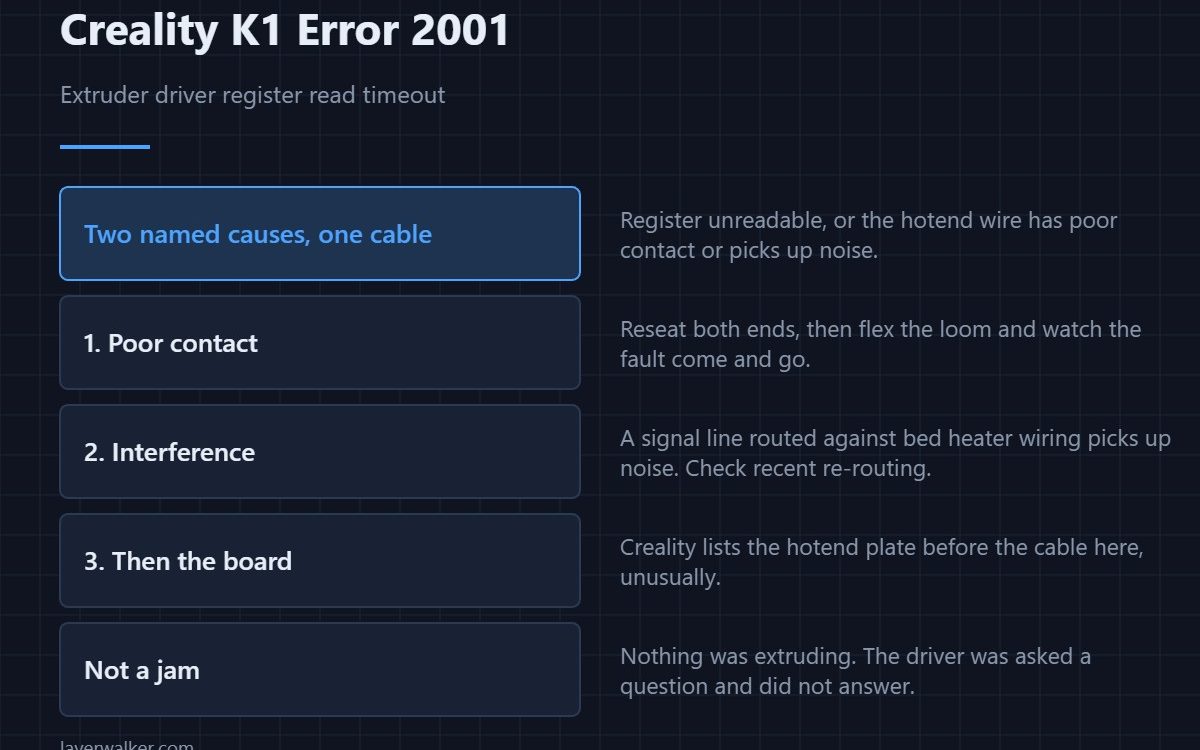
Creality K1 error 2001 means the printer could not read the status register of the extruder motor driver before timing out. Creality gives two causes: the register genuinely cannot be read, or the wire between mainboard and hotend has poor contact or is picking up interference. Their remedy is to reissue the hotend board, then the hotend cable.
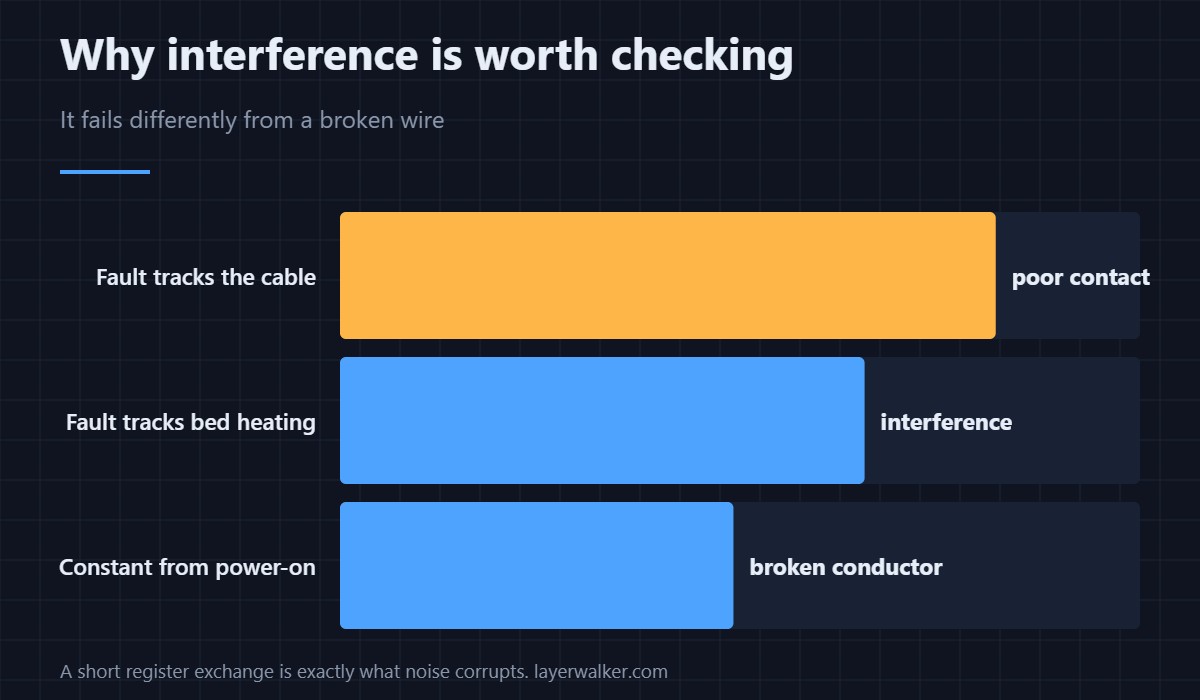
The mention of interference is unusual and worth taking seriously, because it points somewhere other than a broken conductor.
Where to buy


Poor contact first
Power off at the wall, reseat both ends of the print head loom, and look for a pin pushed back in its housing. Then flex the loom gently with the printer on and watch whether the fault appears and clears. That is the cheapest test available and it finds most of these.
Interference is a real second cause
A signal line running alongside high-current wiring picks up noise, and a driver register read is exactly the kind of short exchange that noise corrupts. Check that the loom has not been re-routed against the bed heater wiring during a repair, and that nothing is cable-tied to the power leads that was not before.
Then the board, then the cable
Creality lists the hotend plate before the cable, which is worth noting because it is the opposite order from most of their other wiring faults. Prove the connections first anyway, since the board is the expensive part.
Why Creality K1 error 2001 belongs with the other head-side codes
Everything the print head reports travels down one loom, so a marginal cable produces a rotating set of messages. The maintenance instruction covering all of them is 2060, an unreliable link is 2506, and an absent one is 111. Seeing several in a week means one cause, not several.
What it is not
It is not an extruder jam and not a motor failure. The driver chip was asked a question and did not answer in time; nothing was being extruded at that moment. Mechanical extruder problems read completely differently, and how the parts relate is in the hotend explainer.
Creality K1 Error 2001 FAQ
Does this mean the extruder motor is dead?
No. The fault is in reading the driver that controls it, not in the motor.
Should I replace the board or the cable first?
Creality lists the board first, but prove the connectors and the routing before buying either.
What does interference look like in practice?
Intermittent faults that correlate with the bed heater switching on, or that started after someone re-routed wiring inside the machine.
Can I print while it appears occasionally?
No. An unreliable link to the extruder driver means extrusion can stop without warning mid-print.
Configuration is where firmware and hardware have to agree, and a controller that objects during it reports Creality K1 error 2300, naming itself and quoting the error.

LayerWalker
Print defect diagnosis, calibration procedures and parts that actually fit. Corrections welcome through the contact page.

