Creality K1 Error 500: AI Quality Warning, Print Continues
LayerWalker is a participant in the Amazon Services LLC Associates Program. We may earn a commission when you buy through links on our site, at no extra cost to you.
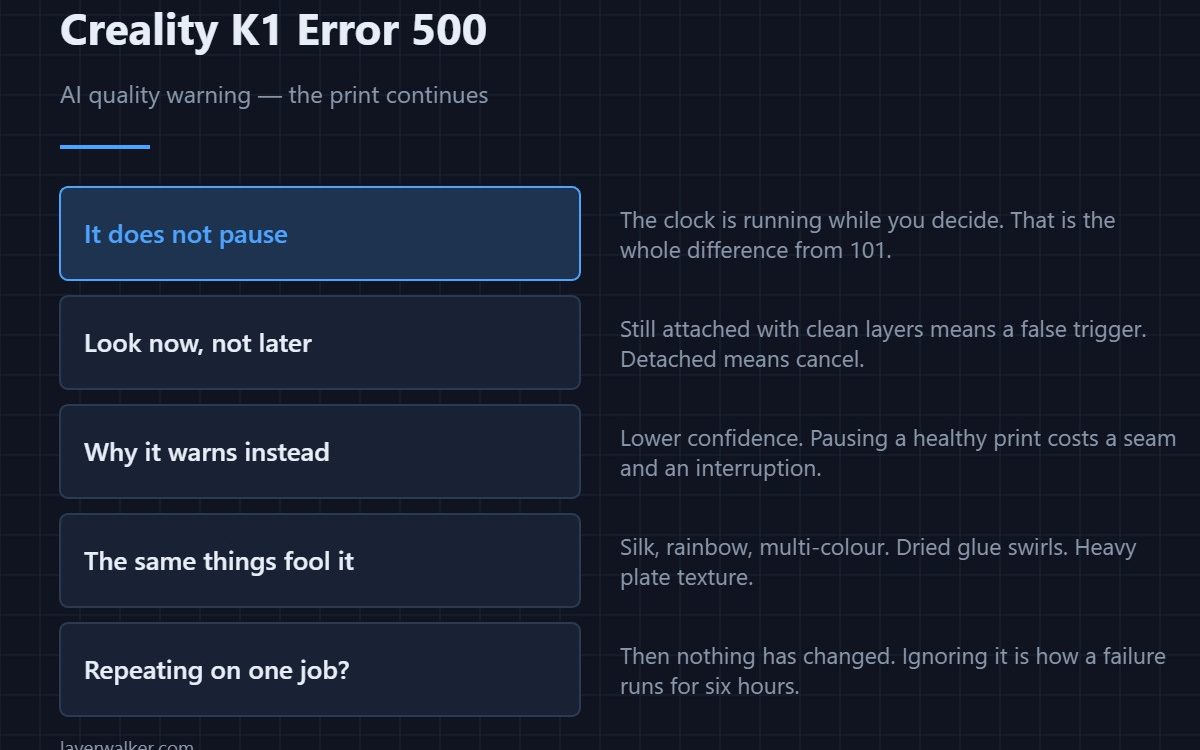
Creality K1 error 500 is the AI camera reporting a print quality problem as a notice only — it does not pause the job. That single difference from the pausing version is the whole point of the code. The camera saw something that looks like spaghetti and decided to tell you rather than stop you.
Which means the clock is running while you decide, and that changes what you should do first.
Where to buy


Look now, not later
A notice that does not pause is a notice that costs filament while it waits. Open the door and check whether the print is still attached to the plate with clean layers. If it has detached, cancel; if it looks fine, you have had a false trigger and nothing is lost but a glance.
Why it warns instead of stopping
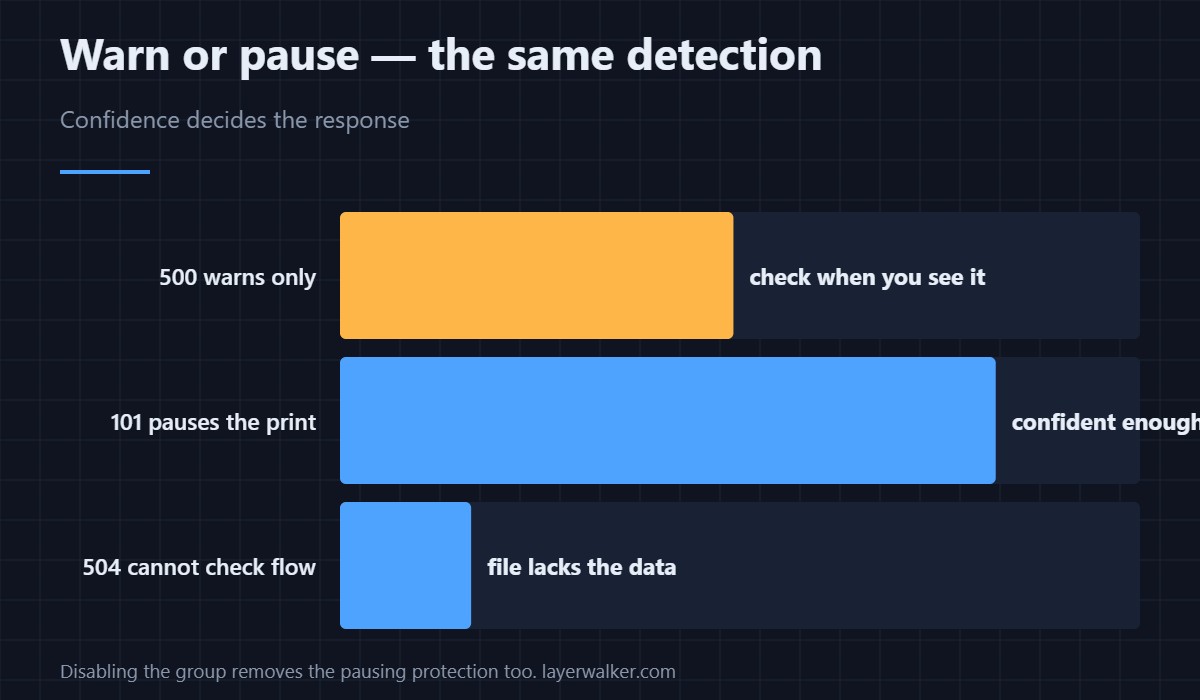
Pausing a healthy print has a cost of its own: a seam, a cooled layer, and an interruption you have to come back to. On lower confidence the camera reports rather than acts. Treat 500 as “probably nothing, but check” and the pausing version as “I was confident enough to stop you”.
The same things fool it
Bright multi-colour, silk and rainbow filaments produce high-contrast patterns that read as tangled strands. A plate covered in dried glue swirls or heavy texture adds visual noise. Matte black on a clean sheet is the least likely combination to trigger anything — the full list is in 101.
If Creality K1 error 500 keeps appearing on one print
Then whatever it is seeing has not changed, and ignoring repeated notices on the same job is how a genuine failure runs for six hours. Either the filament colour is provoking it, or the print really is going wrong in a way you have not spotted. A failure that started at the bottom is adhesion — see first layer problems.
Turning it down rather than off
The AI settings live under System Settings, Camera. Disabling the group removes the pausing protection as well as these notices, which is a poor trade for a long unattended print. How the camera is used for everything else is covered in the Creality camera guide.
Creality K1 Error 500 FAQ
Is this the same as 101?
Same detection, different response. 101 pauses the print. This one only warns.
Can I make it pause instead?
The behaviour is tied to the detection confidence rather than a setting you choose. The practical answer is to check when you see it.
Does it appear in the app as well as on screen?
It propagates to wherever you monitor the printer, which is the point — it is designed to reach you while you are away.
Why does it only happen with one filament?
Because that filament looks like failure to the model. Colour and finish matter more than brand here.

LayerWalker
Print defect diagnosis, calibration procedures and parts that actually fit. Corrections welcome through the contact page.

