Creality K1 Error 104: Foreign Object on the Print Platform
LayerWalker is a participant in the Amazon Services LLC Associates Program. We may earn a commission when you buy through links on our site, at no extra cost to you.
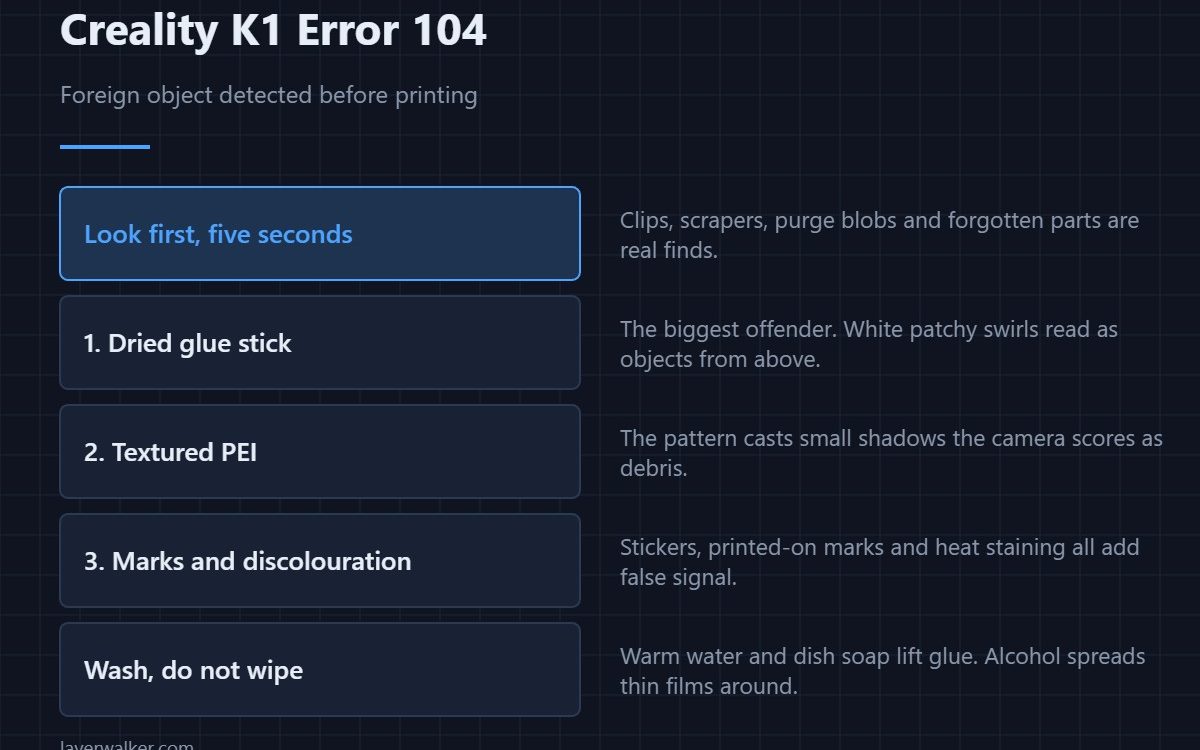
Creality K1 error 104 means the camera thinks something is sitting on the build plate and has paused rather than print onto it. Occasionally there really is a tool or an old part left behind. Far more often the plate is clean and the check has been fooled by a textured surface, dried glue, or a pattern it does not recognise.
It is a sensible check badly served by a noisy input, which is why it is the K1 code people learn to distrust first.
Where to buy


Actually look first
It costs five seconds and it is occasionally right. A spring clip, a scraper, a stray purge blob welded to the sheet, or a finished part you forgot are all real finds. If the plate is genuinely clear, the check is misreading it and the rest of this applies.
The three things that fool it
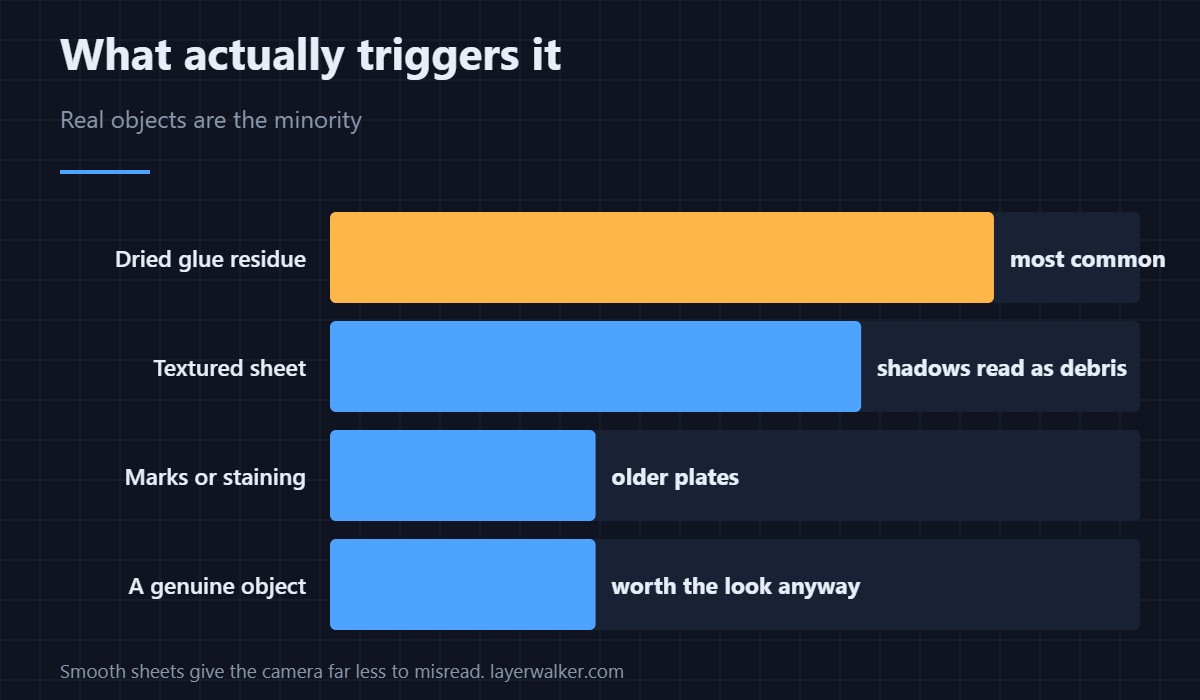
Dried glue stick is the biggest offender, especially when it has been applied in visible swirls and left to go white and patchy. Textured PEI is the second, because the pattern casts shadows the camera reads as objects. The third is a plate with old printed-on markings, stickers or discolouration from repeated high-temperature use.
Cleaning it properly
Take the sheet off and wash it with warm water and a little dish soap, then dry it fully. That removes glue residue in a way wiping with alcohol does not — alcohol spreads thin glue films rather than lifting them. Once it is clean, keep fingers off the printing surface. The full routine including what not to use on PEI is in cleaning a print bed.
Why Creality K1 error 104 hits textured sheets hardest
A smooth PEI sheet gives the camera a flat, even field and very little to misinterpret. A textured one is, from directly above, a surface covered in small shadows. If you hit this code constantly and you print mostly PLA, a smooth sheet will both reduce false triggers and give you a better bottom finish — the trade-offs are in PEI build plates.
Its relationship to the other AI codes
This one runs before printing starts. The first layer check that follows is 103, and the spaghetti watch that runs throughout is 101. All three sit under the same camera settings, so disabling one disables the family.
Creality K1 Error 104 FAQ
The plate is definitely empty. Why does it still complain?
Glue residue or surface texture, almost always. Wash the sheet properly and try again before touching any settings.
Can I just skip the check and print?
You can continue from the screen. The risk is only that a real object is there, which is why the ten-second look is worth it.
Does the light in the room affect it?
Yes. Strong side light or a reflection on a smooth sheet changes what the camera sees, and a printer in a bright window is more prone to this than one in even light.
Does it check every print?
It runs at the start of each job, which is why a dirty plate produces the same interruption every single time until you clean it.

LayerWalker
Print defect diagnosis, calibration procedures and parts that actually fit. Corrections welcome through the contact page.

