Creality K1 Error 2532: MCU Synchronisation Wire Fault
LayerWalker is a participant in the Amazon Services LLC Associates Program. We may earn a commission when you buy through links on our site, at no extra cost to you.
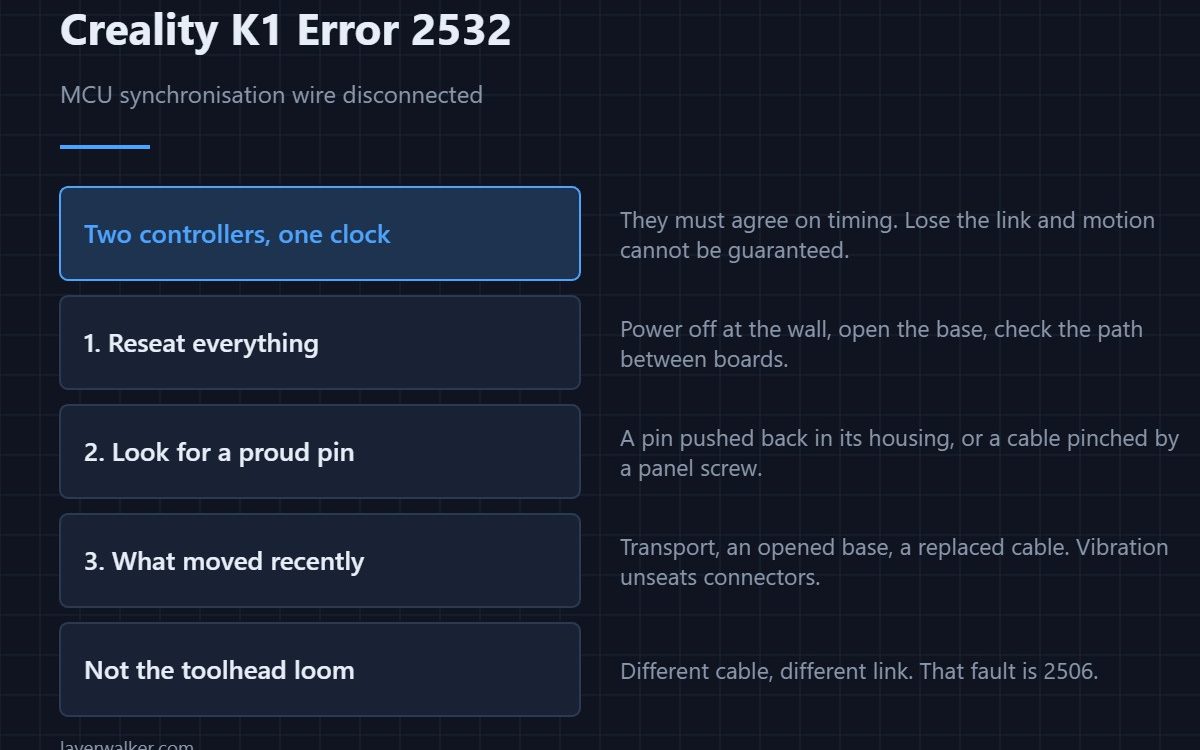
Creality K1 error 2532 means the synchronisation wire between the printer’s two controllers has dropped to a disconnected state. Creality’s own description names the cause: abnormal wiring connection or poor contact. It is a connector and cable fault, and the printer is telling you that two halves of itself have stopped agreeing on timing.
It reads like a deep electronics failure. In practice it is almost always something you can reach with your fingers.
Where to buy


Why two controllers need a sync line
Motion on a fast CoreXY machine is planned centrally and executed in more than one place, and those places must share a common sense of time. The sync line carries that. Lose it and the controllers cannot guarantee their steps line up, so the firmware stops rather than produce garbage motion.
Poor contact, not a broken board
Connectors work loose with vibration, and a fast printer supplies plenty. Power off at the wall, open the base, and reseat every connector on the path between the boards. Look for one sitting slightly proud, one with a pin pushed back in its housing, and any cable that has been pinched by a panel screw.
Check what was moved recently
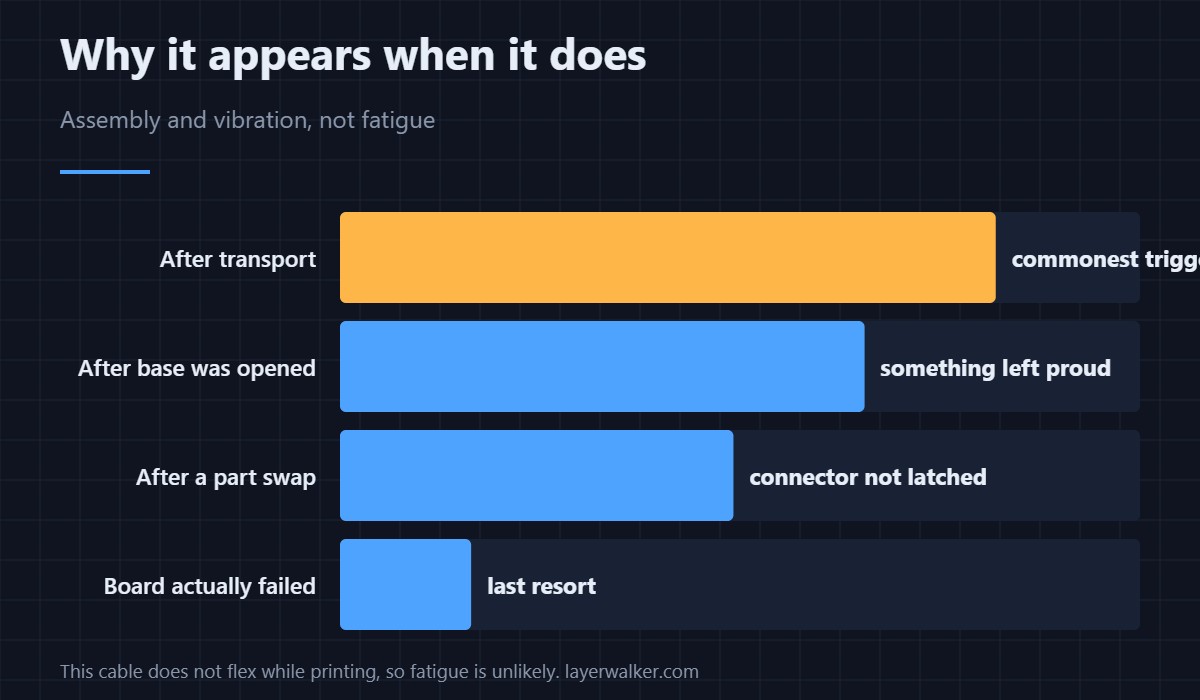
This fault appears disproportionately after transport, after somebody has had the base open, and after a board or cable replacement. If any of those happened in the last week, that is where to look rather than at the components themselves.
Why Creality K1 error 2532 is not the toolhead loom
They are different cables serving different links, and confusing them wastes an evening. The toolhead communication fault is 2506 and involves the moving loom to the print head. This one is between controllers inside the machine and does not flex during printing, which is why vibration and assembly, rather than fatigue, are the causes.
What it is not
It is not a levelling fault, even though it can appear during levelling when the machine is working hardest. A genuine levelling sensor fault reports separately as 2521, and a Z homing failure as 2504. It is also not a hotend fault, although the head is where most K1 wiring trouble does live — see the hotend explainer for that side of the machine.
Creality K1 Error 2532 FAQ
Can I keep printing if it clears after a restart?
A restart proves nothing about a loose connector. Reseat it before running a long job, because the failure mode is motion, not just a message.
Does this mean a board needs replacing?
Rarely, and it is the last thing to try. Connections account for almost all of these.
It started after I moved the printer. Coincidence?
No. Transport vibration unseats connectors more reliably than months of printing does.
Would a firmware update fix it?
No. A disconnected wire is a physical state, and no firmware version changes that.

LayerWalker
Print defect diagnosis, calibration procedures and parts that actually fit. Corrections welcome through the contact page.

