Creality K1 Error 2527: Incomplete Motor Step Data
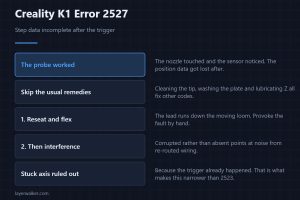
Creality K1 error 2527 means the probe triggered but the step data arrived incomplete. The sensor worked, so skip the usual levelling remedies for this.
Machine error codes explained: Bambu HMS codes, MINTEMP and MAXTEMP, thermal runaway, homing and probe failures. What the code means, and what to check first.
Creality K1 error 2527 means the probe triggered but the step data arrived incomplete. The sensor worked, so skip the usual levelling remedies for this.
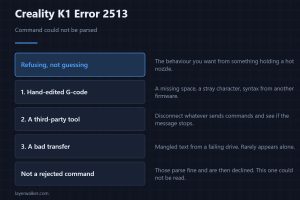
Creality K1 error 2513 means a command could not be parsed at all. Hand-edited G-code, a third-party tool or a bad transfer cause nearly all of these.
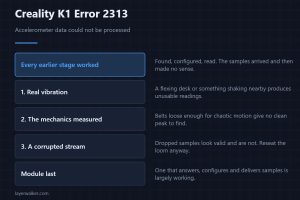
Creality K1 error 2313 is a processing error on accelerometer data. Every earlier stage worked, so look at vibration and at the belts before the module.
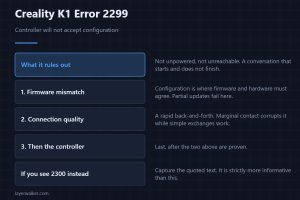
Creality K1 error 2299 means a controller could not be configured though it is powered and reachable. What that rules out is as useful as what remains.
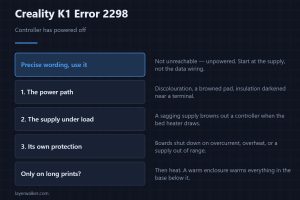
Creality K1 error 2298 means a controller has powered off. That wording is precise, so start at the supply rather than at the data wiring for once here.
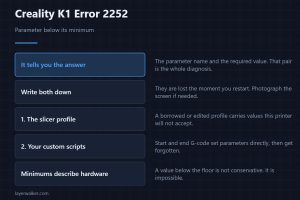
Creality K1 error 2252 means a parameter was set below its minimum, and the message names both of them. That pair is the entire diagnosis, so capture it.
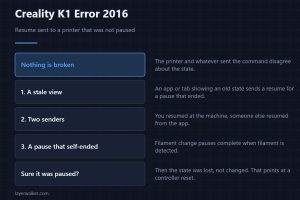
Creality K1 error 2016 means a resume arrived at a printer that was never paused. The cause is almost always a stale app view rather than the machine.
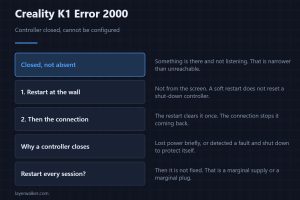
Creality K1 error 2000 means a controller is closed and cannot be configured. Creality gives two steps, and the second one is where the real fix sits.
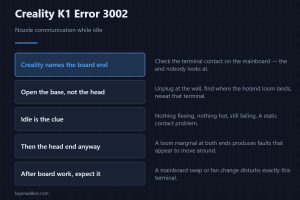
Creality K1 error 3002 is nozzle communication failing while idle, and Creality points at the mainboard terminal rather than the usual moving cable end.
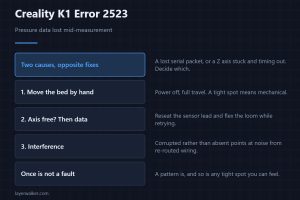
Creality K1 error 2523 means pressure data was lost mid-measurement. Creality names two causes, one wiring and one mechanical, needing opposite fixes.