Creality K1 Error 2345: Hotbed MCU Connection Timeout
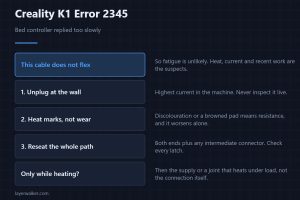
Creality K1 error 2345 means the bed controller replied too slowly. This cable does not flex, so look for heat marks at connectors rather than for wear.
Machine error codes explained: Bambu HMS codes, MINTEMP and MAXTEMP, thermal runaway, homing and probe failures. What the code means, and what to check first.
Creality K1 error 2345 means the bed controller replied too slowly. This cable does not flex, so look for heat marks at connectors rather than for wear.
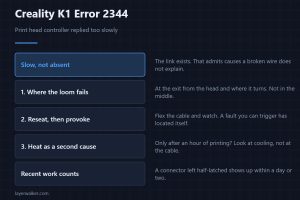
Creality K1 error 2344 means the print head controller replied too slowly. That loom flexes on every layer, so a marginal conductor leads the suspect list.
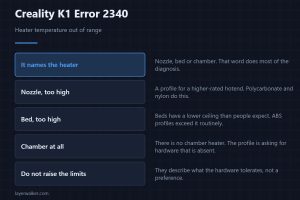
Creality K1 error 2340 means a heater was asked for a temperature out of range, and it names which heater. That one word does most of the diagnosis for you.
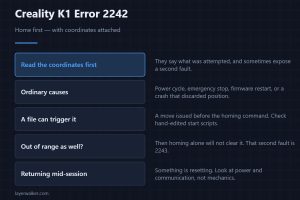
Creality K1 error 2242 asks you to home before the requested move, and names the coordinates. Read those first, because they sometimes reveal a second fault.
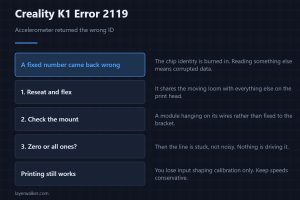
Creality K1 error 2119 means the accelerometer returned the wrong identity value. Corrupted data over a short exchange points at wiring, not at the chip.
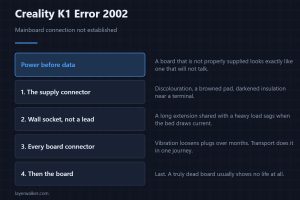
Creality K1 error 2002 means the mainboard connection could not be established. Power comes before data here, because a badly supplied board looks mute.
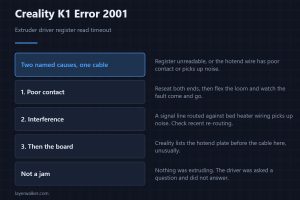
Creality K1 error 2001 means the extruder driver register could not be read in time. Creality names poor contact or interference, and both end at one cable.
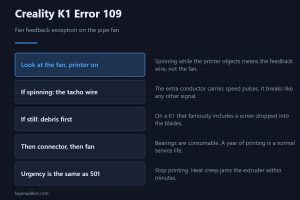
Creality K1 error 109 is a fan feedback fault on the pipe fan. The fan may be spinning perfectly while only the tachometer wire has failed, and that matters.
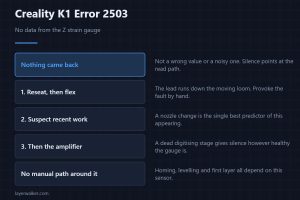
Creality K1 error 2503 means no data at all came back from the Z strain gauge. That points at the read path rather than at the sensor or the environment.
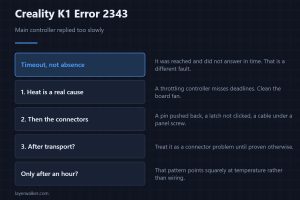
Creality K1 error 2343 means the main controller replied too slowly, not that it is missing. Heat and marginal connectors both produce that, and differ.