Creality K1 Error 2300: MCU Error During Configuration
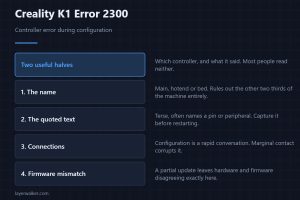
Creality K1 error 2300 reports a controller error during configuration. It names which controller and quotes what it said, and both halves are useful.
Machine error codes explained: Bambu HMS codes, MINTEMP and MAXTEMP, thermal runaway, homing and probe failures. What the code means, and what to check first.
Creality K1 error 2300 reports a controller error during configuration. It names which controller and quotes what it said, and both halves are useful.
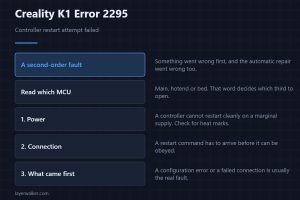
Creality K1 error 2295 means a controller restart attempt failed. Something went wrong first and the automatic repair went wrong too, so look earlier.
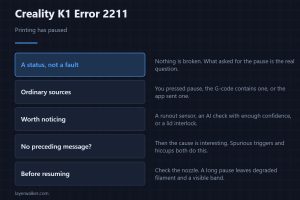
Creality K1 error 2211 reports that printing has paused. It is a status, not a fault, so the message that came just before it is the one that matters.
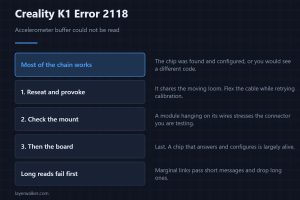
Creality K1 error 2118 means the accelerometer sample buffer could not be read. It fails latest of the four codes, so most of the chain is proven good.
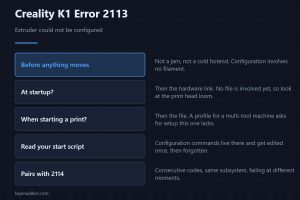
Creality K1 error 2113 means the extruder could not be configured at all. It happens before anything moves, so it is wiring or a profile, never a jam.
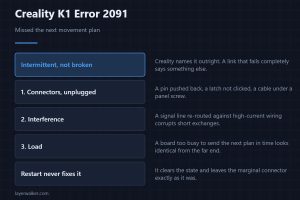
Creality K1 error 2091 means the controller missed its next movement plan. Creality blames intermittent communication, which is marginal rather than broken.
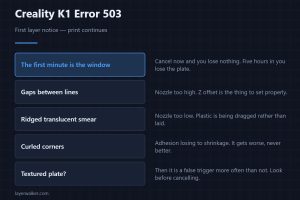
Creality K1 error 503 is a first layer notice that lets the print continue. Acting in the first minute is what makes this warning worth anything at all.
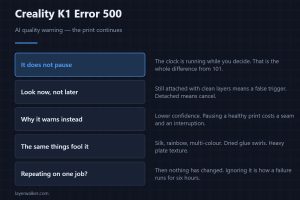
Creality K1 error 500 is the AI quality warning that does not pause the print. That difference from the pausing version is the whole point of the code.
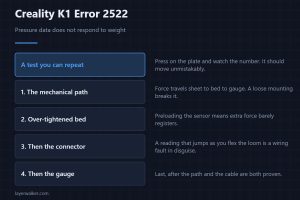
Creality K1 error 2522 means the pressure data does not change when weight is placed on the bed. That is a test you can repeat yourself in ten seconds.
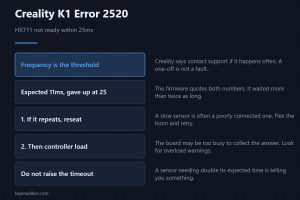
Creality K1 error 2520 means the HX711 did not become ready within 25ms. Creality says contact support if frequent, so a single occurrence is not a fault.