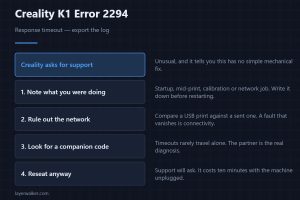
Creality K1 Error 2294: Response Timeout
Creality K1 error 2294 is a response timeout, and Creality asks for the log. Here is what to gather and rule out before you send that email to support.
Machine error codes explained: Bambu HMS codes, MINTEMP and MAXTEMP, thermal runaway, homing and probe failures. What the code means, and what to check first.
Creality K1 error 2294 is a response timeout, and Creality asks for the log. Here is what to gather and rule out before you send that email to support.
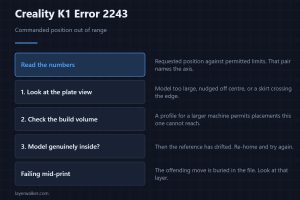
Creality K1 error 2243 means a commanded position fell outside the allowed range. Usually the model or its skirt, occasionally a reference that has drifted.
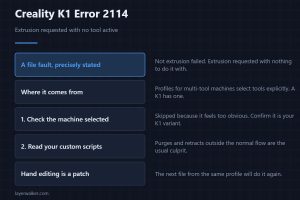
Creality K1 error 2114 means the file asked to extrude with no tool selected. It is a profile fault, and re-slicing with the right machine will clear it.
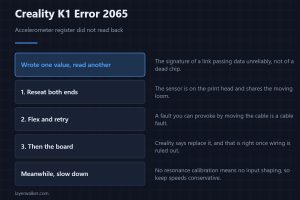
Creality K1 error 2065 means an accelerometer register did not read back. Creality says replace the board; check the wiring first before you accept that.
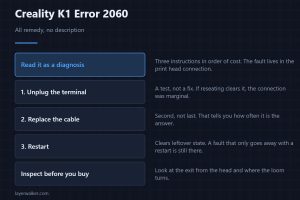
Creality K1 error 2060 arrives as three instructions rather than a description. Read them as a diagnosis: the print head connection is where the fault lives.
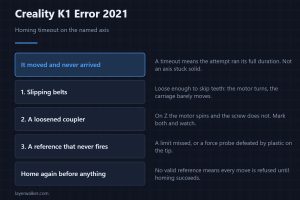
Creality K1 error 2021 is a homing timeout, not a homing error. It moved and never arrived, which points at slipping rather than at an axis stuck solid.
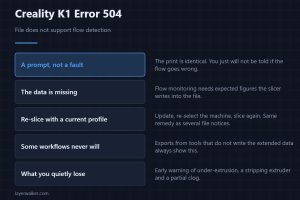
Creality K1 error 504 says the file does not support flow detection. Nothing stops, but you quietly lose the check that catches under-extrusion early.
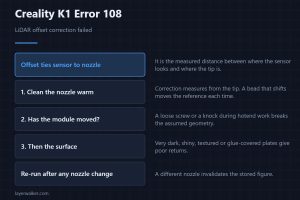
Creality K1 error 108 means LiDAR offset correction failed. Offset ties the sensor to the nozzle, so a dirty tip defeats it before anything else does.
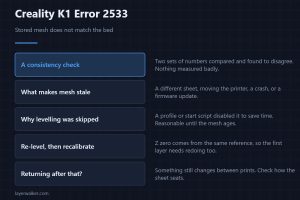
Creality K1 error 2533 means the stored bed mesh no longer matches the bed. Re-level, then recalibrate the first layer, because Z zero derives from it.
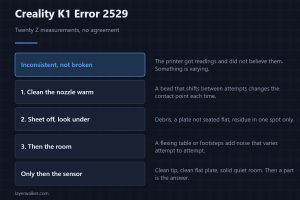
Creality K1 error 2529 means Z homing used all twenty allowed measurements without agreeing. Varying readings point at the tip, the plate or the room.